Markdown Viewer
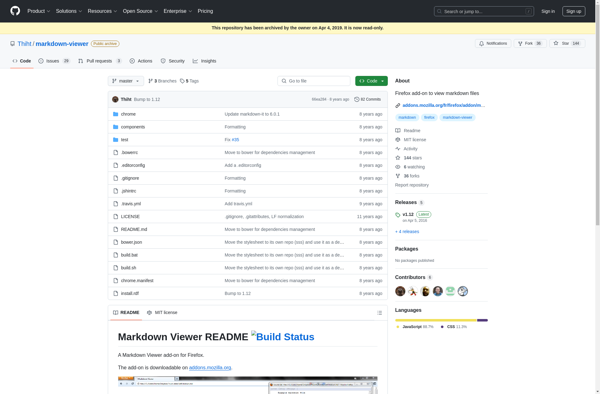
Markdown Viewer: A software application for visually formatting Markdown documents
A Markdown Viewer is a software application that allows users to preview Markdown documents in a visually formatted way, similar to how they would appear if converted to HTML. Useful for writing and editing Markdown docs.
What is Markdown Viewer?
A Markdown Viewer is an application used to preview and edit Markdown documents. Markdown is a lightweight markup language used for creating formatted text, often used by developers and writers.
A Markdown Viewer displays Markdown text in a visually formatted way, similar to how it would appear if converted to HTML. This allows writers to preview their Markdown documents as they edit them, without having to repeatedly convert the files to HTML.
Common features of a Markdown Viewer include:
- Live preview pane showing formatted Markdown text
- Split screen/side-by-side editing and preview modes
- Syntax highlighting for Markdown markup
- Keyboard shortcuts for editing
- Exporting to HTML and PDF formats
- Customizable themes and fonts
- Supports GitHub Flavored Markdown extensions
- Available as standalone applications for Windows, Mac and Linux as well as browser-based online tools
Some popular Markdown Viewer apps include Typora, Markdown Monster, MacDown and StackEdit. They provide a convenient way for writers and developers to write and preview Markdown files for documentation, README files, blog posts and more.
Markdown Viewer Features
Features
- Live preview of Markdown text
- Syntax highlighting
- Customizable themes
- Export to HTML/PDF
- Table of contents generation
- Math support (LaTeX)
- Diagram support (Mermaid)
- Code block formatting
- Markdown extensions support
Pricing
- Freemium
- One-time Purchase
- Subscription-Based
Pros
Cons
Official Links
Reviews & Ratings
Login to ReviewThe Best Markdown Viewer Alternatives
View all Markdown Viewer alternatives with detailed comparison →
Top Office & Productivity and Writing & Editing and other similar apps like Markdown Viewer
Here are some alternatives to Markdown Viewer:
Suggest an alternative ❐
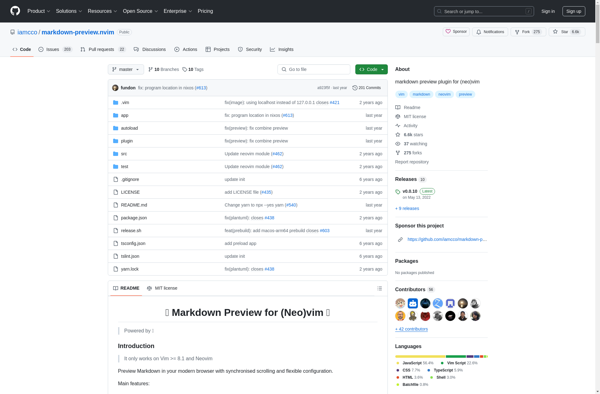
Markdown Preview for (Neo)vim

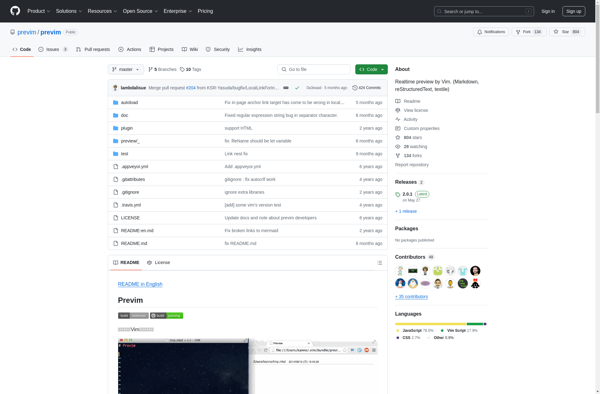
Previm

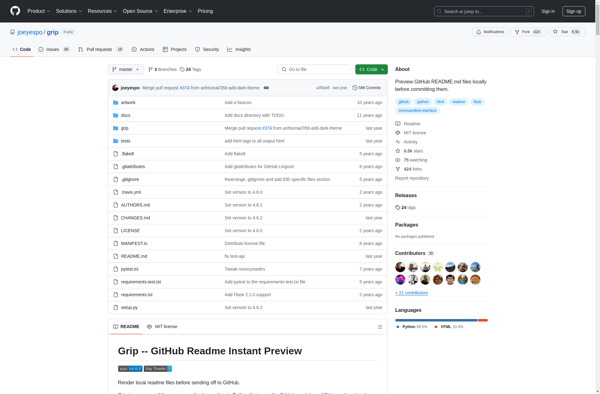
Grip - GitHub Readme Instant Preview