
OCR Convert
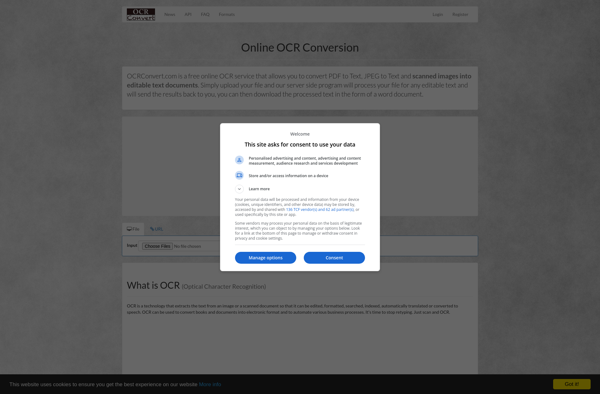
OCR Convert: Optical Character Recognition Software
Convert scanned documents and images into editable and searchable text files with OCR Convert, supporting PDF, JPEG, PNG, TIFF, and other formats.
What is OCR Convert?
OCR Convert is an easy-to-use optical character recognition (OCR) software designed to convert scanned paper documents, PDF files, and images captured by a camera or smartphone into searchable and editable text documents. It can process documents in over 40 languages.
Some key features of OCR Convert include:
- Supports conversion of PDF, JPEG, PNG, TIFF, and other common file formats
- Retains original document formatting like columns, tables, bulleted lists, etc.
- Available as a desktop app for Windows and Mac computers
- Offers high accuracy OCR even for complex document layouts
- Allows exporting to Word, Excel, PDF, HTML and text formats
- Enables batch conversion of multiple files
- Provides integration with cloud storage services like Google Drive, Dropbox, etc. for easy file access
OCR Convert offers high-quality OCR conversion allowing businesses and individuals to digitize their paper documents into digital formats for easier editing, sharing, searching and archiving. Its intuitive interface and powerful capabilities make it a popular choice amongst consumers and businesses looking for an efficient document conversion tool.
OCR Convert Features
Features
- Convert scanned PDFs and images to editable text
- Supports many input formats including PDF, JPEG, PNG, TIFF
- Performs OCR in over 60 languages
- Allows batch conversion of multiple files
- Retains original formatting after conversion
- Exports to Word, Excel, PDF, HTML and other formats
- Integrates with cloud storage like Google Drive and Dropbox
Pricing
- Free
- Subscription
Pros
Cons
Official Links
Reviews & Ratings
Login to ReviewThe Best OCR Convert Alternatives
View all OCR Convert alternatives with detailed comparison →
Top Office & Productivity and Document Management and other similar apps like OCR Convert
No alternatives found for OCR Convert. Why not suggest an alternative?







