Paint 98
Paint 98: Basic Image Editing for Windows 98
A simple image editing software offering drawing tools like brushes, shapes, text, zoom, and color options, saving files in BMP, JPEG, GIF, or PNG formats.
What is Paint 98?
Paint 98 is a basic raster graphics editor that comes included with Windows 98 operating systems. It is intended to be an easy-to-use and approachable application for basic image manipulation and drawing purposes for casual users.
Some of the key features of Paint 98 include:
- Drawing tools - Pencil, Brush, Airbrush, Line/Curve, Shape, and Text
- Zoom capability from 10% to 800% magnification
- Support a variety RGB and indexed color modes
- Basic image adjustments - Brightness, Contrast, Rotation
- Ability to create transparent or solid shapes
- File support for BMP, JPEG, GIF and PNG formats
- Simple user interface with common functions easily accessible
While more advanced than its predecessor Paintbrush which shipped with Windows 3.1 and Windows 95, Paint 98 lacks many features common in more modern graphic design applications. It is best suited for very simple image editing and drawing tasks for non-professional purposes.
Paint 98 Features
Features
- Drawing and painting tools (brushes, shapes, text)
- Zoom functionality
- Color options
- File saving in BMP, JPEG, GIF, or PNG formats
Pricing
- One-time Purchase
Pros
Cons
Official Links
Reviews & Ratings
Login to ReviewThe Best Paint 98 Alternatives
View all Paint 98 alternatives with detailed comparison →
Top Photos & Graphics and Image Editing and other similar apps like Paint 98
Here are some alternatives to Paint 98:
Suggest an alternative ❐
Microsoft Paint
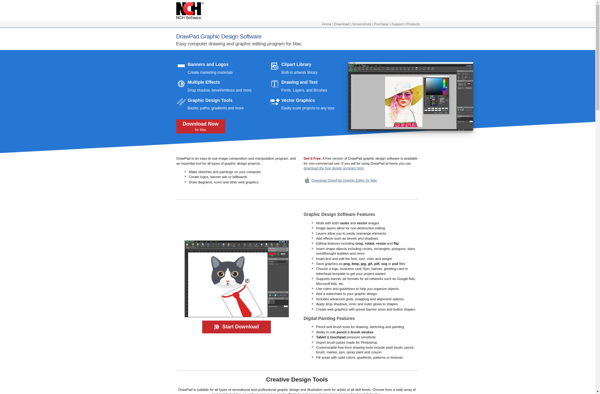
DrawPad
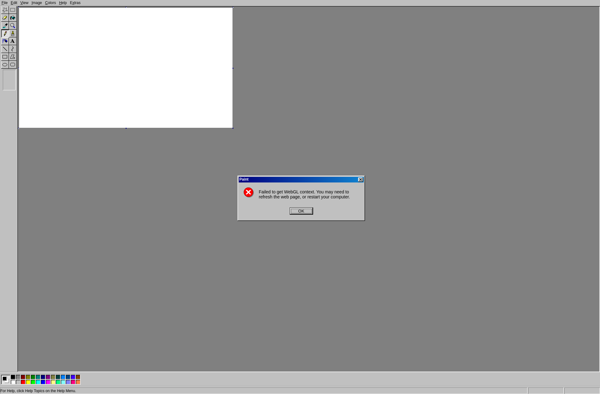
JS Paint
Pro Paint

S-Paint