PDF Reader Air
PDF Reader Air: Lightweight PDF Viewer
Free and feature-rich PDF viewer for Windows, Mac and Linux, supporting tabbed viewing, search, bookmarks, hyperlinks and more.
What is PDF Reader Air?
PDF Reader Air is a free, open-source PDF viewer available for Windows, Mac and Linux operating systems. It provides a lightweight yet full-featured interface for viewing, printing and annotating PDF documents.
With PDF Reader Air, you can open multiple PDFs in tabbed view for easy multitasking. It supports essential PDF features like search, bookmarks, hyperlinks and table of contents navigation. You can highlight text, add comments, draw shapes and insert text boxes in PDFs.
Additional capabilities include zooming, rotating pages, two-page spreads, dark mode, presentation mode, filling out forms and more. The software has a clean, intuitive interface that lets you jump right into reading PDFs.
As an open-source program, PDF Reader Air places no restrictions on use. It is developed as a free alternative for essential PDF tasks. The small download size and low system resource usage also make it ideal for older computers.
Overall, PDF Reader Air lets you handle everyday PDF work at no cost. It balances simplicity and functionality for a streamlined PDF experience across platforms.
PDF Reader Air Features
Features
- Tabbed viewing
- Search
- Bookmarks
- Hyperlinks
- Annotations
- View PDFs
- Print PDFs
Pricing
- Free
Pros
Cons
Reviews & Ratings
Login to ReviewThe Best PDF Reader Air Alternatives
View all PDF Reader Air alternatives with detailed comparison →
Top Office & Productivity and Pdf Tools and other similar apps like PDF Reader Air
Here are some alternatives to PDF Reader Air:
Suggest an alternative ❐
Adobe Acrobat Reader
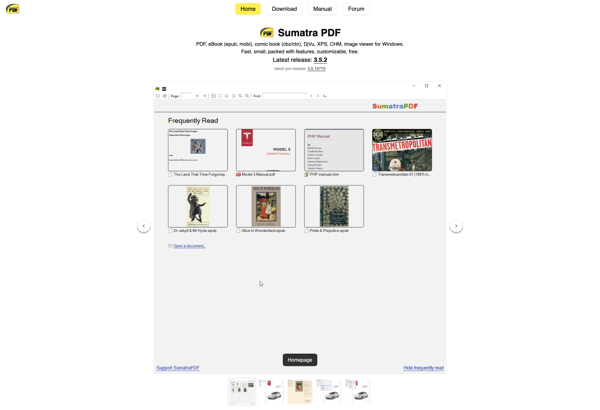
SumatraPDF
PDF-XChange Editor

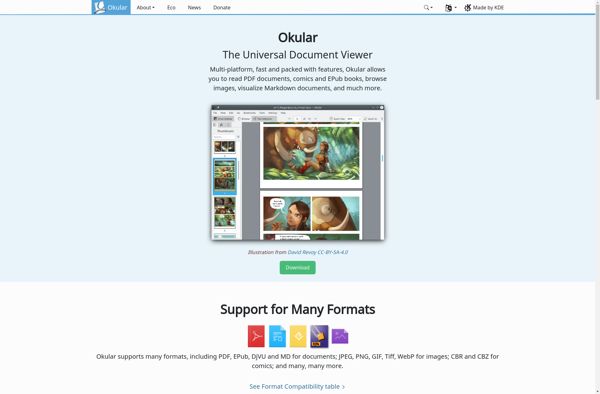
Okular

Foxit Reader

Xodo

Evince

MuPDF

Preview
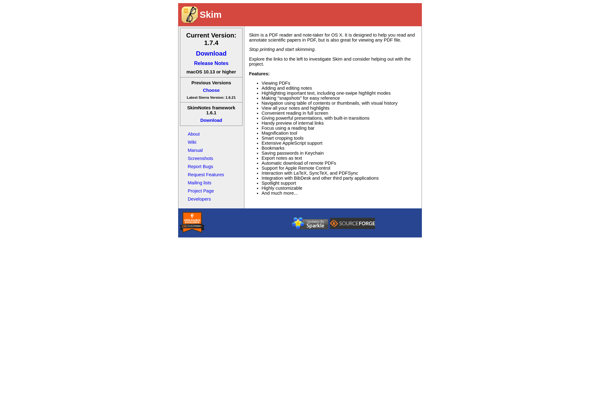
Skim
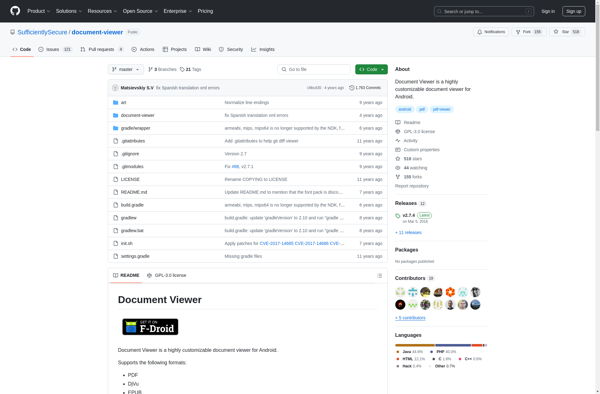
Document Viewer
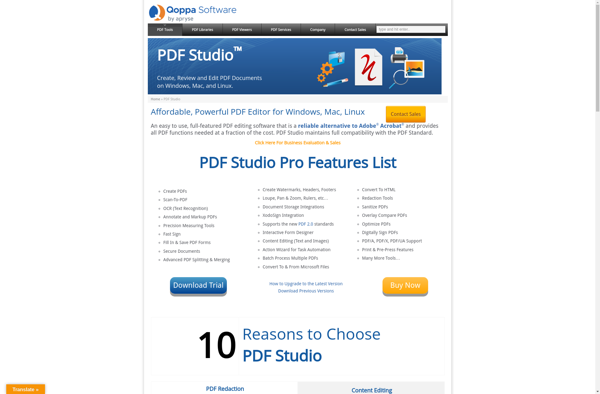
Qoppa PDF Studio