
PiP for Mac
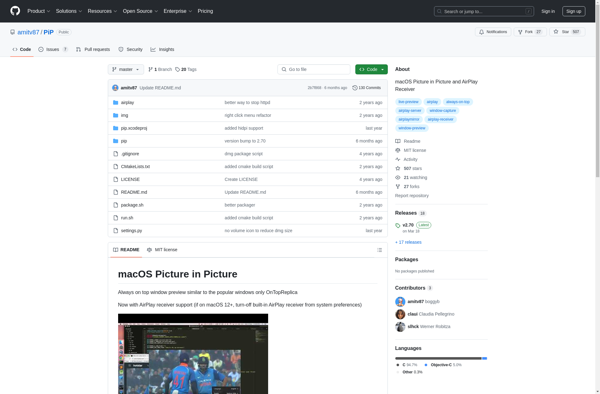
PiP for Mac: Picture-in-Picture Video Player for macOS
PiP for Mac is a picture-in-picture video player for macOS that allows you to watch videos in a floating window while working on other tasks. It supports videos from YouTube, Twitch, Vimeo, and more.
What is PiP for Mac?
PiP for Mac is a feature-rich picture-in-picture video player designed specifically for macOS. It lets you watch videos from YouTube, Twitch, Vimeo, and more in a floating, resizable window that sits above all your other windows and applications.
This allows you to keep watching videos while you work on other things, whether it's answering emails, writing documents, coding, or any other task. You can move the PiP window anywhere on screen, resize it as needed, and continue playback even if you switch spaces or use Exposé.
PiP for Mac comes packed with handy features like keyboard shortcuts, AirPlay support, Dark Mode, Touch Bar controls, and more. You can easily send just the audio of a video to your AirPlay devices if you only want to listen. It also supports watching Picture-in-Picture HTML5 video from many websites.
With PiP for Mac you don't need to miss anything or divide your attention. Just float your videos in their own window for uninterrupted, convenient viewing while you get other work done.
PiP for Mac Features
Features
- Watch videos in a floating window
- Supports videos from YouTube, Twitch, Vimeo, and more
- Customizable window size and position
- Keyboard shortcuts for easy control
- Retains video playback when switching between apps
Pricing
- Free
Pros
Cons
Official Links
Reviews & Ratings
Login to ReviewThe Best PiP for Mac Alternatives
View all PiP for Mac alternatives with detailed comparison →
Top Video & Movies and Video Players and other similar apps like PiP for Mac
Here are some alternatives to PiP for Mac:
Suggest an alternative ❐
OnTopReplica


Afloat


WindowWatcher


Pennywise


AfloatX


PiP-Tool


Picture In Picture


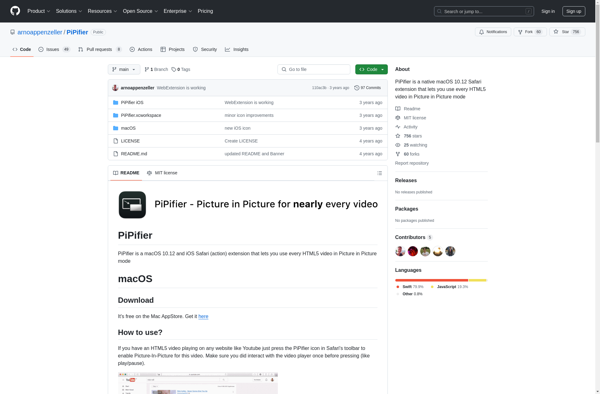
PiPifier

Duplicate Windows


Picture-in-Picture Extension (by Google)