
Plisterine

Plisterine: Free Plist Editor for macOS
Edit plist files on macOS with Plisterine, a free and open-source software offering a simple graphical interface for viewing and modifying plist files.
What is Plisterine?
Plisterine is a free, open-source application for macOS that provides a graphical interface for viewing and editing plist files. Plist files are XML documents that store configuration data on Mac computers and iOS devices.
With Plisterine, users can easily view, edit, modify, and manage the data in plist files without having to manually edit the XML. It features a clean and intuitive UI that shows the plist data in an organized table view, making it easy to navigate large and complex plist documents.
Some key features of Plisterine include:
- Intuitive table-style view of plist keys and values
- Ability to add, delete, and reorder keys with ease
- Support for editing common plist value types like strings, numbers, booleans, arrays, dictionaries
- Find/filter to quickly locate keys
- Undo/redo to easily revert changes
- Syntax highlighting for clean visualization of the underlying XML
With its focus on usability and ease-of-use, Plisterine makes editing plist files accessible to casual users. Its simple yet flexible interface brings native plist editing to macOS without needing to use Terminal or memorize XML syntax.
Plisterine Features
Features
- Graphical interface for editing plist files
- View and modify plist files without editing XML
- Open source and free to use
- Works on macOS
Pricing
- Free
- Open Source
Pros
Cons
Reviews & Ratings
Login to ReviewThe Best Plisterine Alternatives
View all Plisterine alternatives with detailed comparison →
Top Os & Utilities and File Management and other similar apps like Plisterine
Here are some alternatives to Plisterine:
Suggest an alternative ❐
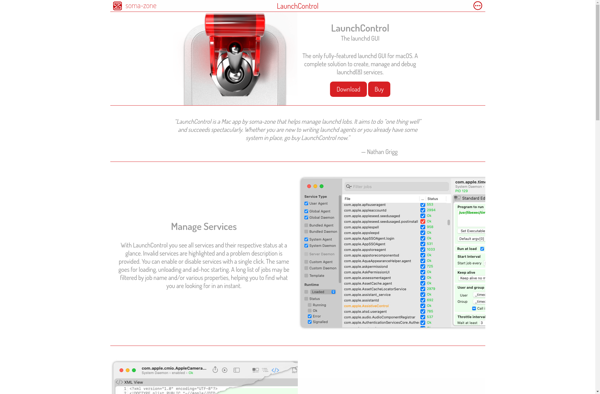
LaunchControl

Lingon

Cronnix

Launchd Editor

LaunchD Task Scheduler