
Scan to PDF
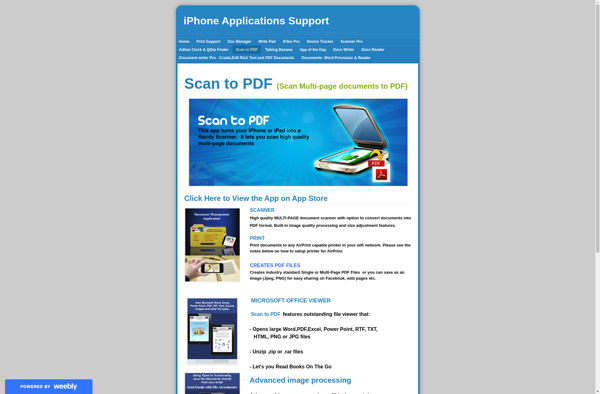
Scan to PDF Software: Convert Paper Documents to Digital Files
Scan to PDF software allows you to scan documents, photos, receipts, or other paper materials and save them as PDF files on your computer. It provides an easy way to go paperless and organize your documents digitally.
What is Scan to PDF?
Scan to PDF software provides a convenient way to convert paper documents and materials into digital PDF files. It works by connecting a scanner to your computer and using OCR (optical character recognition) technology to identify text and images on scanned pages and convert them into searchable and editable PDF documents.
Key features of Scan to PDF software include:
- Scanning directly to PDF format
- Support for scanning multiple pages into a single PDF
- OCR to make scanned PDFs searchable and selectable
- Editing tools like rotating pages, inserting/deleting pages, rearranging pages
- Annotation features for adding comments, highlights, signatures
- Password protection and digital signing capabilities
- Cloud storage integration to save scanned PDFs directly to cloud services
The main benefits of using Scan to PDF software are increased productivity, better organization by going paperless, easier sharing of documents digitally, and integrated cloud backups for data security. Good options for Windows and Mac users include Adobe Acrobat, Microsoft Office Lens, ABBYY FineReader, Evernote Scannable, and Scanner Pro, among others with similar feature sets.
Scan to PDF Features
Features
- Scan documents to PDF
- Scan photos to PDF
- Scan receipts to PDF
- OCR text recognition
- Multiple page scanning
- PDF compression and optimization
- Password protection
- Annotation tools
- Cloud storage integration
Pricing
- Freemium
- Subscription-Based
Pros
Cons
Reviews & Ratings
Login to ReviewThe Best Scan to PDF Alternatives
View all Scan to PDF alternatives with detailed comparison →
Top Office & Productivity and Document Management and other similar apps like Scan to PDF
No alternatives found for Scan to PDF. Why not suggest an alternative?







