
SlimTimer
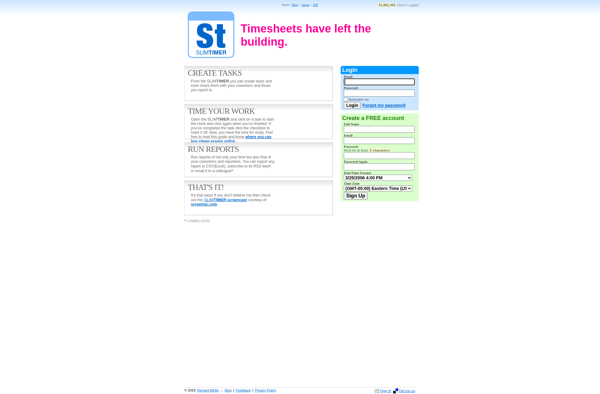
SlimTimer: Simple Time Tracking for Windows
A powerful time tracking app for freelancers, agencies, and teams, with features like running timers, tagging, and insightful reports.
What is SlimTimer?
SlimTimer is a time tracking application designed specifically for Windows. It provides an easy way for users to track time spent on projects and tasks with precision down to the second.
Some key features of SlimTimer include:
- Multiple running timers - Track time across different projects simultaneously
- Tagging - Assign tags to time entries for better organization and filtering
- Idle detection - Auto-pause timers when you step away to avoid inaccurate time tracking
- Reports - Generate a variety of reports to analyze where your time was spent and identify productivity trends
- Invoicing - Bill clients directly using logged time and project data
- Portable mode - Run SlimTimer from a USB drive without needing installation
With its clean and simple interface, SlimTimer is very easy to use even for beginners. But it also packs quite a punch when it comes to features that advanced users would appreciate.
Whether you are a freelancer trying to bill clients accurately, an agency tracking time across client projects, or just someone looking to be more productive with their time - SlimTimer is an excellent choice for time tracking on Windows.
SlimTimer Features
Features
- Time tracking with running timers
- Tagging of time entries
- Insightful reporting
- Simple and intuitive user interface
Pricing
- Free
- Subscription-Based
Pros
Cons
Official Links
Reviews & Ratings
Login to ReviewThe Best SlimTimer Alternatives
View all SlimTimer alternatives with detailed comparison →
Top Office & Productivity and Time Tracking and other similar apps like SlimTimer
No alternatives found for SlimTimer. Why not suggest an alternative?







