SnapLook

SnapLook

SnapLook is a screenshot annotation and collaboration tool. It allows users to take screenshots, draw on them, add text and shapes, and share annotated screenshots with others. SnapLook makes it easy to provide visual feedback and collaborate on projects.
SnapLook screenshot

SnapLook: Screenshot Annotation and Collaboration Tool

A screenshot annotation and collaboration tool, allowing users to take screenshots, draw on them, add text and shapes, and share annotated screenshots with others, making it easy to provide visual feedback and collaborate on projects.

What is SnapLook?

SnapLook is a versatile screenshot annotation and collaboration software. It provides a full set of features for taking customizable screenshots, drawing, adding text and shapes on them, and seamlessly sharing annotated screenshots with others.

With SnapLook, users can take full page screenshots, select an area to screenshot, or screenshot an open window or browser tab with a single click. An infinite canvas allows annotating screenshots of any size. A wide selection of customizable annotation tools are available like pens, highlighters, shapes, arrows, etc. Text can be easily added with options like font, size, color, etc.

Once a screenshot is annotated, it can be shared via a simple link for feedback and collaboration. SnapLook has specialized collaboration features like built-in chat and commenting to discuss feedback on screenshots. Version history allows tracking changes on annotated screenshots.

Overall, SnapLook streamlines the screenshoting and feedback process for teams and individuals. Its flexible annotation capabilities combined with collaboration tools like shared screenshot links, chat and comments make it easy to provide visual feedback and work together on projects.

SnapLook Features

Features

  1. Screenshot capture
  2. Drawing tools to annotate screenshots
  3. Adding text, shapes, arrows
  4. Collaborative workflow to share screenshots and get feedback
  5. Commenting on screenshots
  6. Task management with screenshots
  7. Searchable screenshot library
  8. Screen recording
  9. Integrations with popular apps like Jira, Trello, Slack

Pricing

  • Freemium
  • Subscription-Based

Pros

Intuitive and easy to use

Good collaboration features

Useful for design feedback and bug reporting

Integrates with other tools

Affordable pricing

Cons

Limited free version

Can be slow with large screenshots

No mobile app

Formatting options for annotations could be better

Reviews & Ratings

Login to Review
No reviews yet

Be the first to share your experience with SnapLook!

Login to Review

The Best SnapLook Alternatives

Top Office & Productivity and Collaboration and other similar apps like SnapLook


Outfit Anyone icon

Outfit Anyone

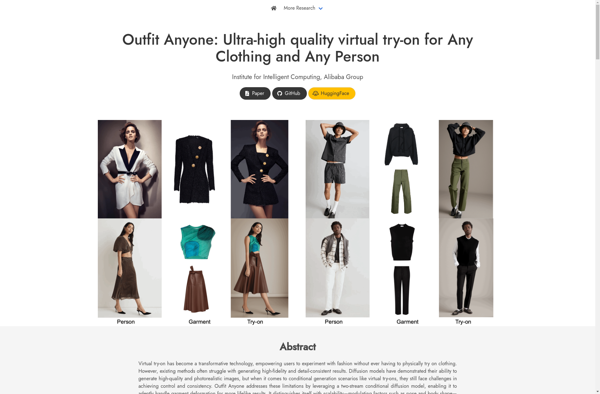
Outfit Anyone is an innovative virtual styling platform that utilizes cutting-edge computer vision and artificial intelligence technology to provide users with an interactive digital dressing room experience. The software allows customers to upload photos of themselves, which are then analyzed by proprietary algorithms to detect body measurements and determine the...
Outfit Anyone image
AnyDoor icon

AnyDoor

AnyDoor is an open-source, cross-platform remote desktop application and VPN tunneling software. It allows users to securely access computers or servers remotely through an encrypted connection for remote administration, file transfers, access to applications, troubleshooting, and more.Some key features of AnyDoor include:Secure remote desktop control - View and fully interact...
AnyDoor image
Pictofit icon

Pictofit

Pictofit is a photo editing and graphic design software application created specifically to improve workflow efficiency for designers, social media managers, bloggers, and small business owners. It comes equipped with a wide range of powerful features and an intuitive interface to enhance and streamline all stages of the image editing...
Pictofit image
Fitle icon

Fitle

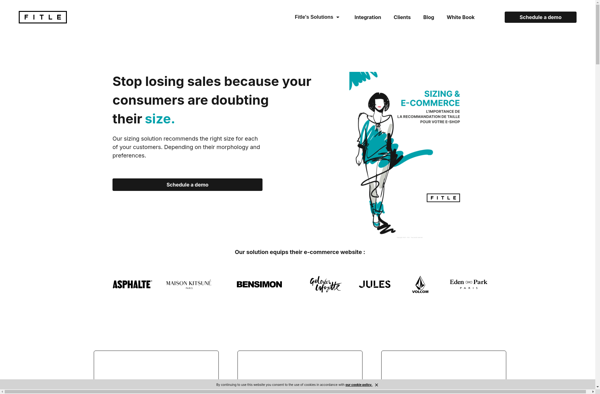
Fitle is a fitness and workout tracking app designed to help users reach their health and fitness goals. With Fitle, users can easily log various exercises like running, lifting, yoga, and more to keep track of their workouts. The app provides intuitive tools for setting goals, monitoring progress, and staying...
Fitle image
Mix and Style icon

Mix and Style

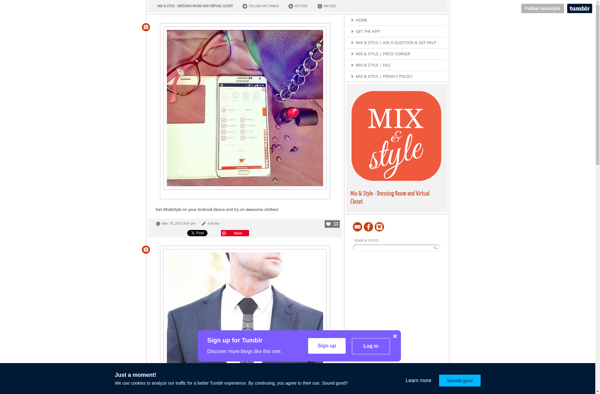
Mix and Style is a digital closet and outfit planning app designed to help users organize their wardrobe items, plan creative outfits for any occasion, and get the most utility out of the clothes they already own. The app allows users to upload and catalog all the individual pieces in...
Mix and Style image