Surfingkeys
Surfingkeys: Keyboard Navigation for Enhanced Productivity
A web browser extension that streamlines navigation and boosts productivity with keyboard-only interface, allowing users to focus on content rather than mouse movements.
What is Surfingkeys?
Surfingkeys is an open-source keyboard-driven web browser extension available for Chromium-based browsers like Google Chrome. It allows users to efficiently navigate through web pages, text fields, buttons, links, and other elements using customizable keyboard shortcuts instead of a mouse or trackpad.
By relying primarily on the keyboard, Surfingkeys can help boost productivity by reducing hand movements to and from external input devices. Users are able to set up shortcuts to quickly scroll pages, open and switch between tabs, go back and forward in history, fill out forms automatically, and interact with page elements more rapidly.
Additional features include advanced link hints, auto text expansion via custom abbreviations, macros to automate repetitive browsing workflows, visual aids and guides for learning shortcuts, and custom CSS/JS injection for modifying sites on the fly. An active open source community continues expanding capabilities.
If streamlining web interactions with keyboard-centric control sounds appealing, installing and customizing Surfingkeys could be worthwhile - especially for power users or those with repetitive web-based tasks.
Surfingkeys Features
Features
- Keyboard shortcuts for navigation
- Customizable shortcuts
- Vim-style modal editing
- Smooth scrolling
- Tab/window management
- Search, bookmarks, etc.
Pricing
- Free
- Open Source
Pros
Cons
Reviews & Ratings
Login to ReviewThe Best Surfingkeys Alternatives
View all Surfingkeys alternatives with detailed comparison →
Top Web Browsers and Keyboard Navigation and other similar apps like Surfingkeys
Here are some alternatives to Surfingkeys:
Suggest an alternative ❐
Vimac
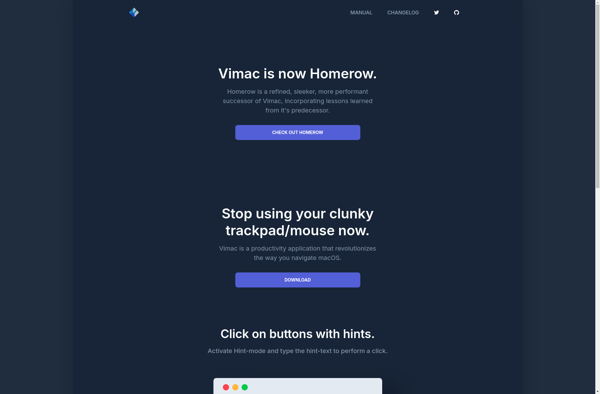

Vimium
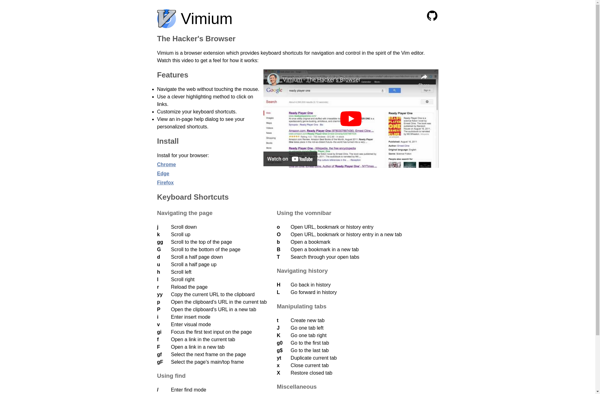

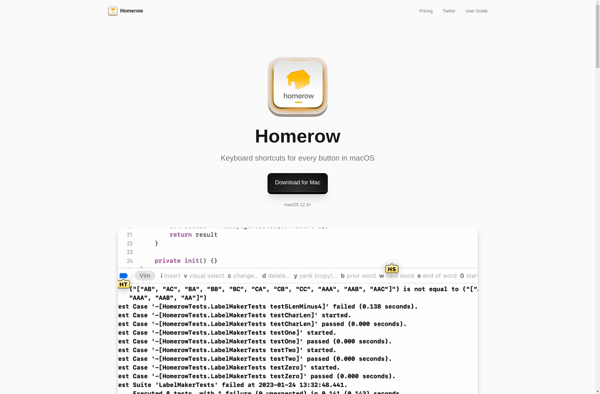
Homerow

Vimperator

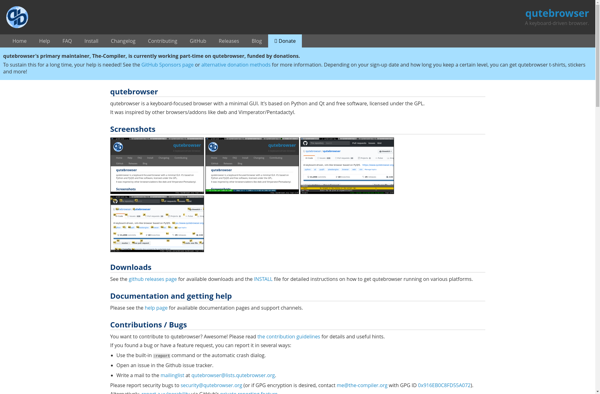
Qutebrowser

Uzbl

Wasavi

Vim Vixen

Firenvim

Pentadactyl


4vbc

SVim