SysInfo Excel to vCard

SysInfo Excel to vCard: Convert Excel Contacts to vCard Format
A software tool to convert XLS and XLSX Excel contact lists into vCard format for importing contacts into email clients, mobile devices, and other programs.
What is SysInfo Excel to vCard?
SysInfo Excel to vCard is a lightweight Windows application designed specifically for converting Excel spreadsheets containing contact details into the vCard file format. vCard (VCF) is a widely used standard for storing contact information like names, addresses, phone numbers, email addresses, organizations, job titles, birthdays, and more.
With SysInfo Excel to vCard, you can take any Excel file, whether .XLS or .XLSX, filled with your contacts and quickly and easily export it as a vCard file. The resulting vCard file can then be easily imported into your email clients like Outlook and Gmail, many mobile devices, and online services.
Some key features of SysInfo Excel to vCard include:
- Drag and drop support for quick Excel to vCard conversion
- Options to selectively convert specific columns in Excel
- Smart data mapping with automatic vCard field recognition
- Image and attachment support to include photos and files
- Group export to vCard 3.0 folder format
- Command line interface for automation and large exports
Overall, if you need to migrate Excel-based contacts into vCard format or want an easier way to backup and transfer contacts between apps and platforms, SysInfo Excel to vCard provides a simple specialized tool for performing these Excel to vCard conversions.
SysInfo Excel to vCard Features
Features
- Convert Excel contact lists to vCard format
- Supports XLS and XLSX file formats
- Allows importing contacts into email clients, mobile devices, and other programs
- Batch conversion of multiple Excel files
Pricing
- Free
Pros
Cons
Reviews & Ratings
Login to ReviewThe Best SysInfo Excel to vCard Alternatives
View all SysInfo Excel to vCard alternatives with detailed comparison →
Top Office & Productivity and File Conversion and other similar apps like SysInfo Excel to vCard
Here are some alternatives to SysInfo Excel to vCard:
Suggest an alternative ❐
SysTools Excel to vCard Converter


SyscoWare Excel to vCard Converter


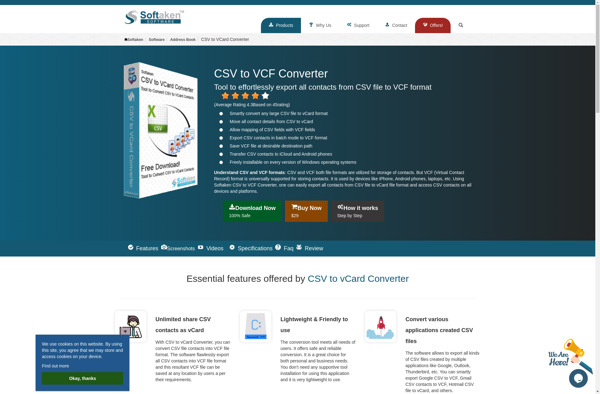
Softaken CSV to VCF Converter