Textview
Textview: Simple Text Editor for Linux
A lightweight, open-source text editor with basic editing features like syntax highlighting, line numbers, and search/replace, aiming for a fast and uncluttered text editing experience.
What is Textview?
Textview is a free and open-source text editor application for Linux systems. It provides a simple, unfussy interface focused on the primary functions of a text editor - opening, editing, and saving text documents.
Some of the key features of Textview include:
- Fast and lightweight - uses few system resources so it can run well on older hardware
- Syntax highlighting for many programming languages and markup formats
- Line numbers for easier code orientation and debugging
- Search and replace functionality
- Multiple undo/redo capability
- Basic text formatting like bold, italics etc.
- Tabbed interface to work with multiple documents
- Customizable interface colors
Unlike feature-packed editors like VSCode or Sublime Text, Textview aims to provide just the essential text editing capabilities without unnecessary complexity. It can be a good choice for users who want a fast, no-frills text editor for programming, writing, or other text editing tasks.
Textview is available for install on most Linux distributions via the standard package managers. It runs on GNOME-based desktop environments like Ubuntu's Unity. The source code is available on GitHub.
Textview Features
Features
- Basic text editing
- Syntax highlighting
- Line numbers
- Search and replace
- Lightweight
- Fast
- Open source
Pricing
- Open Source
- Free
Pros
Cons
Official Links
Reviews & Ratings
Login to ReviewThe Best Textview Alternatives
View all textview alternatives with detailed comparison →
Top Office & Productivity and Text Editors and other similar apps like Textview
Here are some alternatives to Textview:
Suggest an alternative ❐
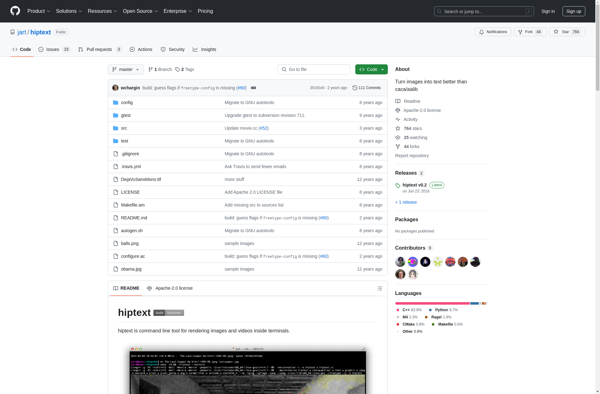
Hiptext

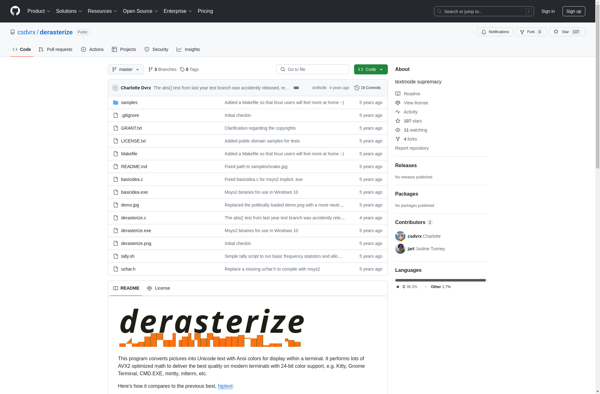
Derasterize
Png2linetext