Vole Windows Expedition is a Windows desktop environment designed to provide a lightweight, fast, and customizable experience. It uses minimal system resources for a smooth performance on older hardware.
Vole Windows Expedition: Lightweight & Customizable
A compact and efficient desktop environment designed for older hardware, offering fast performance and customization options.
What is Vole Windows Expedition?
Vole Windows Expedition is a free and open-source desktop environment for Microsoft Windows operating systems. It is designed to be lightweight, customizable, and provide a modern computing experience even on older hardware.

Some key features of Vole Windows Expedition include:
Minimal system resource usage - Uses less RAM and CPU than Windows' default interface for better performance on older devices
Customizable interface - The panel, themes, icons, fonts, and other interface elements can be tweaked and customized
Familiar workflow - Provides a start menu, system tray, taskbar, and other elements that Windows users are accustomed to
Good hardware compatibility - Supports a wide range of devices and works well on systems more than 10 years old
Active development - Has an active community of developers contributing new features and fixes
Overall, Vole Windows Expedition aims to breathe new life into aging Windows PCs and laptops by providing a clean yet powerful desktop environment that utilizes system resources efficiently. Its interface customizations and low demands on hardware specifications make it well-suited for old or lightweight machines.
Vole Windows Expedition Features
Features
Lightweight desktop environment
Customizable interface and themes
Built-in media player, file manager, and other basic apps
Supports most Windows software and hardware
Fast performance even on old hardware
Pricing
Free
Open Source
Pros
Very lightweight and fast
Highly customizable and flexible
Good for reviving old computers
Familiar Windows-style interface
Active community support
Cons
Limited default software included
Less polished than mainstream desktops like Windows 10
A file explorer is an essential piece of software that provides a graphical interface to access, manage, and manipulate the files and folders stored on your computer or other devices. It allows you to easily browse through the file system on your hard drives or external storage devices.Some key features...
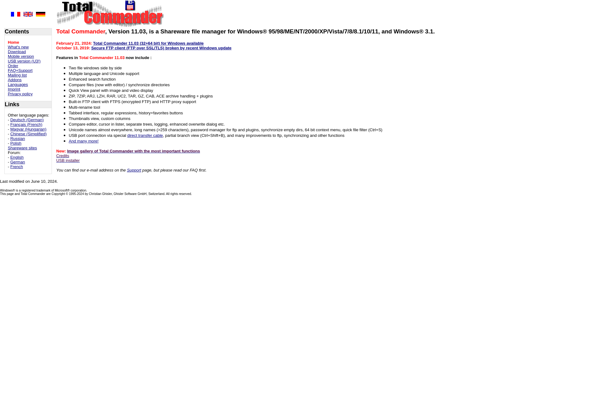
Total Commander is a highly popular and versatile file manager and file explorer for the Windows operating system. Originally released in the 1990s as Windows Commander, it was later renamed to Total Commander.Some key features of Total Commander include:Dual-pane interface to allow fast file transfers by dragging-and-dropping between panesTabbed interface...
Double Commander is an open-source, cross-platform file manager software that provides an orthodox file manager interface with two panels side-by-side, inspired by Total Commander and featuring some new ideas.It allows all the basic file operations like copy, move, delete, rename, create directory etc.Double Commander comes with multi-rename tool that enables...
FreeCommander is a powerful, lightweight, yet easy-to-use file manager for Windows. It has been around since 2004 and has gained popularity as a free and open source alternative to commercial file managers like Total Commander.Some key features of FreeCommander include:Dual-pane interface to easily copy, move, delete, rename, etc. files and...
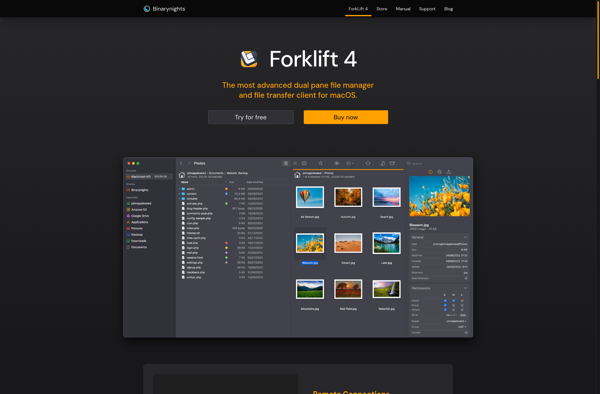
ForkLift is a fast and reliable file manager and FTP, SFTP, WebDAV, Amazon S3, and SMB file transfer client for macOS. It provides an intuitive graphical interface to handle all your file transfer needs between your Mac and servers or cloud services.With ForkLift, you can quickly connect to your FTP,...
Q-Dir is a free multi-tab file manager for Windows that makes browsing files and folders efficient with features like quadro-view, hotkeys, plugins and portable mode.The quadro-view allows users to open up to four separate folders in one window, visualizing multiple locations simultaneously. This quad layout is customizable to user preference....
Explorer++ is a free, open-source file manager for Windows that builds upon and improves the standard Windows File Explorer. It adds many useful features and customization options including:Tabbed browsing to open multiple folders in tabsDual pane view to see two folders side-by-sideAdvanced search with regex support and other optionsBookmarks and...
Directory Opus is a file manager software for Windows that provides advanced tools and customization options beyond the basic Windows File Explorer. First released in the early 1990s, Directory Opus aims to be a file manager suited for power users.Some key features of Directory Opus include:Dual pane browsing for easily...
OneCommander is a powerful yet easy to use file manager for Windows. It provides multiple tabs to work with different folders at the same time, and supports all common file operations like copy, move, rename, delete, zip, extract and more.Key features of OneCommander include:Multi-tab interface to work with multiple folders...
XYplorer is a customizable, tabbed file manager for Windows designed to provide efficient file browsing and management. Some of the key features of XYplorer include:An intuitive, dual-pane interface allowing easy file transfer between folders, side-by-side previewing, and tabbed browsing.A highly customizable layout with optional panels for enhanced information like metadata,...
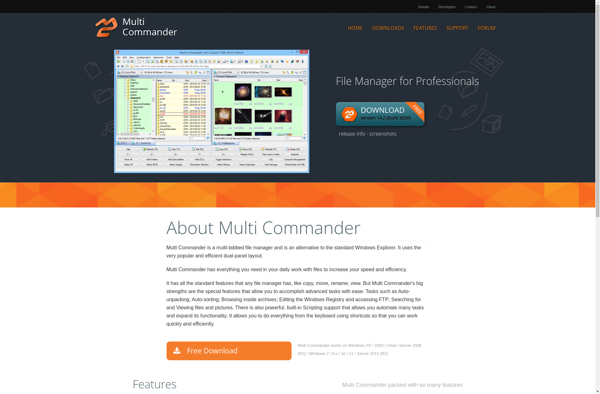
Multi Commander is a advanced file manager for Windows that provides more flexibility and features compared to the default Windows Explorer. Some key features of Multi Commander include:Dual panel interface with multiple tabs - Easily view and transfer files between different folders and drivesCustomizable interface with different themes and layouts...
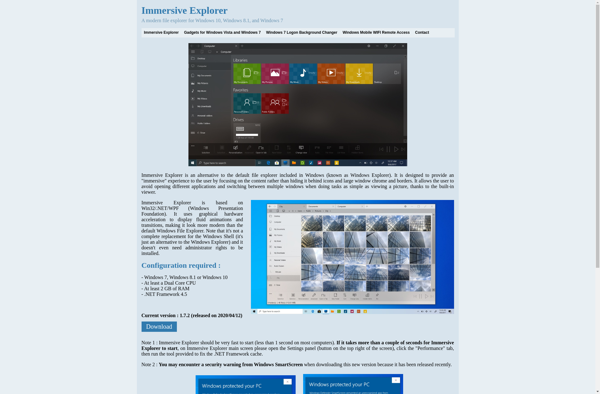
Immersive Explorer is a virtual reality web browser designed specifically for use with VR headsets. It provides an immersive 3D browsing environment that surrounds users as they explore the internet.Unlike traditional 2D browsers, Immersive Explorer renders websites in a 3D space that fills the user's entire field of view. Websites...
Konvertor is a free, open source application for converting files between different formats. It can handle conversions for images, documents, ebooks, videos, music, archives, and more across Windows, macOS and Linux.With over 200 supported input and output formats, Konvertor aims to be an all-in-one conversion tool. It has native support...