WattmanGTK is an open-source graphical user interface for configuring AMD GPUs on Linux. It allows adjusting clock speeds, voltages, power limits and fan speeds.
Configure your AMD GPU with WattmanGTK, a free and open-source graphical interface for Linux
What is WattmanGTK?
WattmanGTK is an open-source graphical user interface application that allows configuring and tuning AMD Radeon graphics cards on Linux systems. It provides similar functionality to AMD's WattMan technology that is available on Windows.
Some of the key features of WattmanGTK include:
Adjusting GPU core and memory clock speeds for overclocking or undervolting
Changing GPU voltage for tuning performance and power consumption
Setting power limits for the graphics card
Controlling the graphics card fan speed and fan curve
Monitoring GPU usage, clock speeds, temperature, fan speeds and other metrics
Ability to create, save and load profiles for different configurations
As an open-source project, WattmanGTK allows Linux users to take advantage of tuning their AMD GPUs to optimize performance, noise levels or thermals. It provides very granular control over all aspects of the graphics card. Profiles can be set to apply settings automatically for different use cases like gaming, computing workloads, mining cryptocurrency or media playback.
WattmanGTK Features
Features
Graphical user interface for configuring AMD GPUs
Adjust clock speeds, voltages, power limits
Control fan speeds
Save and load profiles for different configurations
Pricing
Open Source
Pros
Easy to use GUI compared to command line tools
Fine-grained control over GPU parameters
Can optimize settings for performance or power efficiency
Open source and free
Cons
Only works with AMD GPUs on Linux
Less customizable than manual configuration
Requires some technical knowledge to use advanced features
MSI Afterburner is a free overclocking utility designed for MSI graphics cards. However, it also works with GPUs from other brands. Afterburner allows users to monitor and tweak various hardware parameters to optimize the performance of their graphics card.Some of the key features of MSI Afterburner include:Overvolting and overclocking the...
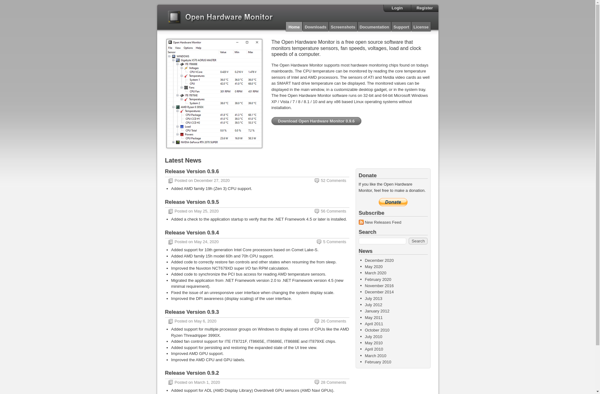
Open Hardware Monitor is a free, open source program that monitors various hardware components in a computer, including temperature sensors, fan speeds, voltages, load and clock speeds. It works by interfacing with hardware monitoring chips and reading low-level parameters to provide real-time information and statistics.Some key features of Open Hardware...
CoreCtrl is an open-source program for Windows that gives users enhanced monitoring and control over their computer's hardware and system resources. It allows real-time tracking of key components like the CPU, GPU, memory, storage, fans, and more through interactive graphs and detailed statistics.Some of the key features of CoreCtrl include:Detailed...
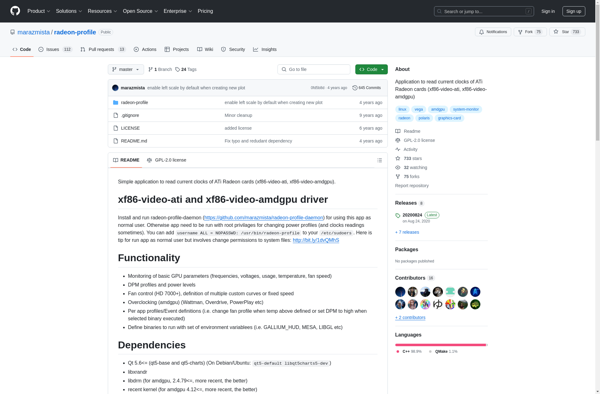
Radeon Profile is an open source software tool developed specifically for AMD Radeon graphics cards. It gives users advanced control over their graphics hardware for performance tuning and monitoring.Some key features of Radeon Profile include:Overclocking capabilities to increase GPU speeds and memory speeds to boost gaming performanceCustom fan curves to...
driconf is an open-source network configuration utility for Linux operating systems. It provides a simple text-based interface for managing network connections and interface settings.Some of the key features of driconf include:Easily add, edit, delete and manage network interfacesConfigure IP addresses, netmasks, gateways etc.Set MTU sizes, MAC addresses and other advanced...
Glxinfo is a tool used to get information about the OpenGL implementation on a system. It can provide details such as:Version of OpenGL supportedVersion of GLXVendor and renderer of the OpenGL driverList of OpenGL extensions supportedInformation about OpenGL capabilities like max texture size, number of texture units, etc.Glxinfo is very...