QEMU
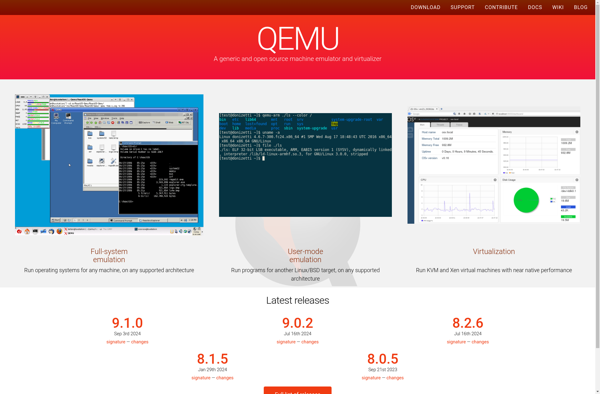
QEMU: Open Source Machine Emulator and Virtualizer
QEMU is an open source machine emulator and virtualizer, allowing you to launch different operating systems without rebooting your physical machine.
What is QEMU?
QEMU is a free and open source hypervisor and machine emulator. It emulates a complete computer system, including the processor, memory, storage, network interfaces and peripherals. This allows you to run software and operating systems written for one machine on a different machine.
Some key features of QEMU include:
- Full system emulation for many processor architectures like x86, ARM, SPARC, PowerPC etc.
- User mode emulation to run processes for foreign architectures on your operating system
- Virtualization with support for KVM, Xen, VMware ESXi and more hypervisors
- Ability to virtualize disks and install operating systems without reboots
- Network emulation including virtual networks, tunnels and direct connections
- Device emulation for hard drives, NICs, audio devices, graphics adapters etc.
- Snapshot functionality to save and restore emulated machine states
- Dynamic translation of guest code to optimize performance
Some common uses cases of QEMU include sandboxing foreign software, OS testing and development, server consolidation, application compatibility testing across OSes and creating virtual appliances. It can be managed via command line as well as graphical frontends like GNOME Boxes.
QEMU Features
Features
- Full system emulation for multiple CPU architectures
- Dynamic translation for fast emulation
- TCG JIT dynamic translator
- KVM acceleration
- User mode emulation
- Virtualization with KVM kernel module
- Snapshotting and live migration of VMs
- Emulation of various devices like disk, network, graphics etc
- Support for many guest operating systems
Pricing
- Open Source
Pros
Cons
Official Links
Reviews & Ratings
Login to Review37 reviews
Rating Breakdown
Recent Reviews
Noah Taylor
May 30, 2026Incredibly versatile virtualization Swiss Army knife
As a developer, QEMU has been an absolute game-changer for my workflow. It allows me to test software across multiple architectures—from ARM to x86—all on my standard laptop. The performance is surprisingly good for emulated systems, and the ability to …
Michael Wilson
May 30, 2026Powerful but Not for Beginners
QEMU is incredibly powerful and versatile, letting me run anything from old ARM systems to modern x86_64 VMs, all for free. However, the command-line interface is daunting, and configuration can feel like solving a puzzle without instructions. While it's a …
Skyler Thomas
May 17, 2026Powerful Emulation Tool for Developers and Tinkerers
As a developer who frequently tests software across different architectures, QEMU has been invaluable. While the command-line interface has a learning curve, it provides unparalleled flexibility for emulating ARM, RISC-V, and other platforms on my x86 workstation. The ability to …
David Thomas
May 10, 2026An incredibly powerful tool for virtualization and emulation
As a developer and hobbyist, QEMU has been indispensable for testing software across multiple architectures and operating systems without needing dedicated hardware. While the command line interface has a learning curve, its flexibility and performance are unmatched, especially for emulating …
Oliver Hall
May 10, 2026A Powerful Swiss Army Knife, But Not For Everyone
QEMU's flexibility is incredible; I can run old OSes and test software in isolated environments with remarkable accuracy. However, the learning curve is extremely steep, requiring deep command-line knowledge and manual configuration for anything beyond simple setups. While its power …
Rating Distribution
The Best QEMU Alternatives
View all QEMU alternatives with detailed comparison →
Top System & Hardware and Virtualization and other similar apps like QEMU
Here are some alternatives to QEMU:
Suggest an alternative ❐
AWS Firecracker

OpenStack


VirtualBox

VMware Workstation Pro
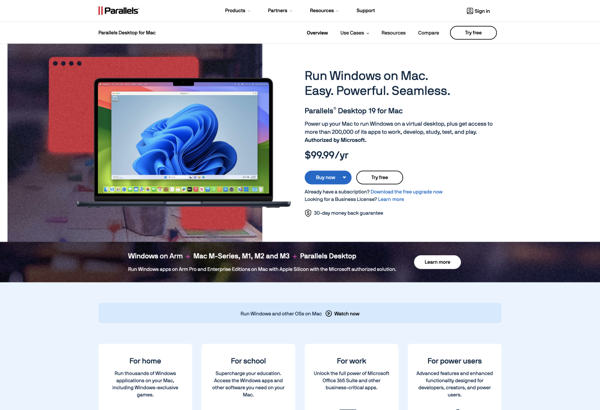
Parallels Desktop

Limbo PC Emulator

Anbox

Windows Sandbox

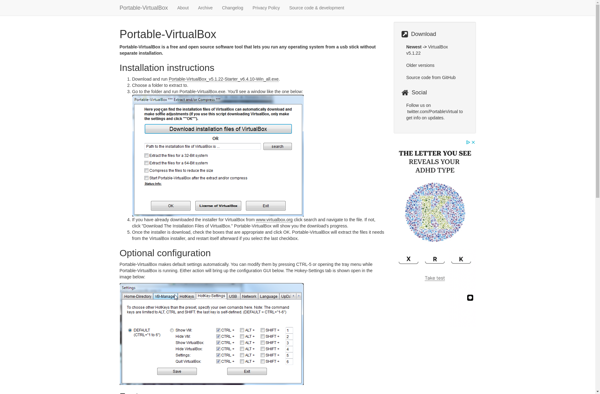
Portable Virtualbox

VMware Workstation Player

KVM (Kernel-based Virtual Machine)

PlayCover

QEMU Manager


Multipass

Bochs

UCS Virtual Machine Manager


Danube Cloud


Mojopac


JPCSIM


CoreCluster

VMLite Workstation


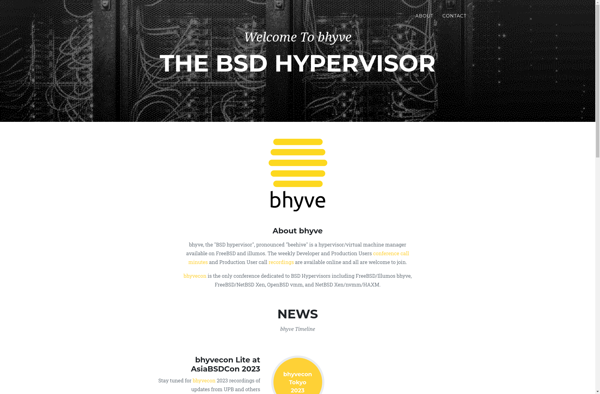
Bhyve

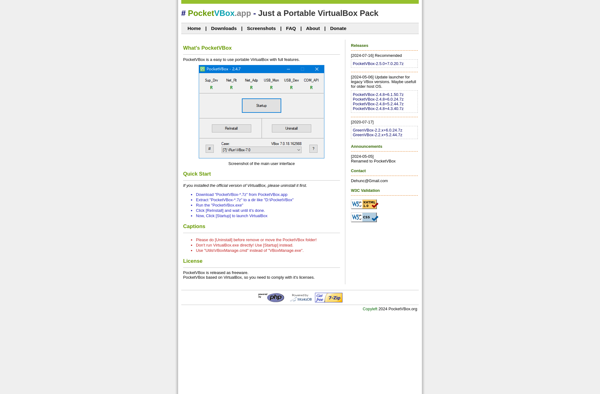
GreenVBox

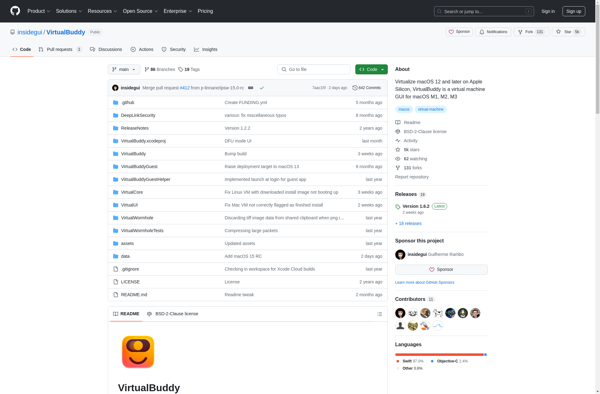
VirtualBuddy
Box86

Xhypervisor

FAUMachine


Virtual PC


GNURoot Debian


VMware Server


Parallels Workstation

VMLite XP Mode

PearPC

OpenVZ

PetiteCloud


SysInfoTools Virtual Disk Machine Recovery Tool


MokaFive Player

USBFastBoot