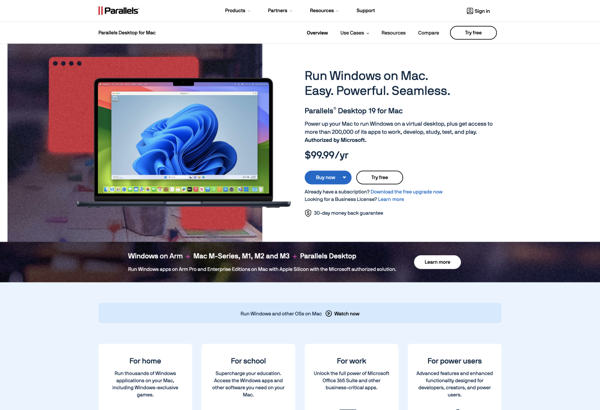
Parallels Workstation is a virtualization software that allows users to run multiple operating systems on a single physical computer. It provides an easy way to switch between Windows, macOS, Linux, and other operating systems without rebooting.
Parallels Workstation: Run Multiple OSes on One Physical Computers
Parallels Workstation is a virtualization software that allows users to run multiple operating systems on a single physical computer. It provides an easy way to switch between Windows, macOS, Linux, and other operating systems without rebooting.
What is Parallels Workstation?
Parallels Workstation is a desktop virtualization software that enables users to run multiple operating systems on a single physical computer. It utilizes hypervisor technology to create isolated virtual machines where different operating systems can be installed and used simultaneously.
Some key features of Parallels Workstation include:
Ability to run Windows, Linux, macOS, Chrome OS and other popular operating systems side-by-side without rebooting
Optimization for development, testing, demo environments, etc. with options to allocate desired CPU, memory, storage to each VM
Tools to transfer files and share peripherals like drives, printers, clipboard between host and guest OS
Powerful 3D graphics acceleration for gaming, CAD, visual effects using DirectX and OpenGL
Integrated virtual networking for accessing both host and VMs through a common IP address
Snapshots, cloning, automation and other management features
Security features like isolating VMs, encrypting data, preventing unauthorized access
With an intuitive user interface, excellent performance and productivity features, Parallels Workstation simplifies running multiple operating systems for any computing need.
Parallels Workstation Features
Features
Run multiple operating systems on one machine
Seamless integration between host and guest OS
Easy switching between virtual machines
Resource optimization for virtual machines
3D graphics support
Drag-and-drop files between host and guest OS
Virtual networking and sharing options
Snapshotting and cloning of VMs
Remote access to VMs
Pricing
Subscription-Based
Pros
Good performance
User-friendly interface
Powerful customization options
Integration with macOS
Ability to run Windows on Mac
Cost-effective compared to buying multiple computers
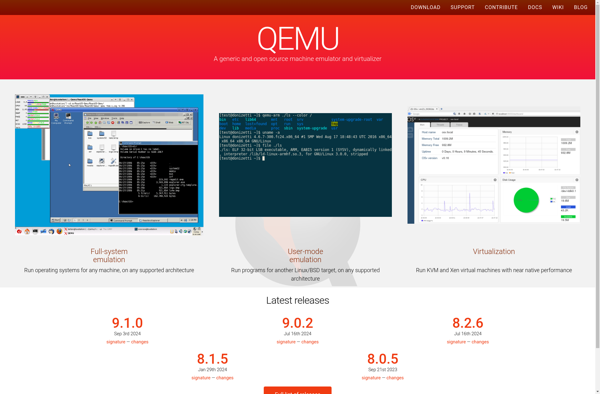
QEMU is a free and open source hypervisor and machine emulator. It emulates a complete computer system, including the processor, memory, storage, network interfaces and peripherals. This allows you to run software and operating systems written for one machine on a different machine.Some key features of QEMU include:Full system emulation...
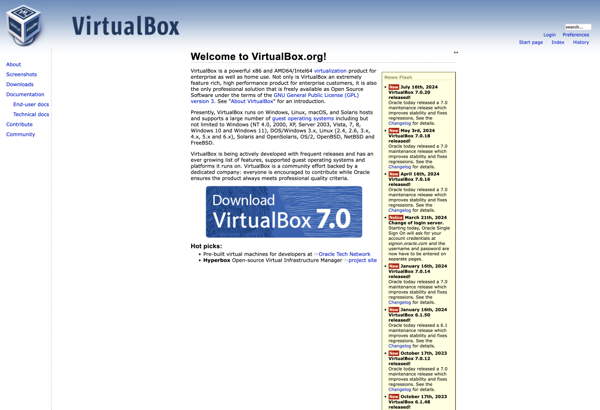
Oracle VM VirtualBox, commonly referred to as VirtualBox, is a powerful and open-source virtualization platform developed by Oracle. It allows users to create and manage virtual machines (VMs) on a host machine, enabling the simultaneous execution of multiple operating systems on a single physical system. Key Features: Cross-Platform Support: VirtualBox...
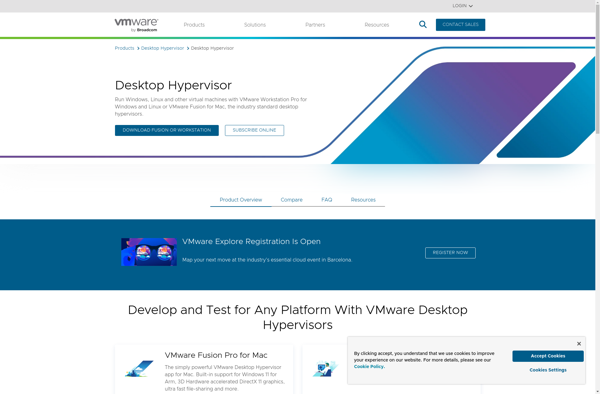
VMware Workstation Pro is a Type 2 hypervisor developed by VMware for desktop virtualization on x64 versions of Windows and Linux. It allows users to set up multiple virtual machines on a single physical machine and run different operating systems and applications in each VM without rebooting.Key features include:Ability to...
Parallels Desktop is a popular virtualization solution specifically designed for macOS, enabling users to run multiple operating systems on their Mac computers. It is known for its user-friendly interface, performance optimizations, and seamless integration of virtual machines with the macOS environment. Key Features: Cross-Platform Virtualization: Parallels Desktop supports a wide...
VMware vSphere Hypervisor is a free bare-metal hypervisor that enables server virtualization, allowing multiple operating systems to run on the same physical server. It provides a robust, production-grade hypervisor layer that allows for greater hardware consolidation, improved availability and simplified management.Some key features of vSphere Hypervisor include:Workload optimization and compatibility...
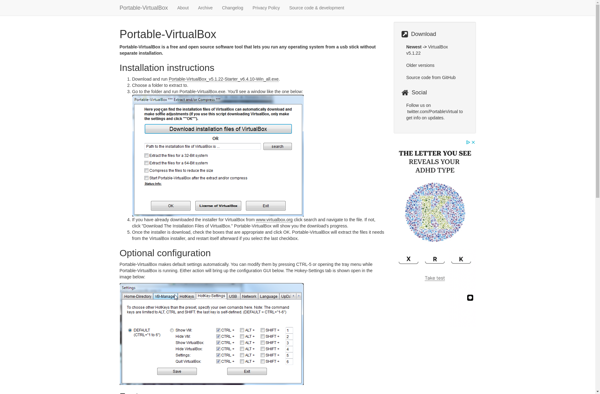
Portable Virtualbox is a free, open-source virtualization software that allows you to run multiple guest operating systems on your Windows host computer without needing to go through a lengthy install process. It runs directly off a USB thumb drive, making it easy to take your virtual machines with you wherever...
VMware Workstation Player is a Type 2 hypervisor developed by VMware for desktop virtualization. It allows users to set up multiple virtual machines (VMs) on a single physical machine and run them simultaneously.Key features of VMware Workstation Player include:Ability to run production environments and test software on different operating systems...
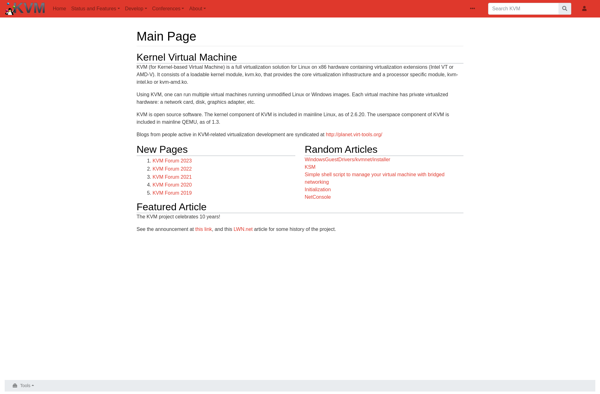
KVM (Kernel-based Virtual Machine) is an open-source virtualization technology built into Linux. It allows you to create and run virtual machines (VMs) on any Linux server or desktop with hardware virtualization capabilities.KVM is implemented as a kernel module that leverages the virtualization extensions of modern CPUs like Intel VT or...
Microsoft Hyper-V Server is a free, standalone product from Microsoft that provides a hypervisor-based virtualization platform for running virtual machines on x64 Windows servers. It has a small footprint and requires limited system resources while providing a simple and reliable virtualization solution.As a hypervisor, Hyper-V creates and runs virtual machines...
VMware Fusion is a Type 2 hypervisor developed by VMware for Mac users. It allows you to create and run virtual machines that emulate other operating systems on your Mac hardware. Fusion provides a simple user interface to set up, manage, and use virtual machines.Some key features and capabilities of...
MobaLiveCD is a bootable live Linux distribution that is tailored for mobile broadband usage and troubleshooting. It can be run directly from a CD or USB drive without needing to install anything on the computer's hard drive.Some key features of MobaLiveCD include:Comes preloaded with various applications like speedtest-cli, iperf3, ping,...
Qemu Simple Boot is an open-source emulator that allows you to create and run virtual machines on your computer without going through a lengthy boot process. It is part of the Qemu project for machine virtualization.Some key features of Qemu Simple Boot:Allows you to quickly test operating systems or programs...