wpDataTables is a WordPress plugin that allows you to easily create responsive data tables and charts. It has a user-friendly drag-and-drop interface for building tables without coding.
wpDataTables: Responsive Data Tables & Charts Plugin
A WordPress plugin with drag-and-drop table builder, responsive design, and chart capabilities, making it easy to create professional-looking data tables without coding.
What is WpDataTables?
wpDataTables is a powerful WordPress plugin used to manage, create and display responsive data tables, charts and graphs. It has an easy-to-use drag and drop interface that allows you to quickly build tables and charts without any coding.
Some key features of wpDataTables include:
Responsive data tables that automatically adjust layout for mobile devices
Sorting, searching and pagination options for tables
Variety of chart types like line, bar, pie etc.
Import data from CSV/Excel files
Editable tables for front-end users
Collaborative editing by multiple admins
Advanced features like table tools, formulas, frontend editing
Seamless integration with WordPress
With its user-friendly admin UI, flexible options and feature-rich functionality, wpDataTables is a great choice for any WordPress site looking to showcase data-driven content to visitors. It helps save time on development while still giving full control over the presentation and interactivity.
WpDataTables Features
Features
Drag-and-drop table builder interface
Responsive table design
Sorting, searching and pagination
Ability to create charts from table data
Import data from CSV/Excel files
Edit data directly in the table
Access control and permission management
Integration with various WordPress plugins
Pricing
Freemium
Subscription-Based
Pros
No coding required to build tables
Mobile-friendly responsive tables
Powerful table features like sorting and search
Charts provide data visualization
Easy to import, manage and edit data
Good access control and security
Seamless integration with WordPress
Cons
Steep learning curve for beginners
Limited customization options in free version
Complex features like charts only in paid plans
Can be resource intensive for very large datasets
Lacks some advanced database features
Formatting options not as robust as standalone tools
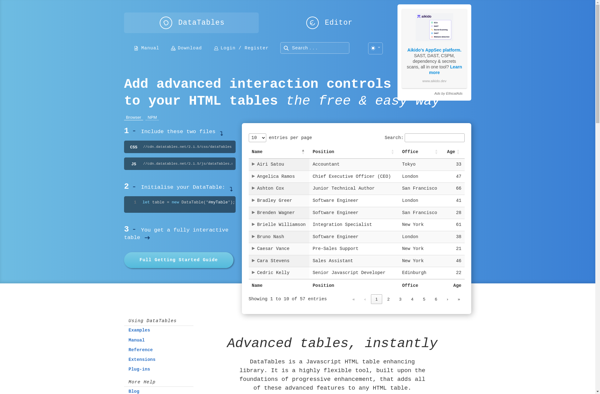
DataTables is an open source jQuery plugin that enhances the functionality and interactivity of HTML tables. It provides features like searching, sorting, filtering, and pagination that make large data sets in tables more manageable and user-friendly.Some key features of DataTables include:Search box - Allows users to quickly search for data...
JetEngine is a powerful WordPress plugin that provides a suite of tools for building custom post types, taxonomies, meta boxes, options pages, and more to extend and customize your WordPress site. It features an intuitive drag-and-drop interface that makes it easy to create and manage custom content types without needing...
WordPress Tables is a powerful yet easy-to-use WordPress plugin for creating and managing responsive tables. It provides an intuitive interface for adding rows, columns, custom styling options, and advanced features to tables within WordPress.Key features include:Drag-and-drop interface for quickly adding and editing tablesResponsive design that ensures tables look great on...
Grid.js is an open-source JavaScript data grid library developed by Afshin Mehrabani. It is designed to provide an easy way to display tabular data with rich features. Some key things to know about Grid.js:Lightweight - It has no external dependencies and aims to offer excellent performance.Mobile-friendly - It works smoothly...
TablePress is a popular WordPress plugin used to create, manage, and display tables. It provides an intuitive user interface that allows you to easily insert tables using a graphical editor without having to write HTML code. Some key features of TablePress include:Responsive tables that automatically adapt for different devices and...
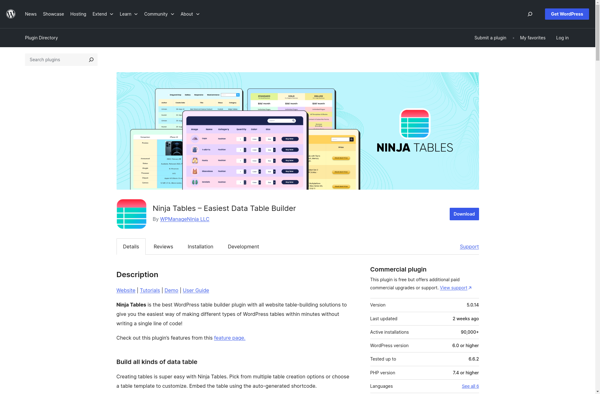
Ninja Tables is a powerful yet user-friendly WordPress plugin used to create, manage, and display tables and other data sets on your WordPress site. With its intuitive drag-and-drop interface, you can quickly build responsive tables without writing any code.Key features of Ninja Tables include:Import CSV files or add rows manuallyChoose...
The Data Tables Generator by Supsystic is a powerful WordPress plugin that makes it easy for users to create, manage and customize responsive data tables. Some key features of this plugin include:Drag and drop interface to easily add columns, edit headers, adjust width and styling.Various built-in themes and templates to...
Table maker is a versatile software tool used to create tables for various purposes. With its user-friendly interface, you can quickly add stylish and well-formatted tables to documents, slide presentations, web pages, email newsletters, and more.Some key features of Table maker include:Intuitive interface to specify the number of rows, columns,...
WP Table Builder is a powerful yet easy-to-use WordPress plugin for creating and managing beautiful, responsive tables and pricing tables. With its intuitive drag-and-drop interface, you can quickly build tables in just a few clicks without writing any code.Some key features of WP Table Builder include:Drag and drop table builder...
Easy Pricing Tables is a premium WordPress plugin used to create and manage beautiful, responsive pricing tables, comparison tables, and product tables. It is an easy-to-use solution to showcase pricing plans, product features, or service packages on a WordPress website.With drag and drop table builder, Easy Pricing Tables allows you...