
Write Pad (Sketches & Notes)
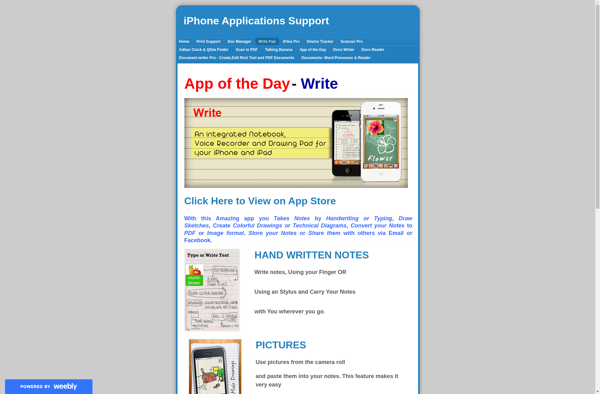
Write Pad: Simple Note Taking & Sketching App for Windows
Write Pad is a simple note taking and sketching app for Windows. It allows you to quickly jot down notes, make to-do lists, draw sketches, and more. Key features include a variety of pen and marker tools, unlimited canvas sizes, customizable backgrounds, and support for inserting images.
What is Write Pad (Sketches & Notes)?
Write Pad is a feature-rich note taking and sketching application designed for Windows. It provides a simple yet powerful platform for jotting down quick notes, brainstorming ideas, making to-do lists, and creating basic drawings or diagrams.
At its core, Write Pad offers a freeform infinite canvas and a variety of pen and marker tools for writing and drawing. You can create notes or sketches of any size without being limited by page boundaries. The app supports pressure-sensitive stylus input for natural and expressive strokes.
Beyond basic note taking, Write Pad has a number of additional capabilities to enhance productivity:
- Insert images from your computer or from online sources
- Choose from a variety of background templates or use custom images
- Export notes as JPG, PNG, PDF and other formats
- Configure pens, markers, erasers and custom color palettes
- Set up multiple customizable boards for organizing notes
- Leverage templates for common uses like brainstorming or meeting notes
Write Pad combines simplicity and flexibility to create a fluid, natural note taking experience. Whether you need to capture quick thoughts and sketches or organize more complex notes, Write Pad provides the capabilities you would expect from paper and pen without the physical limitations.
Write Pad (Sketches & Notes) Features
Features
- Pen and marker drawing tools
- Unlimited canvas sizes
- Customizable backgrounds
- Insert images
- Handwriting recognition
- Shape recognition
- Ruler tool
- Undo/redo
- Zoom
- Multiple color palettes
- Share notes via email
Pricing
- Free
Pros
Cons
Reviews & Ratings
Login to ReviewNo reviews yet
Be the first to share your experience with Write Pad (Sketches & Notes)!
Login to ReviewThe Best Write Pad (Sketches & Notes) Alternatives
View all Write Pad (Sketches & Notes) alternatives with detailed comparison →
Top Office & Productivity and Note Taking and other similar apps like Write Pad (Sketches & Notes)
No alternatives found for Write Pad (Sketches & Notes). Why not suggest an alternative?







