XMeters

XMeters: Free System Monitoring Tool for Windows
A free system monitoring tool for Windows offering customizable widgets to display CPU, memory, disk, and network usage graphs, temperatures, fan speeds, and more.
What is XMeters?
XMeters is a free and open source system monitoring tool for Windows. It provides an customizable interface to monitor key system resources including CPU usage, memory utilization, disk activity, network traffic, GPU load, and temperatures.
Some key features of XMeters:
- Lightweight and easy to use - Simple installation and setup with a clean UI
- Customizable widgets - Many widgets available showing usage graphs, temperatures, fan speeds, network speeds, disk activity, etc. These can be moved and resized.
- Monitoring and alerting - Set triggers and alerts when certain thresholds are exceeded, e.g. high CPU temperature
- Portable - Can run directly from a USB drive with no installation required
- Open source - Actively developed on GitHub by a community of developers and contributors
XMeters is useful for monitoring overall system health to detect bottlenecks or overheating issues. The customizable dashboard provides an at-a-glance view of key system resources. It's less complex compared to enterprise tools like Nagios or Zabbix, making it ideal for home users.
XMeters Features
Features
- Real-time monitoring of CPU, memory, disk, and network usage
- Customizable widgets to display usage graphs, temperatures, fan speeds, and more
- Ability to monitor system resources
- Free to use
Pricing
- Free
Pros
Cons
Official Links
Reviews & Ratings
Login to ReviewThe Best XMeters Alternatives
View all XMeters alternatives with detailed comparison →
Top System & Hardware and System Monitoring and other similar apps like XMeters
Here are some alternatives to XMeters:
Suggest an alternative ❐
Rainmeter
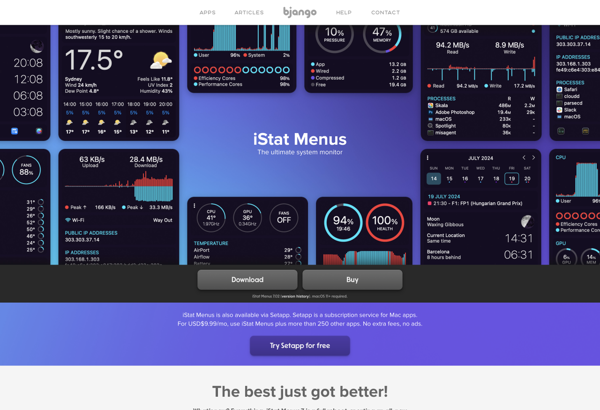
IStat Menus

OMEN Gaming Hub


TrafficMonitor
MenuMeters for El Capitan


GeekTool

Libre Hardware Monitor

Screenstyler


RunCat


Sidebar Diagnostics