
IStat Menus
iStat Menus: System Monitoring App for Mac
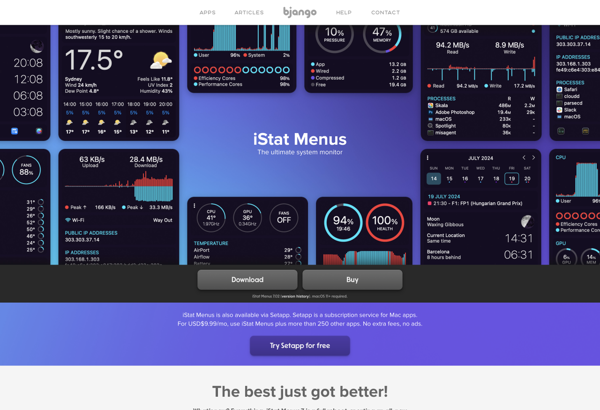
iStat Menus is a system monitoring app for Mac that displays various hardware and system statistics in the macOS menu bar. It monitors CPU, memory, network usage, temperatures, fan speeds, battery health, and more.
What is IStat Menus?
iStat Menus is a popular and powerful system monitoring and hardware statistics app developed by Bjango for macOS. It conveniently displays various system metrics and statuses right in the macOS menu bar, allowing users to quickly check on their Mac's performance and health.
Some of the key features and statistics displayed by iStat Menus include:
- CPU usage, speed, temperature, and number of cores
- Memory usage and swap usage
- Disk usage for different drives and volumes
- Network connectivity, IP address, speeds, and data transferred
- Fan speeds and temperatures of components like the CPU and GPU
- Battery charge level, discharge rate, estimated time remaining, current voltage, amperage, wattage, and overall battery health
By surfacing this detailed system data directly in the menu bar where it is easily accessible, iStat Menus allows users to monitor the real-time activity and health of key hardware components of their Mac. Users can quickly diagnose performance or battery issues, check on system resources during demanding computing tasks, and more.
iStat Menus comes with a number of built-in themes and visual styles for its menu bar displays. It also has advanced features like logging and notifications when certain metrics exceed set thresholds. An independent app called iStat Server can work in conjunction with iStat Menus to remotely monitor the Mac over a network.
Overall, iStat Menus is one of the most full-featured and robust system monitoring utilities available exclusively for macOS. Its depth of data and convenient menu bar displays explain why it is a popular choice for monitoring Mac performance and diagnosing hardware issues.
IStat Menus Features
Features
- Displays CPU usage
- Monitors memory usage
- Tracks network usage
- Measures disk activity
- Checks battery health
- Shows fan speeds
- Displays temperatures
- Alerts for issues
Pricing
- Subscription-Based
Pros
Cons
Official Links
Reviews & Ratings
Login to ReviewThe Best IStat Menus Alternatives
View all iStat Menus alternatives with detailed comparison →
Top System & Hardware and System Monitoring and other similar apps like IStat Menus
Here are some alternatives to IStat Menus:
Suggest an alternative ❐
MSI Afterburner


SpeedFan

Macs Fan Control


Core Temp


SmcFanControl


DriveDx


OMEN Gaming Hub


Activity Monitor

MenuMeters


Systempal


Compact Tray Meter


Arx Control

Data Lifeguard Diagnostic

MenuMeters for El Capitan


Real Temp


Corsair Link


XMeters


MiniUsage


TG Pro


WinAudit

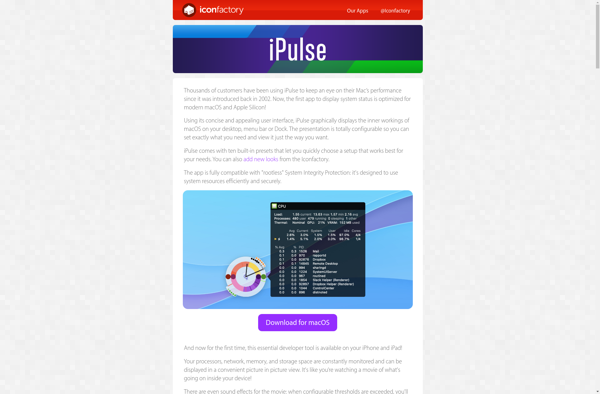
IPulse

Atmonitor

SSD-Z


Easytune


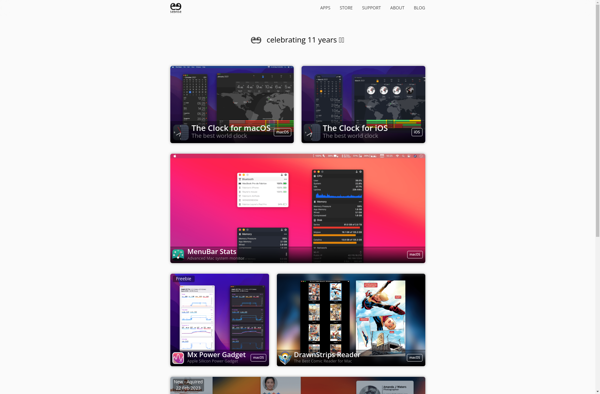
MenuBar Stats

RunCat


CheckMyMac


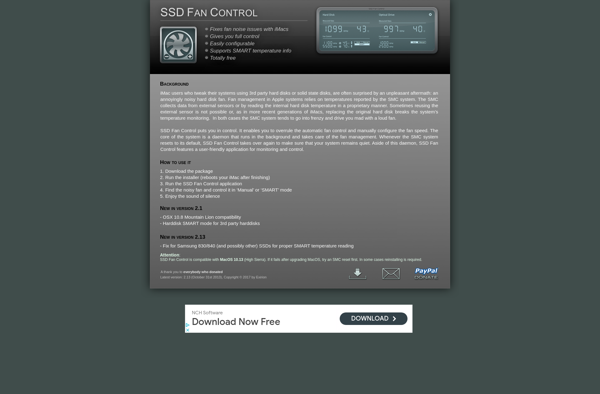
SSD Fan Control

IStatistica


Fanny


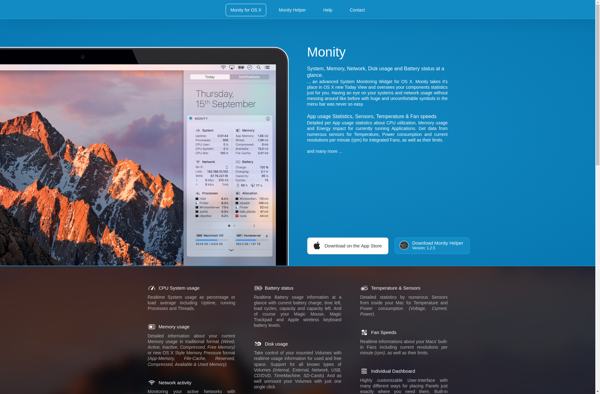
Monity

Sidebar Diagnostics

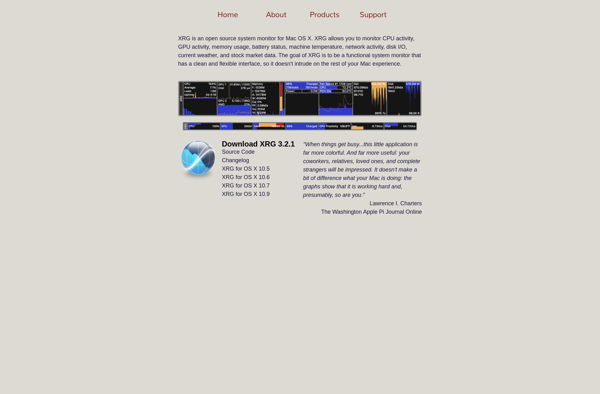
XRG

Hologram Desktop


BitBar


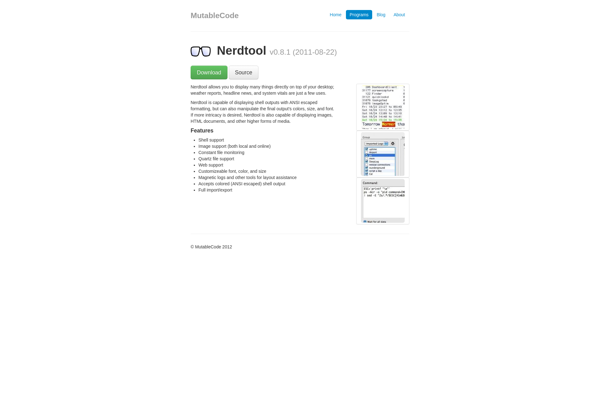
Nerdtool

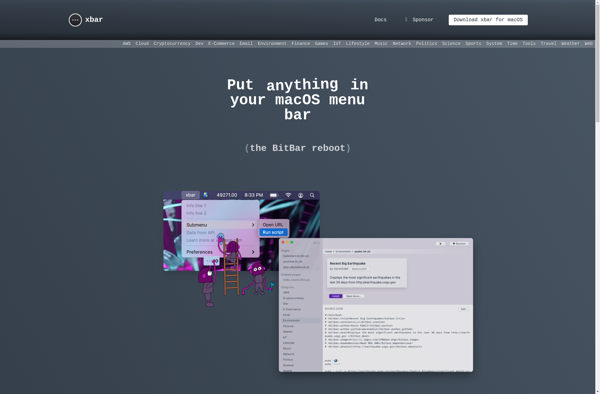
Xbar

CPU Thermometer


Eeectl


FullControl


AMD Overdrive Utility


AMD System Monitor


Superbar

Opsview Monitor Mobile

Remote Buddy

Penteract Taskbar Resource Meter


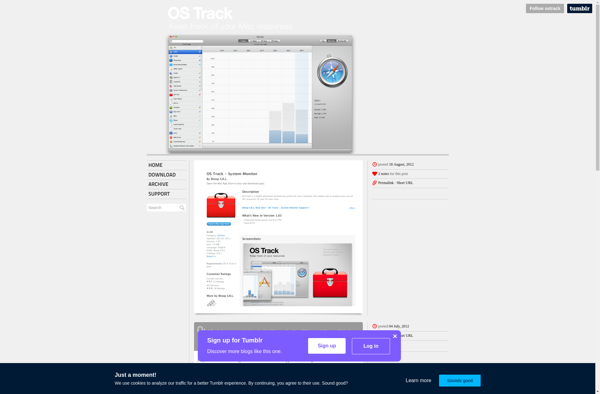
OS Track

MagicanLite


StatsBar


Stater


Remote linux monitor

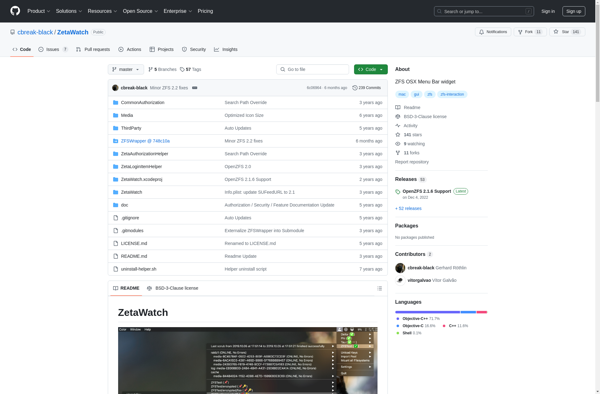
ZetaWatch

Free Disk Space Monitor


SysMetrix








