BrightExplorer is a free, open-source web browser focused on privacy and customization. It blocks ads and trackers by default and allows extensive theming and extension support.
BrightExplorer: Free, Open-Source Web Browser for Privacy and Customization
A free and open-source web browser prioritizing user privacy and customization, with ad-blocking and extension support.
What is BrightExplorer?
BrightExplorer is a free, open-source web browser that emphasizes user privacy and control. It is based on Chromium and developed by a non-profit organization.
By default, BrightExplorer blocks online ads, trackers and malicious websites to protect the user's privacy. It also includes options to clear browsing data like cookies and history with one click.
Users can extensively customize the look and feel of the browser with different color themes and layout options. There is also support for adding functionality through a library of extensions.
Other notable features include a built-in screenshot tool, QR code generator, and tools for efficiency like WorkSpaces to save sessions of open tabs. The browser is available for Windows, Mac and Linux.
Overall, BrightExplorer focuses on giving users more insight and control over their browsing experience while protecting their privacy.
A file explorer is an essential piece of software that provides a graphical interface to access, manage, and manipulate the files and folders stored on your computer or other devices. It allows you to easily browse through the file system on your hard drives or external storage devices.Some key features...
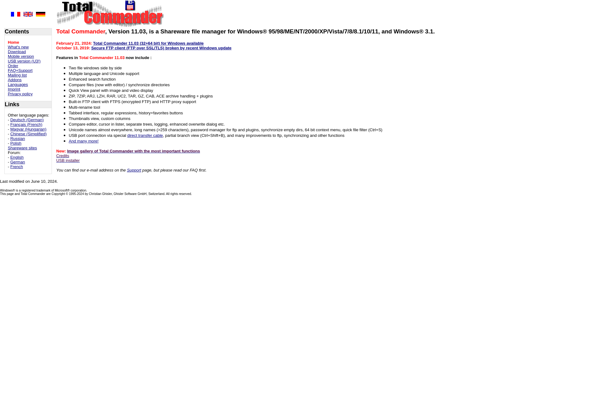
Total Commander is a highly popular and versatile file manager and file explorer for the Windows operating system. Originally released in the 1990s as Windows Commander, it was later renamed to Total Commander.Some key features of Total Commander include:Dual-pane interface to allow fast file transfers by dragging-and-dropping between panesTabbed interface...
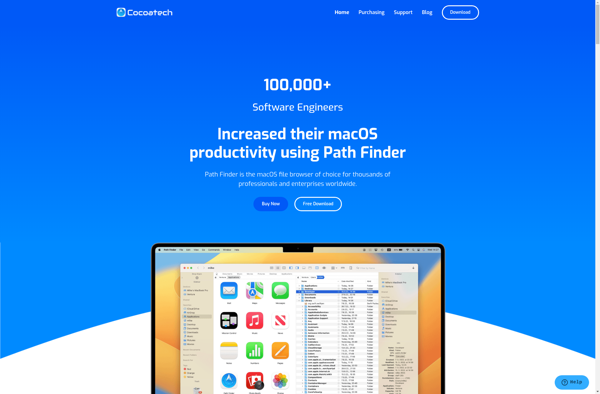
Path Finder is a powerful, dual-pane file manager for macOS that provides an alternative to the default Finder app. Some key features of Path Finder include:Tabbed browsing for accessing multiple folders in one windowSplit view for seeing two folders side-by-sideCustom actions for automating file management tasksSupport for previewing many file...
Windows Double Explorer is a free alternative file manager and explorer for Windows that enhances the default Windows Explorer in several ways. Key features include:Dual panels allow side-by-side folder browsing like old-school Norton CommanderTabbed browsing keeps multiple folders open in one windowAdvanced find helps locate files or folders by various...
Clover is a cloud-based point of sale and business management platform optimized for small and medium-sized businesses in the retail, restaurant, and services industries. It was created by First Data Corporation and offers users an all-in-one solution for running their operations.Some key features of Clover include:Accepting a variety of payment...
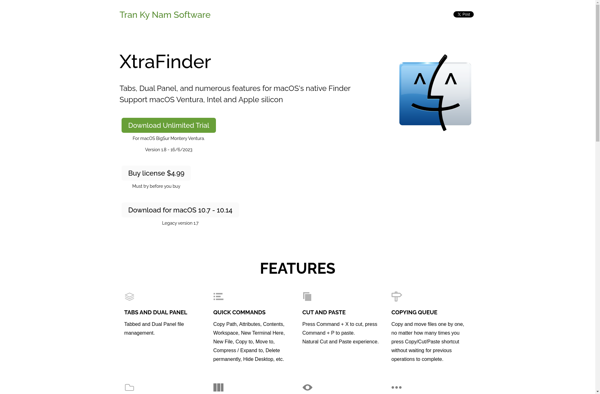
XtraFinder is a free, open-source utility for macOS that enhances the default Apple Finder app with additional features and customizations for improved productivity.Some of the key features XtraFinder adds include:Tabs - Allows opening multiple Finder windows in tabs instead of separate windowsVisor - A slide-out preview pane for quick file...
TidyTabs is a browser extension available for Google Chrome and Mozilla Firefox that helps keep browser tabs organized. It has a range of features to help users easily group, access, and manage open tabs.One of the core features of TidyTabs is the ability to organize open tabs into collapsible tab...
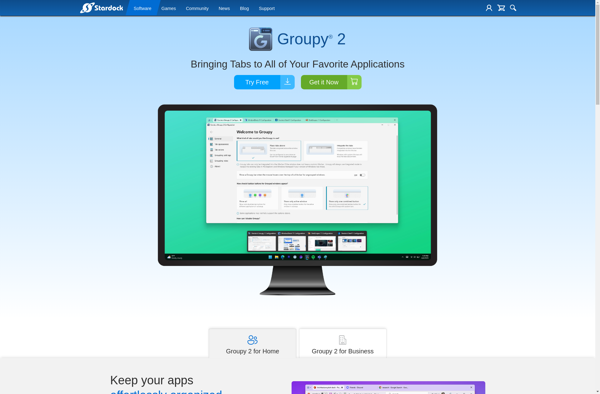
Stardock Groupy is an application window management software developed by Stardock. It helps organize and group together multiple application windows, allowing you to tab them or move them into virtual desktops for improved multitasking and productivity.Groupy's key features include:Tab multiple software application windows together - This allows grouping related applications...
QTTabBar is a free, open-source software that adds convenient tabbed browsing capabilities to Windows File Explorer. It seamlessly integrates tabs into File Explorer, allowing users to open multiple folders in tabs within a single window rather than having several File Explorer windows open at once.With QTTabBar installed, users can easily...
Tablacus Explorer is a free, open-source file manager program for Windows that provides an enhanced alternative to the default Windows Explorer. Some of the key features of Tablacus Explorer include:Tabbed interface allows for multiple folders to be open in the same windowDual pane view shows two folders side-by-sideAdvanced search functions...
FolderViewer is a free, open source file manager program for Windows that makes it easy to browse, search, copy, move, delete, rename, and otherwise manage files and folders on your computer or network drives.With its clean, intuitive tabbed interface, FolderViewer allows you to open multiple folder windows side-by-side for easy...
WinBrowser is a fast, lightweight web browser designed specifically for the Windows operating system. It was created to provide Windows users with an efficient browsing experience that is optimized for performance.Some key features of WinBrowser include:Speed optimization - Uses efficient memory management and processing to load pages faster than most...
TabExplorer is a Chrome extension that aims to enhance tab and bookmark management and boost productivity. It provides a range of features for organizing, previewing, searching and quickly accessing open browser tabs, bookmark folders and browsing history.Some of the key features of TabExplorer include:Tab grouping - Tabs can be visually...
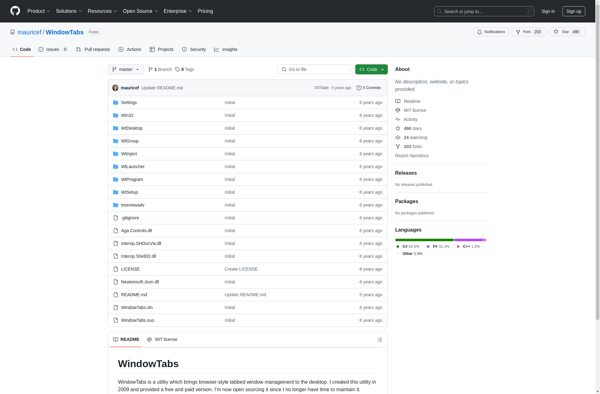
WindowTabs is a browser extension available for Chrome, Firefox, and Edge that helps keep your browser tidy by allowing you to save groups of open tabs into organized collections called Workspaces. This allows you to store related tabs together to work on various projects, topics, or sessions without having multiple...