Cone Layout
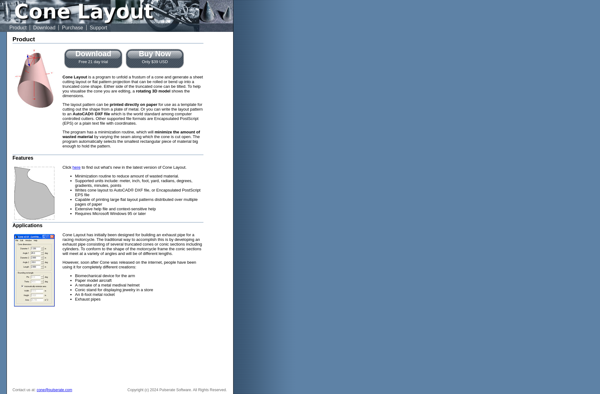
Cone Layout: Diagramming Software
Cone Layout is a diagramming software used to create network maps, flowcharts, org charts, floor plans, and more. It has a simple and intuitive drag-and-drop interface to arrange shapes and connectors.
What is Cone Layout?
Cone Layout is a powerful and easy-to-use diagramming application for Windows. It allows users to create various types of diagrams like network maps, flowcharts, organizational charts, floor plans, and more.
With its drag-and-drop interface, you can easily add shapes from an extensive shape library and connect them using labeling and connecting lines. It is designed to be simple enough for everyday business users yet includes advanced features for IT professionals and network engineers.
Key features include:
- Intuitive diagramming with drag-and-drop shapes and connectors
- Extensive shape libraries for flowcharts, networks, floorplans, and more
- Advanced customization options for shapes, lines, and text
- Automatic layout adjustment and alignment guides
- Import/export options to integrate diagrams with other tools
- Share and export diagrams to various formats like PDF, images, etc.
An affordable alternative to Visio, Lucidchart, and Gliffy, Cone Layout brings easy diagramming capabilities for documenting processes, mapping networks, and visualizing office layouts.
Cone Layout Features
Features
- Drag-and-drop interface for creating diagrams
- Library of shapes, symbols and icons
- Automatic layout and alignment tools
- Connectors to link shapes
- Ability to add text, images and hyperlinks
- Export diagrams as image files or PDFs
Pricing
- Freemium
- Subscription-Based
Pros
Cons
Official Links
Reviews & Ratings
Login to ReviewThe Best Cone Layout Alternatives
View all Cone Layout alternatives with detailed comparison →
Top Office & Productivity and Diagramming and other similar apps like Cone Layout
Here are some alternatives to Cone Layout:
Suggest an alternative ❐
Autopol

CALDSoft


Sheet Lightning