EasySnap is a free and open source screenshot tool for Windows. It provides basic functionality to capture, edit, annotate, and save screenshots. EasySnap has a simple interface making it easy to take screenshots quickly and requires few system resources.
A free and open source screenshot tool with basic functionality to capture, edit, annotate, and save screenshots on Windows
What is EasySnap?
EasySnap is a free, open source screenshot capture utility for Windows. It provides a straightforward way to take screenshots and basic image editing features to annotate or modify them before saving.
Some key features of EasySnap include:
Quickly take fullscreen, window, or custom region screenshots
Draw on screenshots to highlight or annotate
Add text captions, arrows, shapes etc
Crop, resize, rotate, and flip images
Save screenshots as JPG, PNG, GIF and more
Copy screenshots to clipboard
Simple and intuitive interface
Portable app with no install required
Open source
EasySnap is designed to be a lightweight screenshot tool that launches quickly and captures screenshots fast. It consumes few system resources making it well-suited for older computers. The simple interface focuses on core screenshot functionality rather than extensive editing features.
While it lacks some advanced tools offered in premium software, EasySnap provides a free alternative for basic screenshot needs. Its open source nature also allows advanced users to modify and expand its capabilities.
EasySnap Features
Features
Capture full screen, active window or custom region screenshots
Basic image editing like cropping, resizing, rotating
Drawing tools to add shapes, text, arrows etc to annotate screenshots
Support for common image formats like PNG, JPG, GIF
Hotkeys for quick access to capture screenshots
Lightweight and fast with minimal impact on system resources
Pricing
Free
Open Source
Pros
Free and open source
Simple and easy to use
Good set of basic features
Low resource usage
Customizable hotkeys
Cons
Limited editing capabilities compared to advanced tools
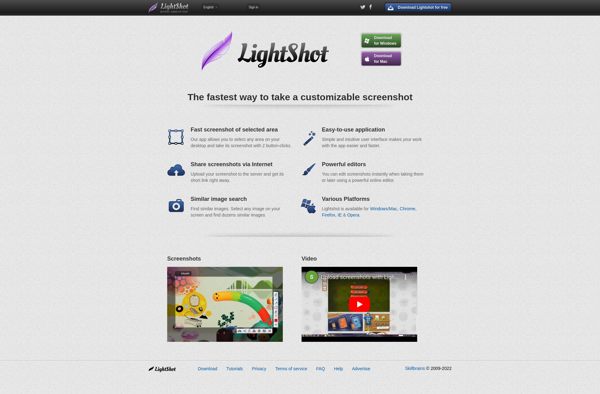
LightShot is a free screenshot application for Windows that provides an easy way to capture, edit, and share screenshots. Some key features of LightShot include:Quickly take full page, region, window, or scrolling screenshots with just a click or keyboard shortcut.Annotate screenshots by adding text, arrows, shapes, blur sensitive info, etc.Basic...
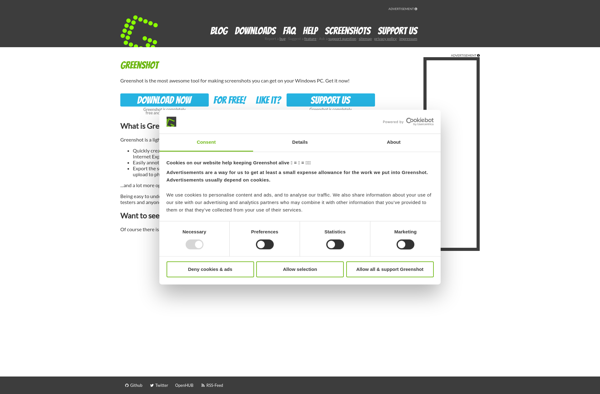
Greenshot is a lightweight, open-source screenshot tool for Windows. It makes capturing, editing, and sharing screenshots easy and quick.With Greenshot, you can capture entire screens, active windows, rectangular regions, as well as scrolling website pages. After taking a screenshot, you can annotate it with lines, arrows, text, shapes, and more....
Spectacle is an open-source, lightweight utility for macOS that allows users to easily organize the windows open on their desktop using customizable keyboard shortcuts. It makes it simple to resize and position windows to maximize screen space and improve workflow.Some of the key features Spectacle offers include:Keyboard shortcuts to move...
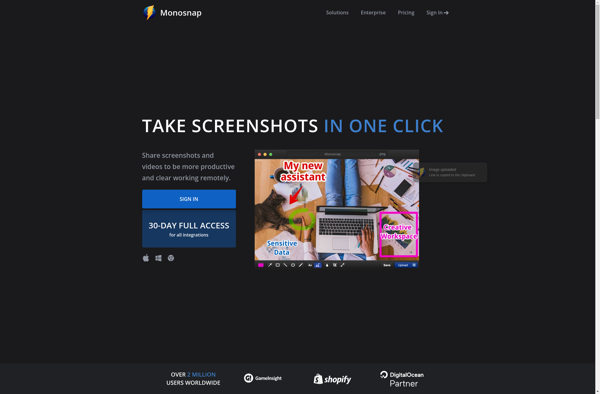
Monosnap is a feature-rich screenshotting and screen recording application developed by Anvil Eight for macOS and Windows platforms. It provides an intuitive and user-friendly interface to capture screenshots, annotate images, record screen activity, and share files online.Some of the key features of Monosnap include:Fullscreen, window, and customizable area screenshotsAdvanced image...
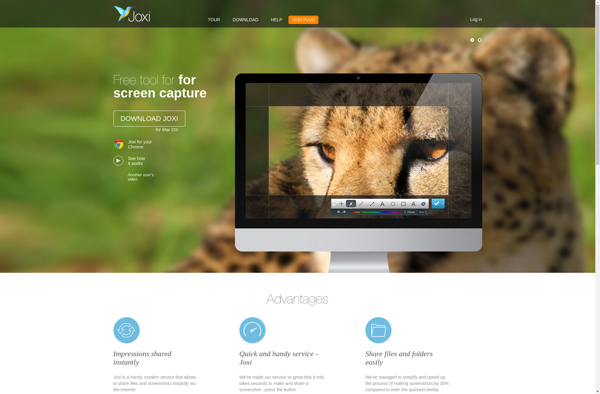
Joxi is a free online annotation and collaboration tool used to annotate images, screenshots, designs, documents, and other visual content. It allows users to easily draw on images, add text comments, arrows, shapes, blur sensitive regions, and collaborate with others in real-time.Some key features of Joxi include:Intuitive drawing and annotation...
Awesome Screenshot is a feature-rich Chrome extension used for capturing screenshots. It goes beyond basic screenshotting and allows users to edit, annotate, and share images right from the browser.After taking a screenshot, you can crop, draw, add text, highlights, arrows, shapes, stickers and more on the image. It has a...
Page Screenshot for Safari is a useful Safari extension that provides an easy way for users to capture full page screenshots of web pages they are browsing. It adds a camera icon button to the Safari toolbar which, when clicked, will automatically save a screenshot image showing the full scrollable...
Free Snipping Tool is a free and open source screenshot capture software for Windows. Developed as an alternative to the default Windows Snipping Tool, it provides all the basic screenshot functionality along with some additional features.With Free Snipping Tool, users can capture fullscreen snapshots, rectangular regions, free-form selections, and windows...
TechSmith Capture is an easy-to-use yet powerful screen recording and screenshot capture software for Windows. Designed with simplicity and flexibility in mind, Capture enables users to record all screen activity, capture still images of their desktop, add annotations like arrows and text captions, and quickly share the results.Some of the...
Handy Screenshot is a free and easy-to-use screenshot capture tool for Windows. It allows you to take customizable full page, rectangular region, window, and scrolling screenshots. You can easily annotate your screenshots using the built-in editing tools to add text, shapes, arrows, lines, etc.The handy toolbar floats above all your...
Web Clipper: Easy Screenshot is a browser extension available for Chrome, Firefox, and Edge that makes capturing, editing, and sharing screenshots fast and simple. With just one click, it allows you to take full page or customizable screenshots of any web content you're viewing.Once you take a screenshot, Web Clipper...