Froala Editor
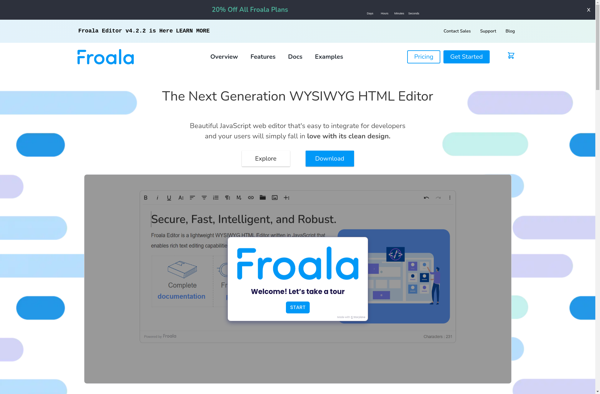
Froala Editor: Lightweight WYSIWYG HTML Editors
Froala Editor is a lightweight WYSIWYG HTML editor that allows for inline editing and adding rich content to websites and web applications. It has a range of formatting options including text styling, links, lists, images, tables, etc.
What is Froala Editor?
The Froala Editor is a JavaScript WYSIWYG HTML text editor that allows for inline editing and adding rich text content in websites and web applications. It is lightweight, customizable, and easy to integrate.
Key features of Froala Editor include:
- A wide range of text formatting options including fonts, sizes, colors, formatting such as bold, italic, underline, etc.
- Ability to create and style lists, tables, links, images, videoembeds, etc.
- Inline, click-to-edit, and drag and drop editing modes
- Supports plugins to extend functionality
- Mobile friendly and responsive design
- Cross-browser support
- Dozens of localization options
- Customizable user interface, buttons, icons
- Events and callback support
- Ability to integrate with JavaScript frameworks like React, Vue, Angular
The Froala Editor is used by over 500,000 developers and organizations. It's a full-featured HTML WYSIWYG editor that allows creating rich text content for websites and web apps with ease.
Froala Editor Features
Features
- WYSIWYG editing interface
- Inline editing
- Drag and drop image uploads
- Media embeds
- Code view
- Formatting options (bold, italic, etc)
- Hyperlinks
- Lists
- Font styling
- Tables
- Fullscreen editing
Pricing
- Free
- Freemium
- Subscription-Based
Pros
Cons
Official Links
Reviews & Ratings
Login to ReviewThe Best Froala Editor Alternatives
View all Froala Editor alternatives with detailed comparison →
Top Office & Productivity and Editors and other similar apps like Froala Editor
Here are some alternatives to Froala Editor:
Suggest an alternative ❐
TinyMCE

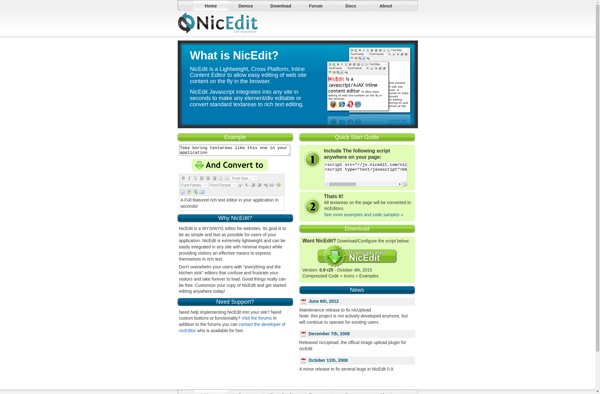
NicEdit

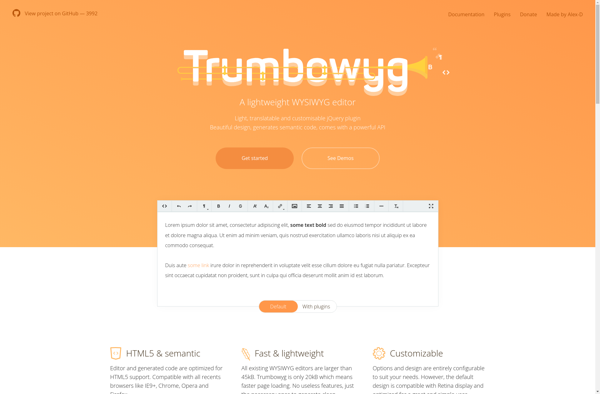
Trumbowyg

HotEditor