KeyCue is a software program that shows you keyboard shortcuts for the software you have open. It hovers in your menu bar and displays the relevant hotkeys when you switch apps or hover your mouse over a menu item. This makes learning and remembering shortcuts simpler.
KeyCue: Shows You Keyboard Shortcuts for Open Software
A software program displaying relevant hotkeys when switching apps or hovering over menu items, making learning and remembering shortcuts easier.
What is KeyCue?
KeyCue is a handy utility that displays keyboard shortcuts for many popular applications on Mac. It sits quietly in your menu bar and shows you relevant shortcuts whenever you switch to a new app - or when you hover over any menu item.
This makes remembering hotkeys much easier. Rather than trying to memorize keyboard shortcuts for multiple software programs, you can glance at KeyCue to view applicable hotkeys in real-time. The software currently supports over 95 popular Mac apps, including creative tools like Photoshop and Premiere Pro, as well as office/productivity software like Microsoft Office, Google Chrome, Slack, and more.
Some of the benefits of using KeyCue include:
Learn hotkeys faster by seeing them displayed contextually
Improved productivity from using more shortcuts and less mouse clicks
Quick reference for recalling lesser-used shortcuts
Customizable appearance and shortcut displays
Completely unintrusive, stays quietly in your menu bar
If you often find yourself forgetting or having difficulty memorizing application shortcuts, give KeyCue a try. Within a short period of use, you'll find your workflow accelerated from utilizing more hotkeys to trigger common tasks and menu items.
KeyCue Features
Features
Shows keyboard shortcuts for active application
Displays shortcuts when hovering over menu items
Runs in menu bar for quick access
Customizable appearance and behavior
Supports many popular applications
Pricing
Free
Open Source
Pros
Makes learning shortcuts easy
Increases productivity by reducing reliance on mouse
CheatSheet is a free and open-source Markdown editor available for Windows, Mac and Linux operating systems. It provides a clean and simple interface for writing Markdown documents with live previews and easy exporting options.Some key features of CheatSheet include:Live previews - See your formatted Markdown in real-time as you type.Custom...
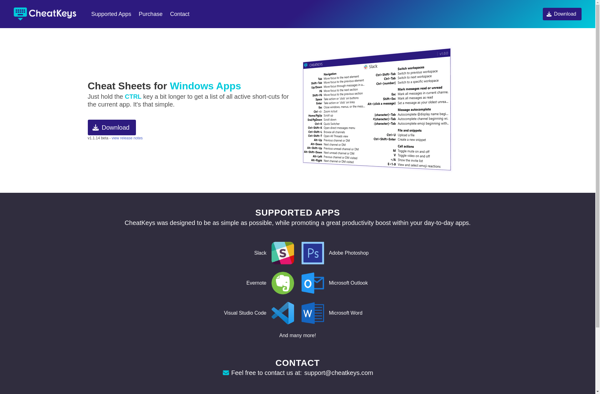
CheatKeys is a user-friendly hotkey manager and keyboard shortcut utility for Windows. It enables users to set custom keyboard shortcuts to automate repetitive tasks, launch applications and websites faster, and work more efficiently.With an intuitive interface, CheatKeys makes it simple to create application-specific shortcuts, text macros, auto-text snippets, and more....
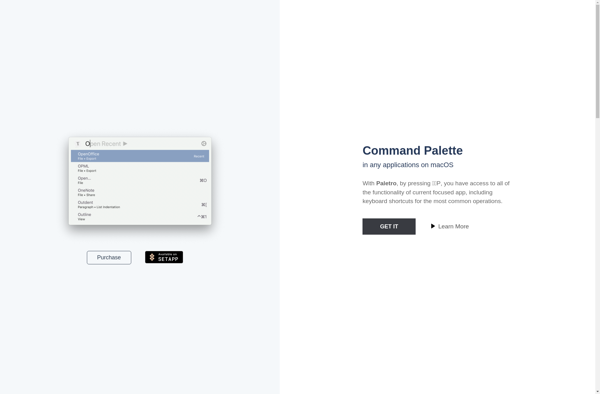
Paletro is a powerful yet easy-to-use tool for creating color palettes and managing your library of palettes. It allows designers, artists, and anyone who works with color to visually build color schemes in an intuitive interface.You can easily select colors using the color wheel and color picker tools, or by...
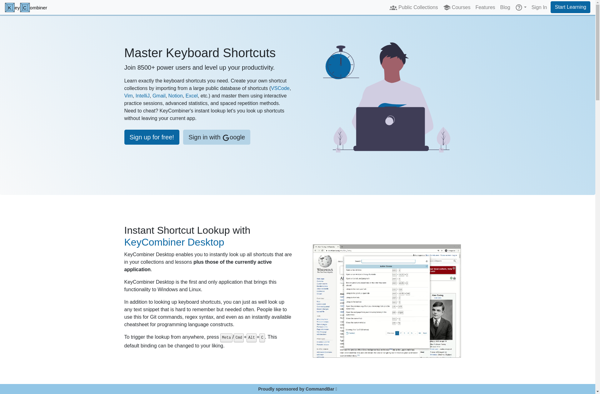
KeyCombiner is a multi-platform software utility that provides advanced keyboard shortcut and hotkey capabilities. It allows users to set custom key combinations to quickly launch applications, open files/folders, open websites, run system commands, and more.Some of the key features of KeyCombiner include:Works on Windows, MacOS, and Linux systemsCreate global or...
Hotkey EVE is a free, open source hotkey and macro program designed for gamers. It enables users to create custom keyboard shortcuts and automatically execute sequences of actions, making complex tasks easier to perform in games.With an intuitive interface, Hotkey EVE allows binding single keys or key combinations to perform...
KeyRocket is a keyboard launcher and productivity application designed for Mac. It enables users to set up custom keyboard shortcuts to quickly launch applications, run system actions, automate workflows, and more.The software allows you to assign hotkeys to open apps, documents, folders, websites, and various system functions of macOS. For...
ShortcutFoo is a powerful yet easy-to-use keyboard shortcut manager for Windows. It allows you to create custom keyboard shortcuts to automate tasks and boost productivity.With ShortcutFoo, you can set global shortcuts that work across all applications, as well as app-specific shortcuts. For example, you can set a global shortcut to...