MicSwitch
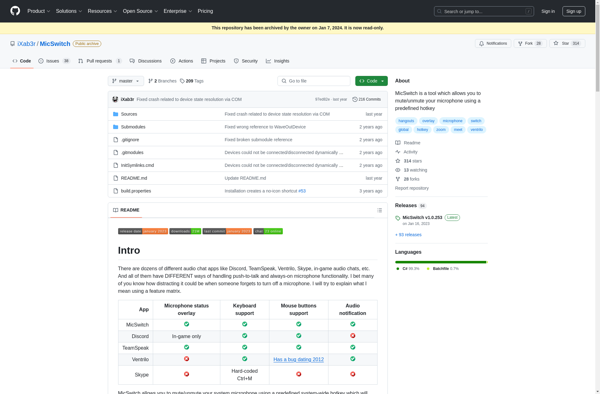
MicSwitch: Free Microphone Mute Tool
A free and open source microphone mute tool for Windows, allowing global mute/unmute via keyboard shortcuts across all programs
What is MicSwitch?
MicSwitch is a lightweight and easy to use microphone mute tool for Windows. It runs in the background and allows you to set global hotkeys to toggle your microphone's mute status across all programs.
Some key features of MicSwitch:
- Set a keyboard shortcut like Ctrl+Shift+M to globally mute/unmute your mic
- Works across all apps and games that use your microphone
- Open source and completely free to use with no ads or unwanted extras
- Very small footprint - uses barely any system resources
- Portable app - no install required, can run from a USB drive
MicSwitch is useful for streamers, gamers, remote workers and anyone who needs to quickly mute/unmute their mic without alt-tabbing out of games or applications. Its global mute toggle works seamlessly across software like OBS, Discord, Zoom, Skype, etc.
As an open source tool, MicSwitch is transparent in how it works and what data it accesses. It simply toggles the Windows audio capture device state and saves no settings or usage data. It's a clean muting solution without unnecessary bloat.
MicSwitch Features
Features
- Set global hotkeys to mute/unmute microphone
- Mute microphone across all programs
- Open source and free
- Lightweight and low resource usage
- Portable version available
- Supports push-to-talk
- Configurable mute/unmute shortcuts
- System tray icon shows mute status
Pricing
- Free
- Open Source
Pros
Cons
Official Links
Reviews & Ratings
Login to ReviewThe Best MicSwitch Alternatives
View all MicSwitch alternatives with detailed comparison →
Top Os & Utilities and System Tools and other similar apps like MicSwitch
Here are some alternatives to MicSwitch:
Suggest an alternative ❐
MicMute

Mic Drop

MuteMyMic

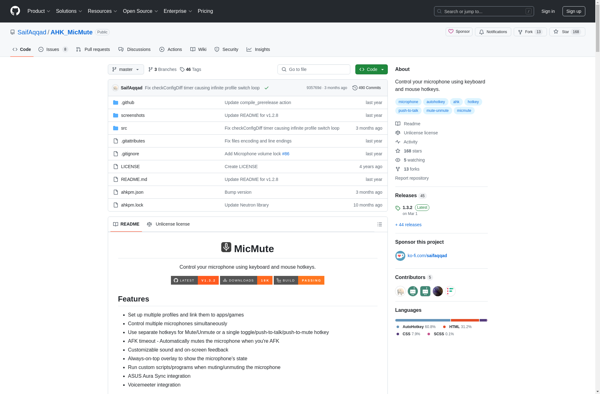
AHK MicMute
Talk Toggle