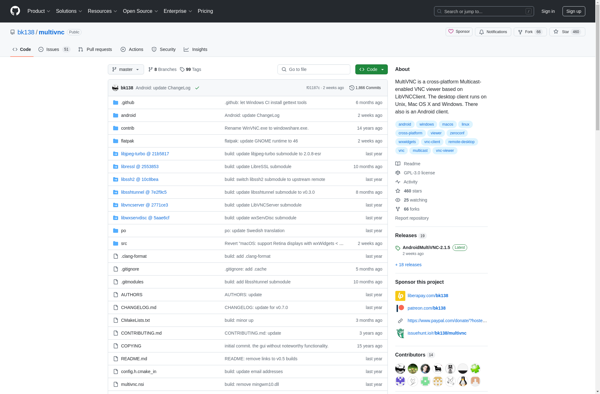
MultiVNC is a free, open source VNC client for Windows, Linux, and macOS that allows users to view and interact with multiple remote desktops simultaneously in a single window. It supports standard VNC protocols and has a tabbed interface to easily switch between connections.
MultiVNC: Free Open Source Remote Desktop Viewer for Windows, Linux, and macOS
MultiVNC is a free, open source VNC client for Windows, Linux, and macOS that allows users to view and interact with multiple remote desktops simultaneously in a single window. It supports standard VNC protocols and has a tabbed interface to easily switch between connections.
What is MultiVNC?
MultiVNC is a free, open source VNC client application that allows users to view and control multiple remote desktop sessions at the same time within a single window. It works on Windows, macOS, and Linux operating systems.
Some key features of MultiVNC include:
Ability to connect to multiple VNC servers and desktops simultaneously via a tabbed interface
Supports standard VNC protocols for cross-compatibility with many VNC servers
Encrypted connections for security
A Mini mode to minimize screen usage when inactive
Customizable UI with support for skins and layouts
Advanced features like clipboard synchronization, file transfers, remote printing, and audio support
As an open source program, MultiVNC is free to download and use. Its tabbed view makes it easy to monitor multiple remote desktops and servers within a single window. The VNC compatibility allows controlling standard VNC-enabled computers and devices across platforms. It offers more flexibility and features than traditional, single-connection VNC clients.
MultiVNC Features
Features
Allows connecting to multiple VNC servers simultaneously
Supports standard VNC protocols like RFB and RFB TLS
Tabbed interface to switch between connections
Copy and paste text and images between remote desktops
Multi-monitor support
Encrypted connections using TLS
Remote printing support
Customizable interface with skins
Pricing
Free
Open Source
Pros
Free and open source
Cross-platform support
Lightweight and fast
Easy to setup and use
Simultaneous connections in one window
Secure encrypted connections
Active development and community support
Cons
Lacks some advanced features of paid solutions
Can be resource intensive with multiple connections
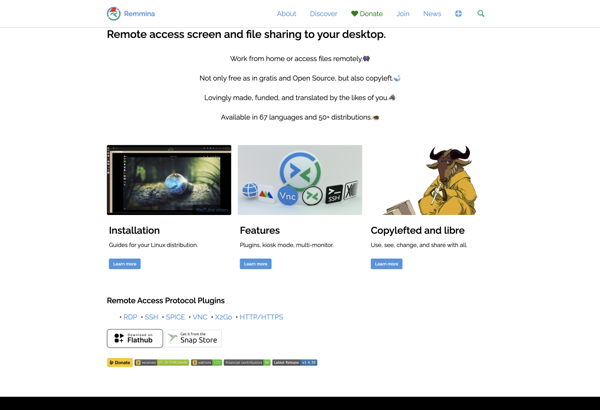
Remmina is an open-source application for connecting to remote desktops and applications. It supports multiple protocols including RDP, VNC, NX, XDMCP, and SSH. Some key features of Remmina include:Intuitive graphical user interface with a tabbed interface allowing multiple remote connections.Supports resolution scaling, clipboard synchronization, file transfers, and SSH tunnels.Highly customizable...
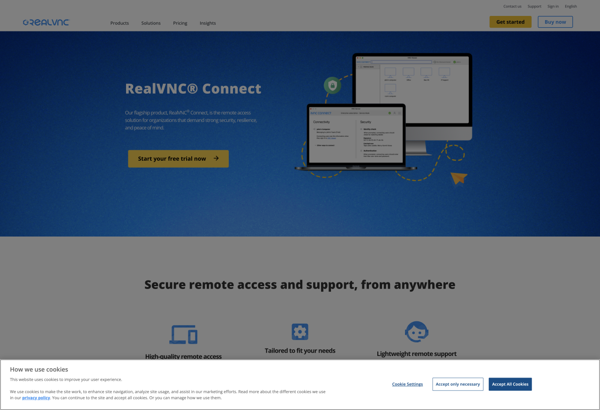
RealVNC Connect is a popular remote desktop software that enables users to remotely access and control computers over the internet or local network. It uses the VNC (Virtual Network Computing) protocol to establish remote connections.Some key features of RealVNC Connect include:Secure remote access using encryption over SSH and HTTPSRemote control...
TeamViewer is a comprehensive remote desktop software used for remote access, remote support, online meetings, web conferencing, and file transfer between computers and mobile devices. It uses a very fast and secure connection across the internet to connect to multiple devices simultaneously.Some key features of TeamViewer include:Easy remote access to...
AnyDesk is a proprietary remote desktop software developed by the German software company AnyDesk Software GmbH. It enables users to access one computer from another computer or mobile device remotely. AnyDesk is lightweight, easy to use and works across multiple operating systems.Some key features of AnyDesk include:Remote control of computers...
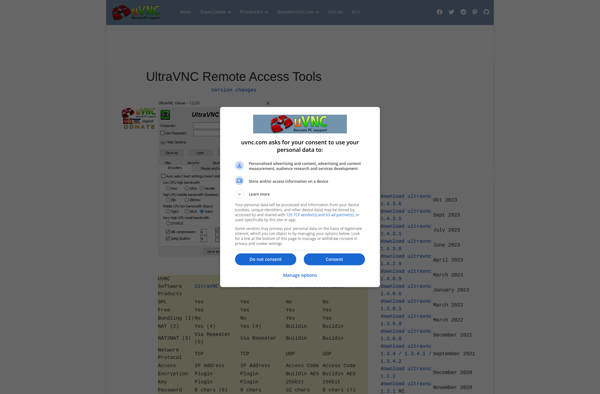
UltraVNC is an open-source, cross-platform remote desktop software that allows users to remotely control computers over a network. It uses the RFB (Remote Framebuffer) protocol to transmit graphics and input between the remote and local computers.Some key features of UltraVNC include:Compatible with Windows, Linux, and Mac operating systemsSecure authentication with...
TightVNC is a popular free and open source remote desktop software application used to access and control remote computers. It uses the RFB (Remote Framebuffer) protocol, which is an open protocol standard for remote access to graphical user interfaces, to allow users to view and interact with remote desktop environments.Some...
TigerVNC is a popular open-source implementation of VNC (Virtual Network Computing), a protocol that allows remote access and control of a computer's graphical user interface. It works by transmitting the keyboard and mouse inputs from one computer to another, relaying the graphical screen updates back in the other direction.Some key...
P2P Remote Desktop is a peer-to-peer software solution for remote desktop access and support. Unlike traditional remote desktop software that relies on a central server, P2P Remote Desktop sets up a direct, encrypted connection between two computers to enable remote control and file transfer.Some key features of P2P Remote Desktop...
droidVNC-NG is an open source VNC client application for Android devices that allows users to remotely view and control other computers over a network connection. It supports connecting to VNC servers that use RFB protocols like VNC or UltraVNC.Some key features of droidVNC-NG include:Supports VNC authentication methods like password, Anon,...
Chicken is an open source interpreted programming language that has a simple, minimalistic syntax influenced by Scheme. It runs on a variety of platforms and focuses on providing a practical and portable system for real world applications.Some key features of Chicken include:C-like syntax to allow easy transition for programmers familiar...
Remote.it is a leading remote access and remote support software designed to help IT teams efficiently manage, support, and fix issues with remote computers and devices. It allows technicians to quickly connect to PCs, Macs, smartphones, tablets, POS systems, servers, and more through a fast, secure, and easy-to-use remote desktop...
Distinct Desktop is a versatile remote desktop access software used for remote administration, support, and accessing files across computers securely. It allows users to remotely connect to another computer (local network or over the Internet) and control the desktop as if they were sitting in front of that computer.Some key...