NoteBox
NoteBox: Free Note Taking for Windows
Free note taking app with tagging, filtering, rich-text editing, file attachments, password protection, and cloud sync for Windows users.
What is NoteBox?
NoteBox is a free, open-source note taking application for Windows. It provides a simple yet powerful way to create, organize, and search all your notes in one place.
With NoteBox, users can quickly jot down ideas, thoughts, to-do lists, meeting minutes, and more. Notes support rich formatting options like bold, italics, highlights, bullet points, and more to stand out.
Some key features of NoteBox include:
- Intuitive tagging and filtering system to instantly find notes
- Attach files & images to notes
- Markdown formatting support
- Secure notes with password protection
- Sync notes across devices via cloud services
- Customizable interface with multiple themes
- Basic drawing tools to sketch ideas
- Share notes with others
- Availablecompletely free with no ads
With its user-friendly interface, flexible formatting options, and advanced organization capabilities, NoteBox is an excellent option for those looking for a free, open-source alternative to proprietary note apps.
NoteBox Features
Features
- Rich text editing
- File attachments
- Password protection
- Cloud sync
- Tagging and filtering notes
- Quick note creation
- Dark mode
- Keyboard shortcuts
- Open source
Pricing
- Free
- Open source
Pros
Cons
Official Links
Reviews & Ratings
Login to ReviewThe Best NoteBox Alternatives
View all NoteBox alternatives with detailed comparison →
Top Office & Productivity and Note Taking and other similar apps like NoteBox
Here are some alternatives to NoteBox:
Suggest an alternative ❐
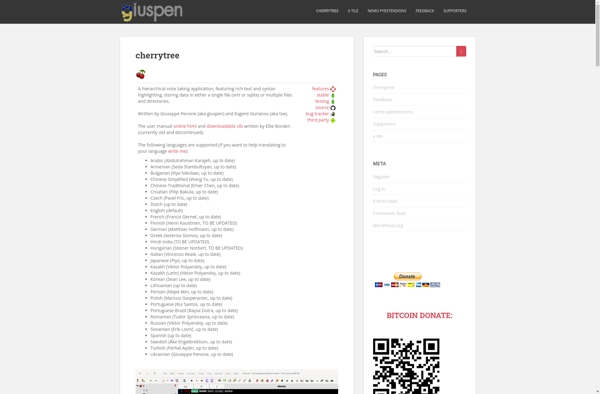
CherryTree
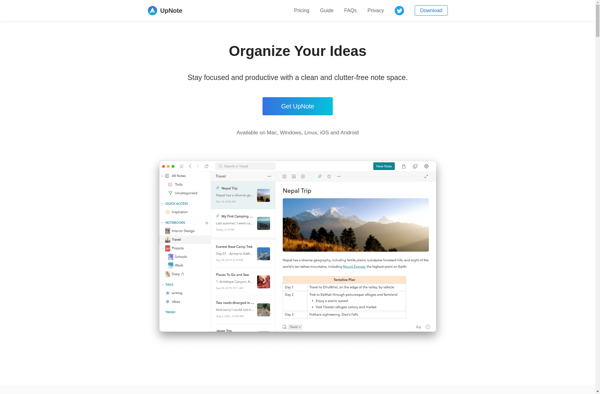
UpNote

Bundled Notes

TreeNoote

Cryptee

Passfindr


ThinkComposer


Idea Notebook