PDF Assistant
PDF Assistant is a PDF management software that allows users to edit, convert, merge, split, protect, and organize PDFs. It provides an easy-to-use interface for working with PDF documents.
PDF Assistant: Edit, Convert & Organize PDFs
A user-friendly PDF management software for editing, converting, merging, splitting, protecting, and organizing PDFs with ease
What is PDF Assistant?
PDF Assistant is a versatile PDF management application designed to provide users with a comprehensive set of tools for working with PDF documents. It allows you to view, create, edit, convert, merge, split, extract, protect and organize your PDFs through an intuitive and easy-to-use interface.
Key features include:
- View and read PDFs
- Create industry-standard PDF files from various file formats like Word, Excel, PowerPoint, JPG, and more
- Edit PDF text, images, links, and pages
- Annotate PDFs with highlights, notes, shapes, stamps, etc.
- Convert PDFs to editable formats like Word, Excel, PowerPoint, HTML, Images, and more
- Merge multiple PDFs into one or split large PDFs into smaller files
- Extract images, text, entire pages, or metadata from PDFs
- Protect sensitive PDFs with passwords and permissions
- Organize documents with bookmarks, page labels, watermarks, headers, footers, backgrounds
- Optical Character Recognition (OCR) to make scanned PDFs selectable and searchable
- Forms creation, commenting, and data collection tools
- Support for digital signatures for paperless workflows
- Cloud storage integration with Google Drive, OneDrive, Dropbox, Box, and Evernote
PDF Assistant provides a comprehensive set of PDF tools for personal as well as professional/business use at an affordable price point. It works across Windows, Mac, iOS, and Android platforms.
PDF Assistant Features
Features
- Edit PDFs
- Convert PDFs to other formats
- Merge multiple PDFs
- Split PDFs
- Password protect PDFs
- Organize PDFs
Pricing
- One-time Purchase
- Subscription-Based
Pros
User-friendly interface
Robust PDF editing capabilities
Batch processing of PDFs
Affordable pricing
Cons
Limited OCR capabilities
No mobile app
Cannot handle very large PDFs well
Reviews & Ratings
Login to ReviewThe Best PDF Assistant Alternatives
View all PDF Assistant alternatives with detailed comparison →
Top Office & Productivity and Pdf Tools and other similar apps like PDF Assistant
Here are some alternatives to PDF Assistant:
Suggest an alternative ❐
Adobe Acrobat Reader
Adobe Acrobat Reader is a free software application developed by Adobe Systems for viewing, printing, signing, and annotating Portable Document Format (PDF) files. It is the most popular PDF viewer and one of the most widely used free software downloads with over 2 billion installations across platforms and devices.Acrobat Reader...
PDF-XChange Editor
PDF-XChange Editor is a powerful, yet easy-to-use PDF editing software for Windows. It enables users to view, edit, annotate, OCR, and sign PDF documents.With PDF-XChange Editor, you can add text, images, shapes, and freehand drawings to PDFs. It comes with a wide range of annotation tools including highlights, underlines, strikethroughs,...

Okular
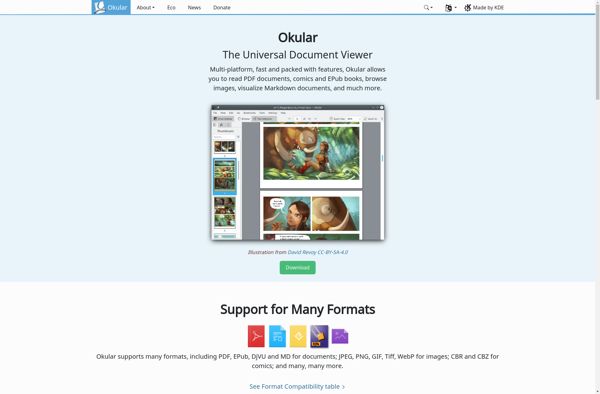
Okular is a feature-rich document viewer application designed for the KDE desktop environment on Linux operating systems. It can open and display a wide variety of document formats including PDF, EPUB, PostScript, DjVu, CHM, XPS, ODT, FictionBook, ComicBook, Plucker, and others.Some of the key features of Okular include:Smooth scrolling and...

Foxit Reader
Foxit Reader is a free, fast and lightweight PDF viewer that allows you to view, annotate, sign, and print PDF documents. Developed as an alternative to Adobe Acrobat Reader, Foxit offers the essential PDF features without the large file size and system resource usage of Acrobat.Key features of Foxit Reader...

Xodo
Xodo is a feature-rich PDF reader and annotator that allows you to view, edit, sign, share and collaborate on PDF documents across devices and platforms. It is offered as a free app for Windows, Linux, Android, iOS and as a web app that works in all major browsers.Some of the...

Evince
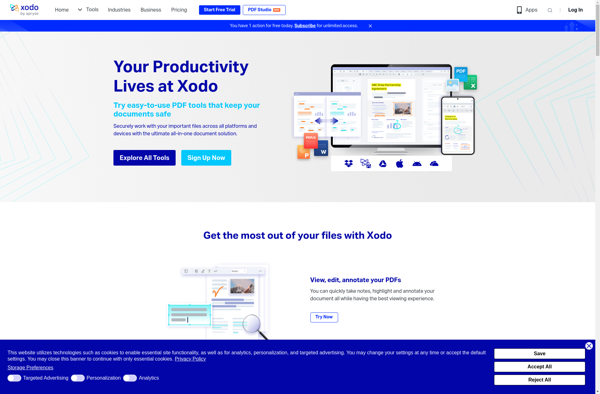
Evince is a lightweight document viewer application designed for the GNOME desktop environment. It supports the most common document formats including PDF, PostScript, DjVu and TIFF. Some key features of Evince include:Fast and efficient, optimized for GNOMESmooth scrolling and responsive UIThumbnails and two-page layout for easy browsingAnnotations and form-filling supportMinimalistic...
Skim
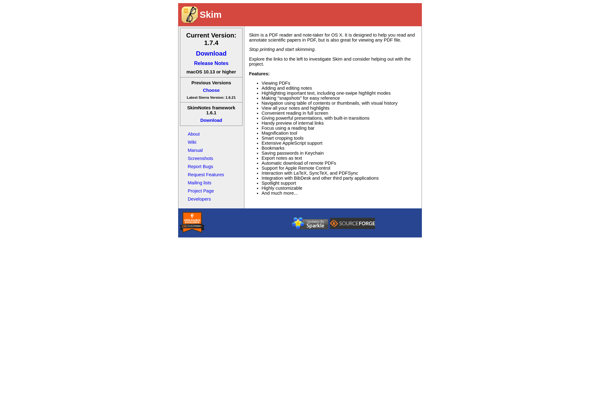
Skim is a PDF reader and note-taking app designed specifically for macOS. It provides a clean, uncluttered interface and fast performance for working with PDF documents.Some key features of Skim include:Annotations - Skim allows you to highlight passages, add text notes, draw shapes and lines, and more to annotate PDFs.Text...

Qiqqa
Qiqqa is a free, cross-platform reference management software designed to help researchers and academics organize, manage, and cite their references. Developed by Cambridge-based company Digital Science, Qiqqa aims to provide an alternative to paid reference managers like EndNote or Mendeley.Some key features of Qiqqa include:Web browser integration to easily capture...


PDF Annotator
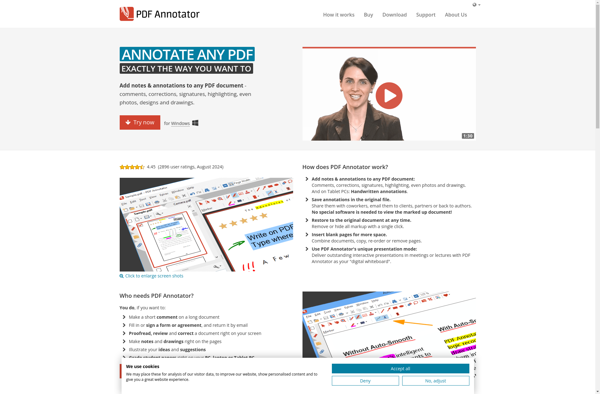
PDF Annotator is a lightweight PDF viewer and annotation tool used to add text notes, highlights, shapes, and drawings to PDF documents. It provides a simple, easy-to-use interface for applying common annotations without having to use more complex desktop PDF editors.Key features include:Add text box comments, highlights, lines, arrows, shapes,...
Qoppa PDF Studio
Qoppa PDF Studio is a versatile PDF editing and creation application for Windows. It provides a wide range of tools for working with PDF files.With Qoppa PDF Studio, you can make modifications to existing PDFs, such as adding or editing text, images, links, bookmarks, and form fields. It also allows...

Atril
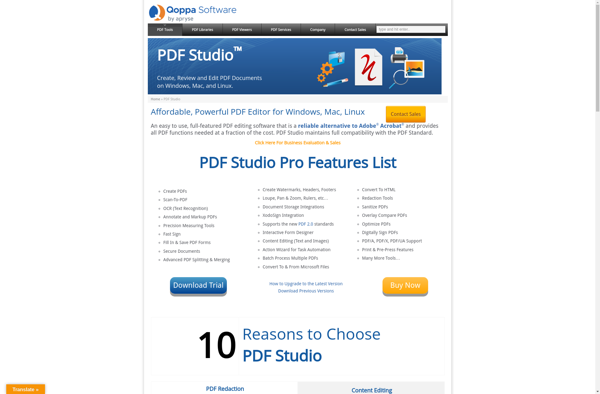
Atril is a free and open source document viewer application for Linux designed primarily to view PDF files. It features a simple and intuitive user interface with a clean, uncluttered layout focused on the content.Key features of Atril include:Continuous scrolling to navigate through documentsSidebar with thumbnail preview and bookmarkingSupport for...
Qpdfview
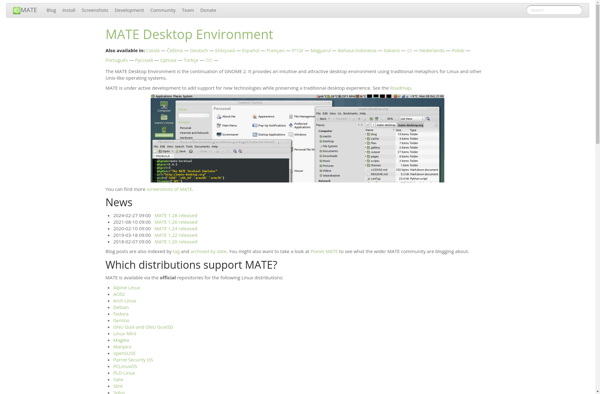
qpdfview is a tabbed document viewer for PDF and other file formats like PostScript, DejaVu, XPS, DjVu and others. It aims to be a lightweight, customizable and hackable PDF viewer.Some key features of qpdfview include:Tabbed viewing of multiple documentsPage navigation controls like zooming, rotation, scrolling and mouse selectionsBasic editing features...