PDFChef
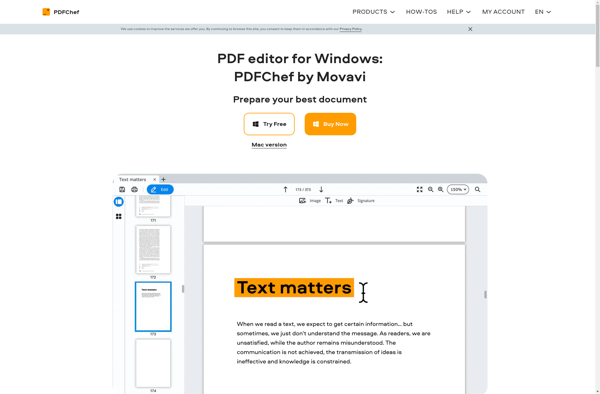
PDFChef: Edit, Merge, Split, Compress & Convert PDFs
A user-friendly PDF editor for editing, merging, splitting, compressing and converting PDF files with easy-to-use interface and batch processing features.
What is PDFChef?
PDFChef is a powerful yet easy-to-use PDF editor for Windows. It allows you to perform a wide range of operations on PDF files, including:
- Merge multiple PDFs into a single file
- Split large PDFs into smaller individual files
- Extract images and text from PDF documents
- Compress PDFs to reduce file size
- Edit PDF text, images, links without needing the source file
- Fill out and sign PDF forms
- Secure sensitive PDFs with passwords and permissions
PDFChef has an intuitive interface that allows anyone to start working with PDF documents quickly without a steep learning curve. It supports batch processing so you can handle multiple files at once. The software works well with both scanned and editable PDF files.
Whether you need to edit PDFs for business or personal needs, PDFChef is an affordable and easy-to-use PDF editor for Windows. It packs in all the major features you would expect in premium software without the high costs.
PDFChef Features
Features
- Edit PDF text, images, links, and pages
- Merge and split PDF files
- Compress PDF files
- Convert PDF to Word, Excel, PowerPoint, images, etc.
- Fill and sign PDF forms
- Add headers, footers and watermarks
- Protect PDF files with passwords
- Batch process multiple PDF files
Pricing
- Freemium
Pros
Cons
Official Links
Reviews & Ratings
Login to ReviewThe Best PDFChef Alternatives
View all PDFChef alternatives with detailed comparison →
Top Office & Productivity and Pdf Tools and other similar apps like PDFChef

OpenViewerFX

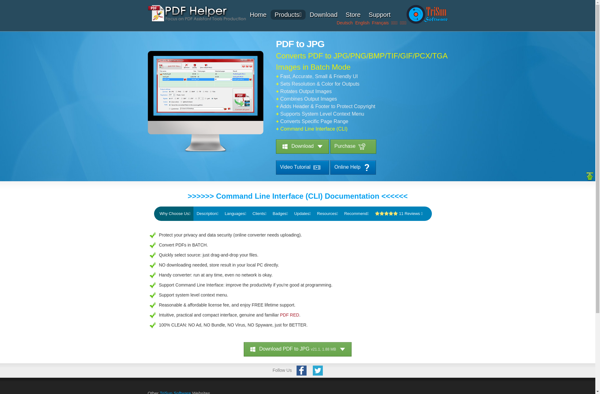
PDF to JPG