PDFwriter for Mac

PDFwriter for Mac: PDF Creation & Editing Software
PDFwriter for Mac is a PDF creation and editing software for Mac computers. It allows users to easily convert various file types like Word docs, images, and webpages into PDF format. Key features include PDF editing tools, batch conversion, encryption, and more.
What is PDFwriter for Mac?
PDFwriter for Mac is a full-featured PDF editing and creation app designed specifically for Mac OS. It provides a simple yet powerful set of tools to generate professional-quality PDF files out of various file formats.
With an intuitive drag-and-drop interface, PDFwriter allows quick conversion of Word documents, Excel spreadsheets, images, webpages and more into PDF format with just a few clicks. It preserves original document formatting, fonts, graphics and layouts with high accuracy.
Once the PDFs are created, users can employ PDFwriter's broad PDF editing tools to add or remove pages, merge multiple PDFs into one, rearrange pages, insert images and text, create watermarks, apply password protection, enable commenting, and much more.
Additional handy features include batch conversion to convert multiple files at once, customizable presets to automate workflows, the ability to compress PDFs for sharing, a built-in image editor, variable PDF quality control, and support for scanning paper documents directly into editable and searchable PDFs.
Compatible across Mac devices, PDFwriter for Mac enables users to efficiently create, organize and share PDF documents. With a clutter-free interface focused on simplicity and efficiency, it's easy for both casual and professional Mac users to create high-quality PDF files in minutes.
PDFwriter for Mac Features
Features
- Convert various file types like Word, Excel, images, webpages to PDF
- Edit PDFs by adding or removing pages, rotating, merging, splitting, extracting pages
- Encrypt and password protect PDF files
- Batch convert multiple files to PDF at once
- Support for macOS Dark Mode
- Add headers, footers, watermarks, backgrounds to PDFs
- OCR to make scanned documents searchable
- Annotations like highlights, notes, shapes
- Digital signature support
- Table of contents generation
Pricing
- One-time Purchase
Pros
Cons
Reviews & Ratings
Login to ReviewThe Best PDFwriter for Mac Alternatives
View all PDFwriter for Mac alternatives with detailed comparison →
Top Office & Productivity and Pdf Software and other similar apps like PDFwriter for Mac
Here are some alternatives to PDFwriter for Mac:
Suggest an alternative ❐
Adobe Acrobat DC

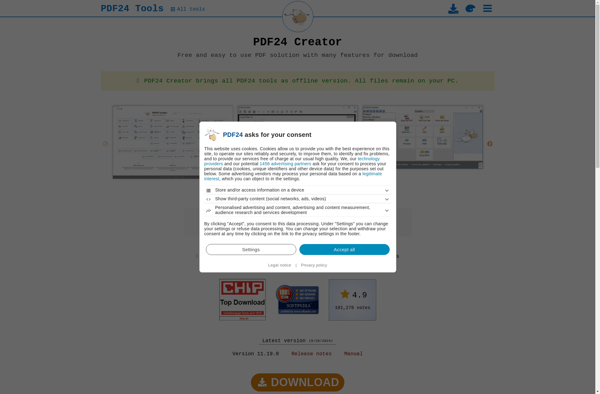
PDF24 Creator
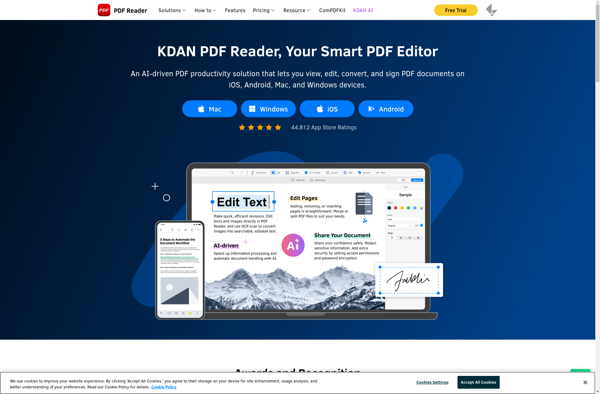
Kdan PDF Reader

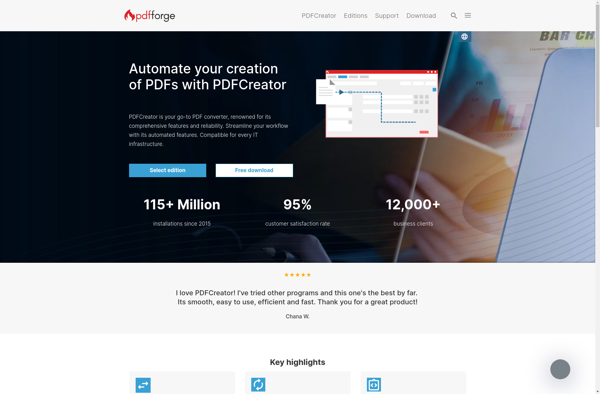
PDFCreator
CutePDF Writer


Microsoft Print to PDF

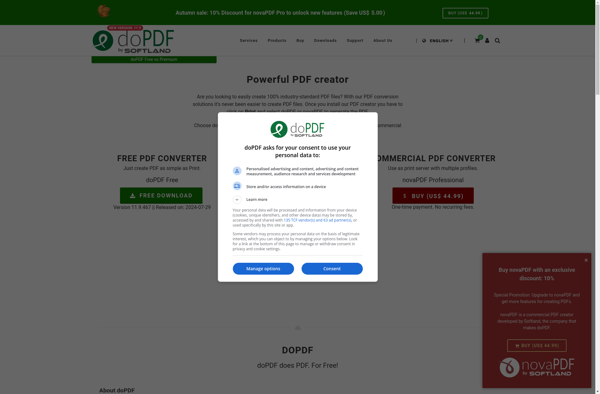
DoPDF
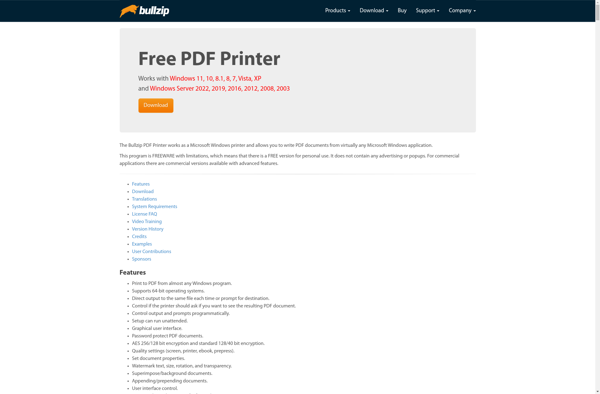
Bullzip PDF Printer

VipRiser

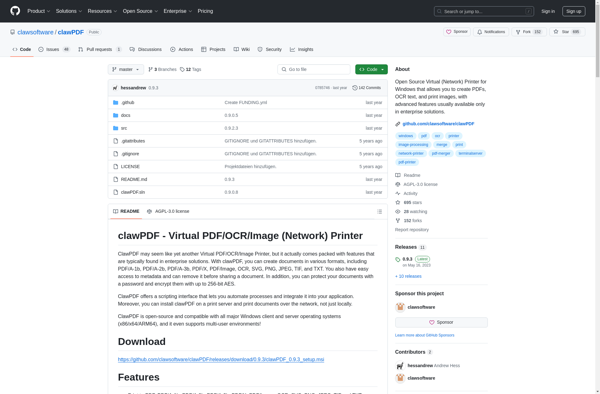
ClawPDF

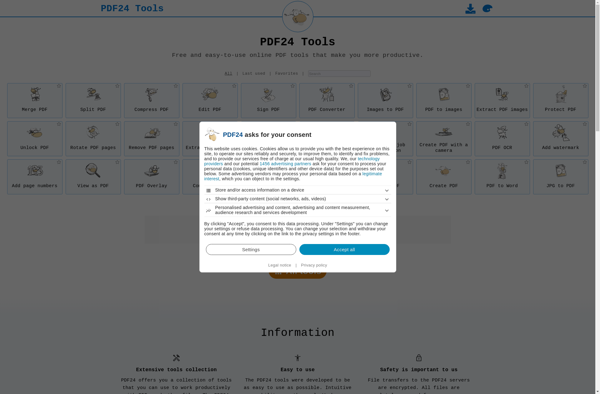
PDF24 Tools
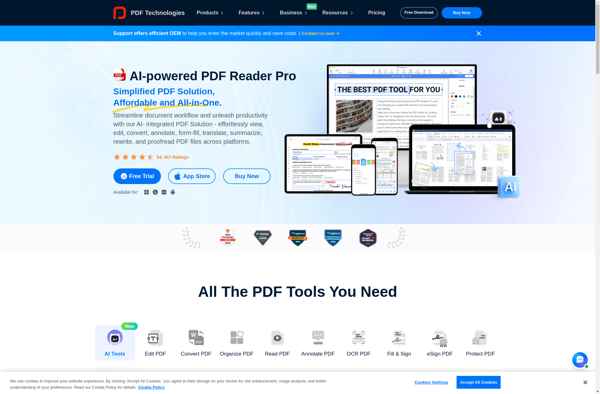
PDF Reader Pro

Q-PDF Creator Easy
PDFcamp Printer

PDF4U

Simpo PDF Creator