
Project Viewer 365
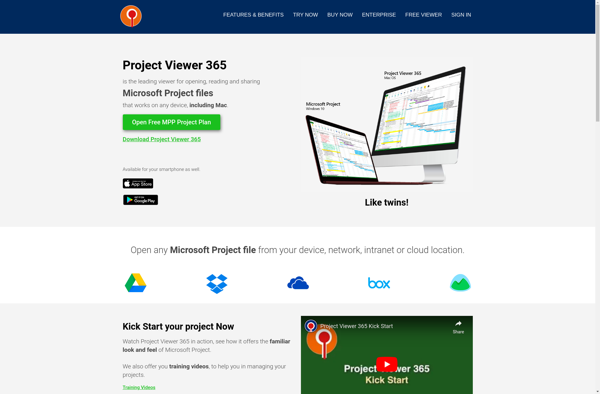
Project Viewer 365: Manage Projects Efficiently
Discover Project Viewer 365, a powerful project management software that streamlines team collaboration, task assignment, and progress tracking, all within the Office 365 ecosystem.
What is Project Viewer 365?
Project Viewer 365 is a cloud-based project management solution designed for teams who need to plan and execute projects more effectively. It provides a central hub to outline project details, create tasks, assign responsibilities, manage schedules and budgets, and track progress.
Key features include:
- Interactive Gantt charts to visualize schedules
- Customizable dashboard to monitor project health
- Task management with priority labeling, progress tracking, and assigning
- Timesheet and expense reporting
- Budget management with spend tracking
- Templates and reports
- Real-time activity feed and notifications
- Collaboration tools like group chat and document sharing
- Native integration with Microsoft Office 365
- Apps for iOS and Android devices
- Scales for use by project teams of all sizes
Project Viewer 365 aims to provide better oversight into project status to help teams coordinate work more efficiently. It's light-weight and easy-to-use yet powerful enough even for more demanding project management needs of enterprises.
Project Viewer 365 Features
Features
- Gantt charts
- Task management
- Calendar
- Time tracking
- Resource management
- Collaboration tools
- File sharing
- Reporting
- Office 365 integration
Pricing
- Subscription-Based
Pros
Cons
Official Links
Reviews & Ratings
Login to ReviewThe Best Project Viewer 365 Alternatives
View all Project Viewer 365 alternatives with detailed comparison →
Top Office & Productivity and Project Management and other similar apps like Project Viewer 365
Here are some alternatives to Project Viewer 365:
Suggest an alternative ❐
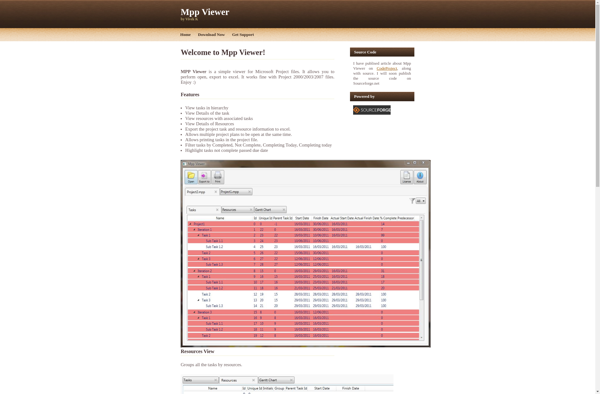
Mpp Viewer

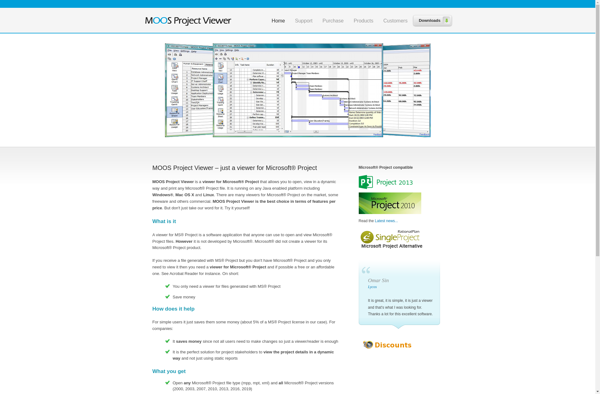
MOOS Project Viewer

Steelray Project Viewer


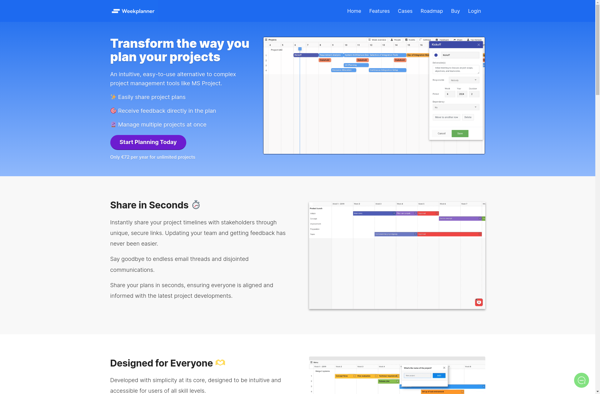
Weekplanner

Seavus Project Viewer

AxProject








