RecordGram

RecordGram: Simple Screen and Audio Recording Software for Windows
RecordGram is a simple yet powerful screen and audio recording software for Windows. It allows users to easily capture any area of their screen, record audio from microphone or system sounds, and export recordings as videos. Useful for tutorials, demo videos, bug reporting, and more.
What is RecordGram?
RecordGram is a feature-rich yet easy-to-use screen and audio recording software for Windows. With an intuitive interface, RecordGram makes it simple for anyone to capture on-screen activity and narration.
Key features of RecordGram include:
- Select any part of your screen to record or capture fullscreen
- Record audio from microphone or system sounds
- Draw on your recordings using a mouse or touchscreen
- Trim unwanted parts of your video
- Export recordings as MP4, AVI, MKV, WEBM, animated GIF and more
- Basic video editing options like transitions, annotations, cursor effects and more
- Completely free with no trials or watermarks
Whether you need to record a software tutorial, create a demo video, capture gaming footage, or just explain something on screen, RecordGram has all the necessary tools while being easy enough for novices to use. The output videos work great for uploading to video platforms like YouTube and Vimeo.
RecordGram Features
Features
- Screen recording
- Audio recording (microphone and system sounds)
- Video export
- Annotation tools (text, shapes, arrows)
- Webcam recording
- Scheduling recordings
- Editing tools (trim, split, merge)
Pricing
- Freemium
- One-time Purchase
Pros
Cons
Official Links
Reviews & Ratings
Login to ReviewThe Best RecordGram Alternatives
View all RecordGram alternatives with detailed comparison →
Top Office & Productivity and Screen Recording and other similar apps like RecordGram
Here are some alternatives to RecordGram:
Suggest an alternative ❐
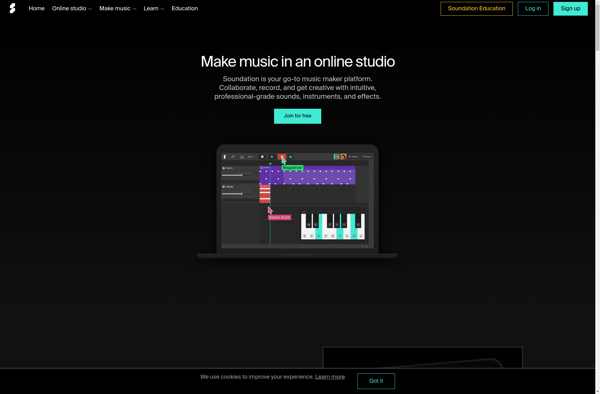
Soundation Studio

J4T Multitrack Recorder

AudioTool


SkyTracks.io

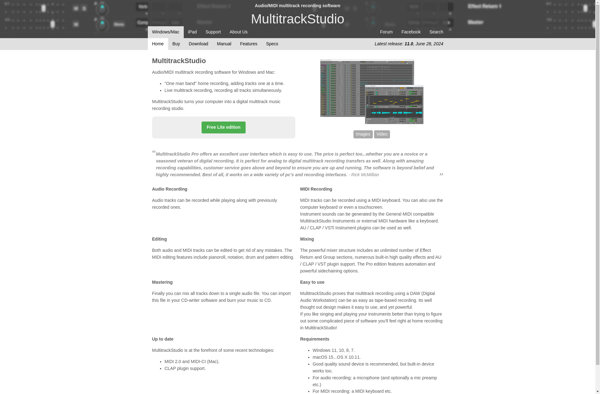
MultitrackStudio