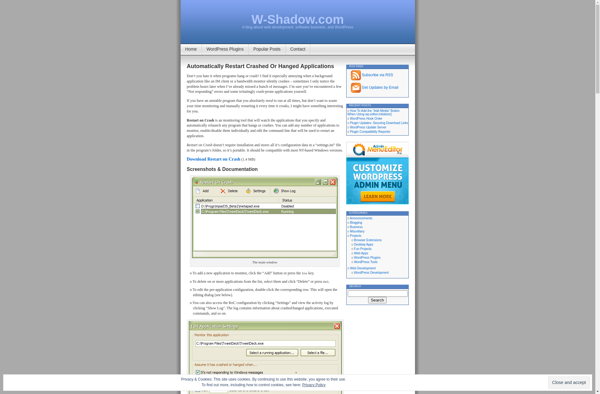
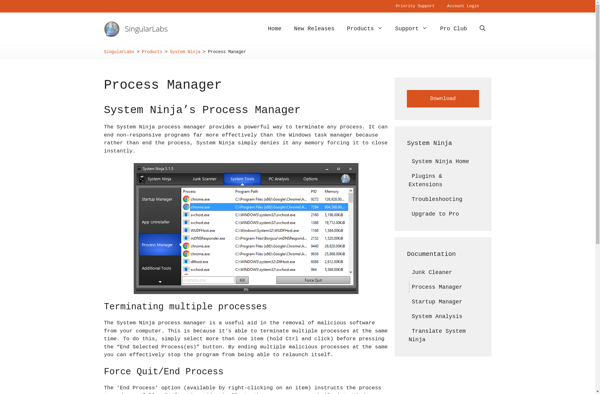
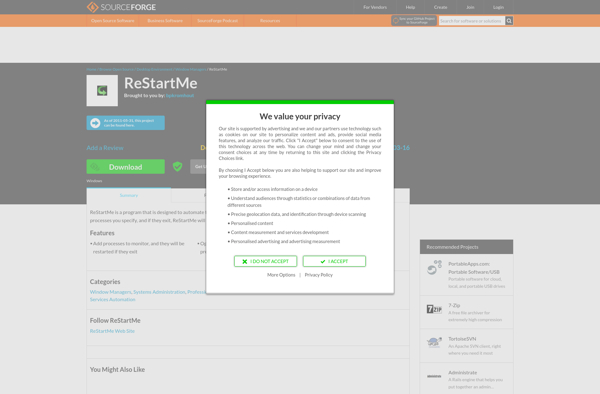
Restarter is a free and open source software that helps restart crashed or frozen applications on your computer. It runs in the background and monitors apps for crashes, freezes or unresponsiveness, and can automatically restart them to restore normal functionality.
Free & Open Source Software to Restarts Crashled Applications on Your Computer
What is Restarter?
Restarter is a utility program designed to improve computer stability and reliability by monitoring applications for crashes, hangs, or unresponsiveness. As a background process, Restarter keeps watch on running apps and services, and can automatically restart any that stop responding or functioning properly.
If an application freezes or ceases operation, Restarter will first attempt to close the troubled process gracefully. If this fails, more aggressive termination signals will be sent to kill the stalled app. Once closed, Restarter will immediately relaunch the application to return it to a normal working state.
By quickly detecting application failures and restarting the affected programs, Restarter aims to prevent the need for a full system reboot which would close all open apps and interrupt the user's workflow. Its automatic process monitoring and restart capabilities keep applications alive and stable for longer durations.
As an open source program, Restarter is free to download and use on Windows systems. It has a simple, no-frills interface to manage the apps being monitored and customize the restart triggering criteria. Light on system resources, Restarter runs smoothly in the background without disrupting system performance.
Restarter Features
Features
Monitors running applications for crashes/freezes
Automatically restarts unresponsive applications
Lightweight and runs in the background
Open source and free to use
Pricing
Free
Open Source
Pros
Saves time by restarting apps automatically
Prevents having to force quit or reboot computer
Lightweight resource usage
Free and open source
Cons
May not work for all applications
Requires some system resources to run in background
Requires some configuration to work properly
Limited to restarting apps, no advanced troubleshooting
Restart on Crash is a lightweight background utility for Windows that restarts applications and services if they crash, freeze, or stop responding. It provides automatic monitoring and recovery to keep your apps and services running smoothly.Here are some key features of Restart on Crash:Monitors running processes and services, restarting any...
ProcessAlive is a small program designed to monitor other applications and processes running on a Windows computer. Its main purpose is to detect if those processes stop responding or crash unexpectedly and automatically restart them to keep things running smoothly.Some key features of ProcessAlive:Easy to configure - Just add the...
RestartMe is a simple yet powerful Windows utility designed to help users optimize their system's performance by scheduling periodic restarts, shutdowns, sleep, and hibernation sessions.This lightweight software allows creating customizable schedules for power events such as reboots, poweroffs, standby, and hibernate modes. The intuitive interface makes it easy to set...
Advanced Task Killer is an application designed for Android devices to help manage running apps and processes. Its key goal is to try to improve device performance and battery life by giving users an easy way to manually stop and kill background processes and apps that may be using device...
Restart Me is a free software application for Windows that gives users control over scheduling system restarts, shutdowns, sleep, and hibernate modes for their computer. With a simple and intuitive interface, Restart Me allows you to easily set up timed events to automatically reboot your PC, power it off, put...
QuickPull is a software that helps businesses streamline and automate their document creation process. It enables users to easily generate professional proposals, quotes, statements of work, invoices, and other sales and administrative documents tailored specifically for the customer.Key features of QuickPull include:Customizable templates and forms - Choose from an array...