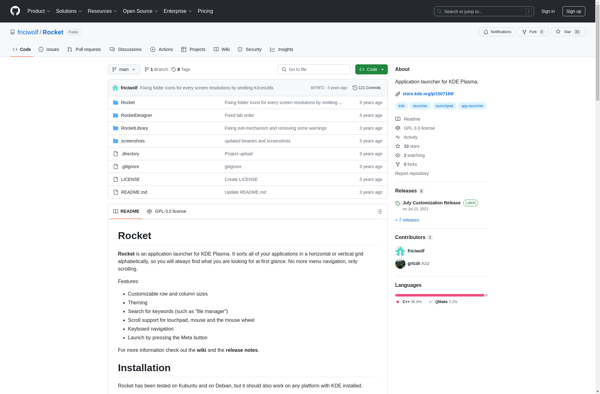
Rocket App Launcher is a fast and lightweight application launcher for Windows. It provides a simple interface to quickly launch apps and search your computer.
Rocket App Launcher: Fast & Lightweight Windows Application Launcher
Rocket App Launcher is a fast and lightweight application launcher for Windows. It provides a simple interface to quickly launch apps and search your computer.
What is Rocket App Launcher?
Rocket App Launcher is a free, open source application launcher and productivity software for Windows. It provides a fast and minimal interface to search and launch applications on your computer.
Key features of Rocket App Launcher include:
Quick app searching and launching
Keyboard shortcuts for opening frequent apps and files
Customizable categories and groups to organize your applications
Lightweight and fast even on older hardware
Portable version available to take your customized launcher setup anywhere
Open source software with active development
Rocket App Launcher aims to boost everyday productivity by giving quick access to all your apps and files. Its clean design minimizes distractions so you can focus on your work. Advanced features like command chaining, macros, and wildcards provide next-level usability for power users.
With its small footprint, open source codebase, and focus on speed, Rocket App Launcher is a great alternative to bulkier start menu replacements. Its emphasis on minimalism and flexibility makes it a handy addition to any Windows setup.
Rocket App Launcher Features
Features
Fast app launching
Lightweight interface
Keyboard shortcuts
Search apps & files
Customizable layout
Themes & skins
Plugin support
Pricing
Free
One-time Purchase
Pros
Very fast and responsive
Low memory usage
Clean and simple interface
Easy to use and customize
Support for plugins and skins
Cons
Limited configuration options
No support for jump lists
Fewer features than some launchers
May not appeal to users wanting more customization
Raycast is a free and open-source productivity application for MacOS. It provides a powerful keyboard-driven interface to quickly perform common tasks such as launching applications, searching the web, controlling system settings, and more.Some key features of Raycast include:Application launcher - Start apps, open files, adjust volume, connect devices etc. just...
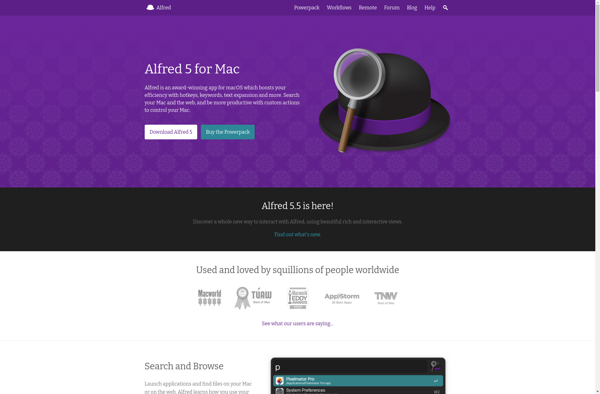
Alfred is a productivity application for macOS that helps users save time and boost efficiency. It allows you to launch applications, search files, lookup definitions, calculate expressions, and automate workflows with just a few keystrokes.Some of the key features of Alfred include:Custom hotkeys and keywords to open files, websites, applications...
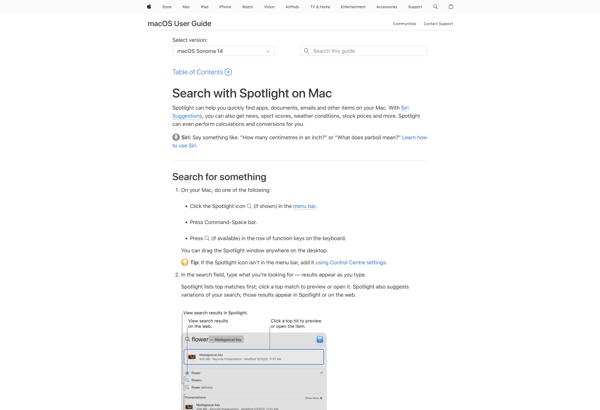
Spotlight is a desktop search tool that comes built-in with all versions of macOS. It provides a simple way for users to quickly find files, emails, contacts, calendar events, reminders, and more from anywhere on their Mac.To use Spotlight, simply click the magnifying glass icon in the top-right corner of...
Quicksilver is a fast and intuitive utility application for macOS. Originally developed in 2002, it aims to enhance productivity by giving quick access to files, applications, contacts and other system functionality.Some key features of Quicksilver include:Typing abbreviations or keywords to quickly launch applicationsBrowsing the filesystem and opening files rapidlyLookup and...
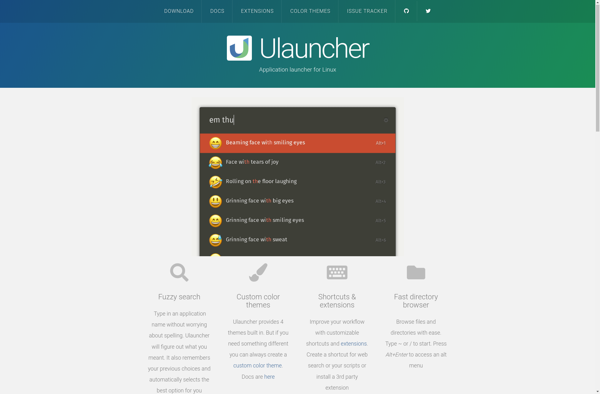
Ulauncher is an open-source application launcher and productivity booster for Linux desktop environments. It provides a quick and convenient way to launch applications and search for files, browser history, online videos, Wikipedia articles and more using fuzzy finding.Some of the key features of Ulauncher include:Fast application launching with fuzzy searchPlugin...
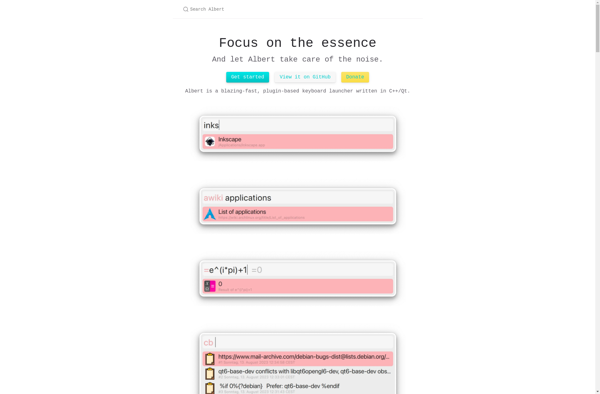
Albert is an open-source software application designed to serve as an artificial intelligence-powered personal assistant. It runs on Linux, macOS, and Windows platforms and can understand natural language voice or text queries to provide relevant information or automate simple tasks.Some key features of Albert include:Responding to basic factual questions by...
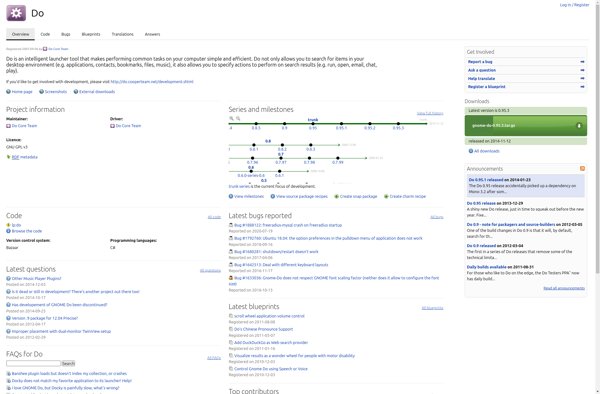
Gnome Do is a quick launch and productivity application for Linux desktops using the Gnome interface. It provides a simple yet powerful way to quickly access applications, files, folders, and browser bookmarks.Gnome Do works by indexing files and data on your system. You simply start typing into the Gnome Do...
Wox is a free, open-source application launcher and productivity tool for Windows. It provides a quick and convenient way to launch applications and search the web directly from your desktop, without needing to navigate start menus or have multiple windows open.Some key features of Wox include:Typing keyword shortcuts to instantly...
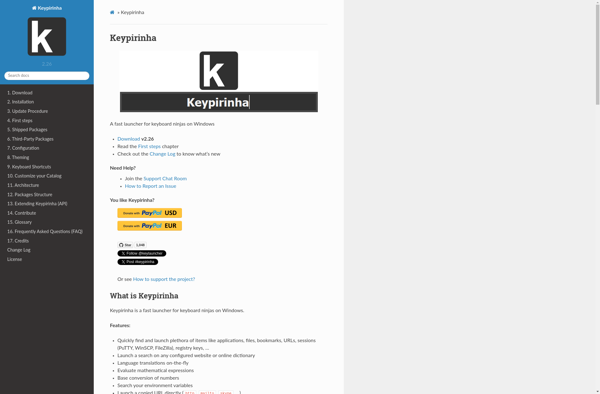
Keypirinha is a lightweight and fast application launcher and productivity booster for Windows. It allows you to quickly launch installed applications, open files and search the web simply by typing keywords, without needing to use the mouse. Keypirinha works by monitoring your keystrokes and providing suggestions based on keyword matches....
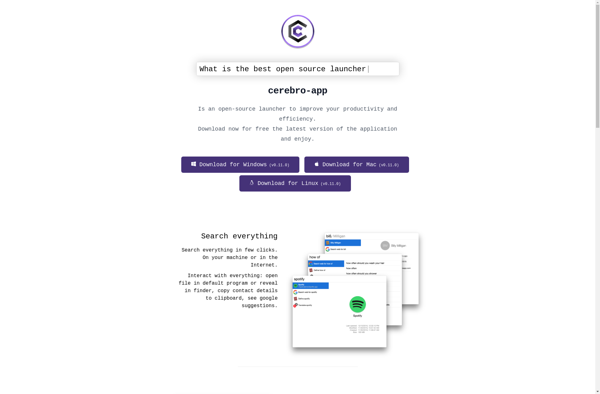
Cerebro is an open-source, free, cross-platform productivity software and keyboard launcher. It provides a clean and intuitive interface to search for and access files, applications, bookmarks, contacts and more on your computer using keywords and shortcuts.Once installed, Cerebro runs in the background and can be activated at any time by...
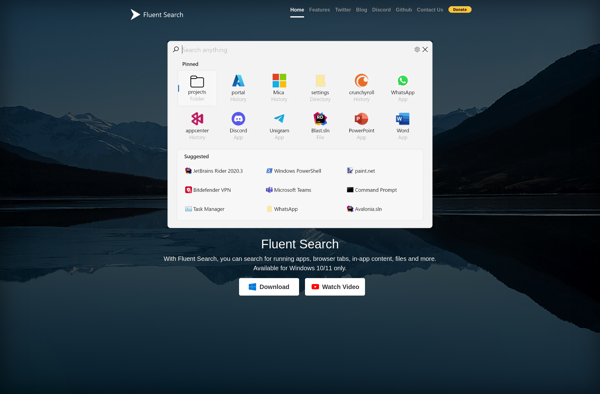
Fluent Search is an open-source search engine software designed for building fast and relevant search experiences. It is built on top of Apache Lucene, a high-performance full-text search engine library, and optimized specifically for low latency and high throughput.Some key capabilities and benefits of Fluent Search include:Out-of-the-box full-text search and...