
Txti
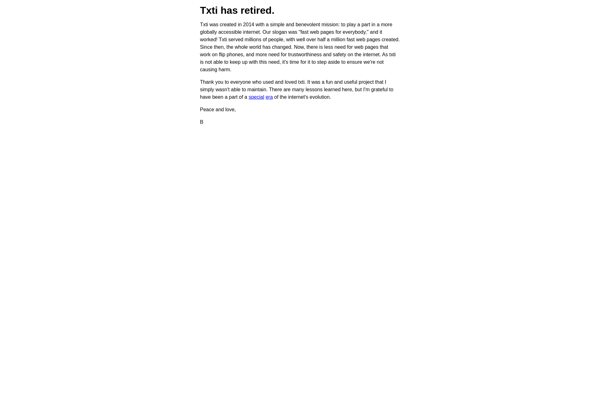
Txti: Free Plain Text Editor
A lightweight, open-source plain text editor for Windows, perfect for coding, notes, and basic writing without formatting.
What is Txti?
Txti is a minimalist text editor for Windows that focuses on simplicity and ease of use. As a lightweight open-source software, Txti loads quickly and allows for fast text editing without extraneous features.
As a plain text editor, Txti does not support text formatting, images, or other rich content. It is designed for working with unformatted text documents such as code, notes, logs, and basic writing projects. The lack of features helps minimize distractions and streamline the writing process.
Key features of Txti include syntax highlighting for over 100 programming languages, automatic indentation, find/replace across multiple files, and side-by-side editing. It also supports large files, non-Unicode encodings, and includes additional coding tools for convenient text manipulation.
With its open-source codebase, small footprint, and keyboard-driven interface, Txti appeals to developers, writers, and power users who want a reliable, no-frills text editing experience. Its simplicity makes it a great Notepad replacement for Windows.
Txti Features
Features
- Lightweight plain text editor
- Syntax highlighting for many programming languages
- Search and replace
- Multiple tabs
- Customizable interface
- Plugin support
- Portable app
Pricing
- Open Source
- Free
Pros
Cons
Official Links
Reviews & Ratings
Login to ReviewThe Best Txti Alternatives
View all Txti alternatives with detailed comparison →
Top Office & Productivity and Text Editors and other similar apps like Txti
Here are some alternatives to Txti:
Suggest an alternative ❐
Telegra.ph

Wix.com


Rentry.co

Nicepage


Write.as

Squarespace


Strikingly


Site.pro


Tilda Publishing


Mozello


Webnode


Netboard.me