
VideoBoost

VideoBoost: Professional Video Creation and Editing Software
VideoBoost is a video creation and editing software that allows users to easily create professional-looking videos for social media and marketing. It has a drag-and-drop interface, templates, stock footage and images, animations, and advanced editing features.
What is VideoBoost?
VideoBoost is an easy-to-use video creation and editing application designed for small businesses, marketers, content creators, and social media managers who want high-quality videos without complex software. It allows users with no prior video editing experience to make professional videos in minutes.
With an intuitive drag-and-drop timeline interface and extensive media library of animations, stock footage, images, and templates, VideoBoost makes video production simple. Users can choose from professionally designed templates for different video formats like promo videos, explainer animations, Instagram stories, YouTube intros, and more. The software's animation maker tool also allows users to easily create 2D and 3D animations.
For advanced editing, VideoBoost provides timeline-based video editing tools to trim, split, rearrange clips and more. Users can add animated text, background music, visual effects, color filters, and apply automatic video enhancement to improve quality. The multitrack timeline allows organizing different types of media on layers.
Once the video is created, users can export videos optimized for different resolutions and aspect ratios. Videos can be shared to platforms like YouTube, Facebook, Instagram, Twitter directly or downloaded to the local device. With its simplicity plus advanced features, VideoBoost aims to cater to users ranging from small business owners to experienced video creators.
VideoBoost Features
Features
- Drag-and-drop video editor
- Library of templates
- Stock video and image library
- Animated elements and transitions
- Chroma key tool
- Audio editing tools
- Ability to add text, shapes, overlays
- Advanced color correction
- Multi-track timeline
- Export in various formats
Pricing
- Subscription-Based
Pros
Cons
Official Links
Reviews & Ratings
Login to ReviewThe Best VideoBoost Alternatives
View all VideoBoost alternatives with detailed comparison →
Top Video & Movies and Video Editing and other similar apps like VideoBoost
Here are some alternatives to VideoBoost:
Suggest an alternative ❐
Animation Desk

Animoto

BluffTitler

Motion Arts Media


Wave.video


Magisto


Videobolt

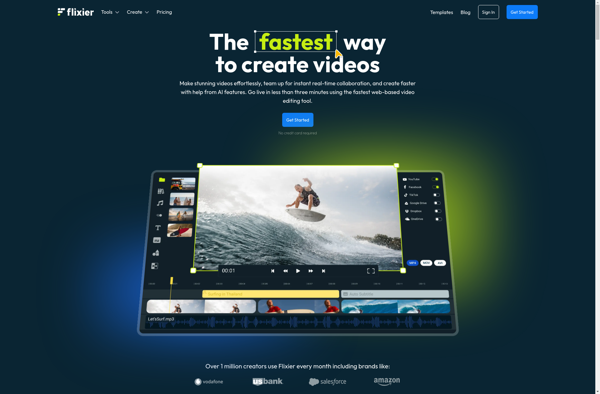
Flixier

MotionRidge


YouTube Studio


Biteable

Write-on Video


Flixpress


VideoHive


Videly


LightMV


WeVideo


Shakr








