AddToRun is a lightweight utility that allows you to easily add applications or documents to the Windows Run dialog box. It provides a simple interface to manage shortcuts to your frequently used programs.
A lightweight utility to easily add applications or documents to the Windows Run dialog box, simplifying shortcut management for frequently used programs.
What is AddToRun?
AddToRun is a small but useful Windows utility that allows you to easily add shortcuts for applications, files, folders, URLs, and other items to the Run dialog box in Windows. This allows you to quickly launch these items by pressing Win+R and selecting it from the populated list.
Some key features of AddToRun include:
Create shortcuts for any application, document, folder, website URL, etc. to add it to the Run box
Organize shortcuts into groups like Games, Work, Web, etc.
Search for shortcuts easily
Open items with a double-click or hit Enter
Lightweight and portable - runs from a USB drive with no installation
Export and import shortcuts
Completely free
AddToRun makes launching your everyday programs and items much more convenient. Instead of digging through Start menus or desktop shortcuts, you can instantly pull up the Run box and launch them from there. The intuitive interface makes it simple to manage your shortcuts.
If you frequently use the Windows Run function, AddToRun is an invaluable utility to boost your productivity. It saves you time and effort while launching your important everyday items.
AddToRun Features
Features
Allows adding shortcuts to programs/files to the Windows Run dialog
Provides a simple interface to manage frequent program shortcuts
Lightweight portable utility
Supports drag & drop to add new shortcuts
Shortcuts can be organized into groups
Shortcuts can have custom icons
Pricing
Freeware
Pros
Makes launching programs from Run dialog faster
Simple and easy to use
Very lightweight with low system resource usage
Portable so can be used from USB drive
Good for managing shortcuts to frequently used items
Cons
Limited features compared to more full-featured launchers
Only works with the Windows Run dialog
Cannot automatically add shortcuts from installed programs
Quicksilver is a fast and intuitive utility application for macOS. Originally developed in 2002, it aims to enhance productivity by giving quick access to files, applications, contacts and other system functionality.Some key features of Quicksilver include:Typing abbreviations or keywords to quickly launch applicationsBrowsing the filesystem and opening files rapidlyLookup and...
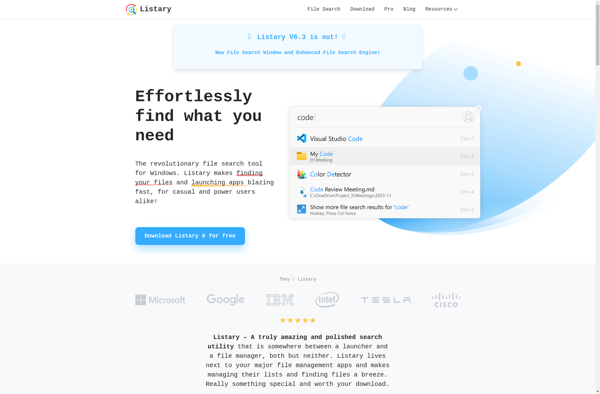
Listary is a file browser add-on and program launcher for Windows that enhances the default Windows file browsing experience. It helps power users organize, search, and access their files and folders more efficiently.Some of the key features of Listary include:Fuzzy search - find files instantly just by typing parts of...
dmenu is a simple, lightweight application launcher and command executor utility for X Window System. It provides a text-based interface that allows users to quickly launch applications or run shell commands by typing a few characters of the name and selecting it from the dynamically populated menu.Some key features of...
Gnome Do is a quick launch and productivity application for Linux desktops using the Gnome interface. It provides a simple yet powerful way to quickly access applications, files, folders, and browser bookmarks.Gnome Do works by indexing files and data on your system. You simply start typing into the Gnome Do...
Find And Run Robot is a desktop automation utility that enhances your productivity by allowing you to quickly launch applications, files, folders, websites, and perform custom actions using an intelligent hotkey-driven interface. It serves as an alternative to macOS Spotlight or Windows Search, while providing more powerful functionality.Some key features...
SlickRun is a free and open source application launcher and productivity tool designed for the Windows operating system. It provides an intuitive interface to quickly launch applications, open files and URLs, run shell commands, and more using shorthand aliases and customizable keyboard shortcuts.Some of the standout features of SlickRun include:Fuzzy...
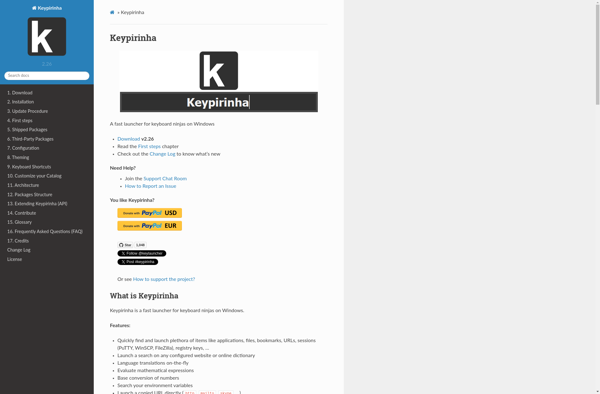
Keypirinha is a lightweight and fast application launcher and productivity booster for Windows. It allows you to quickly launch installed applications, open files and search the web simply by typing keywords, without needing to use the mouse. Keypirinha works by monitoring your keystrokes and providing suggestions based on keyword matches....
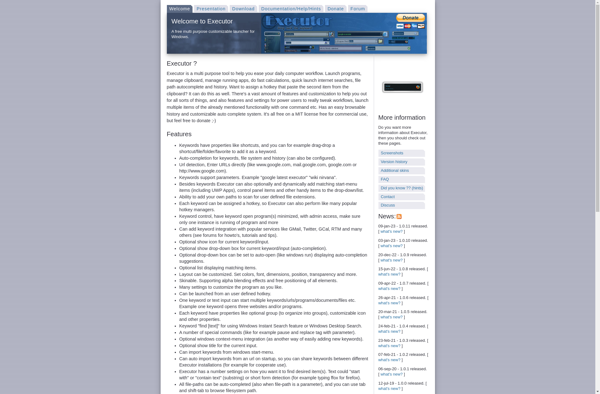
Executor is an open-source job scheduling and automation software. It allows you to easily schedule scripts, jobs, and tasks to run on set intervals or specific times and dates. Some key features of Executor include:Web-based user interface for easy management and monitoringSchedule and run scripts in Python, PowerShell, Bash, etc.Trigger...
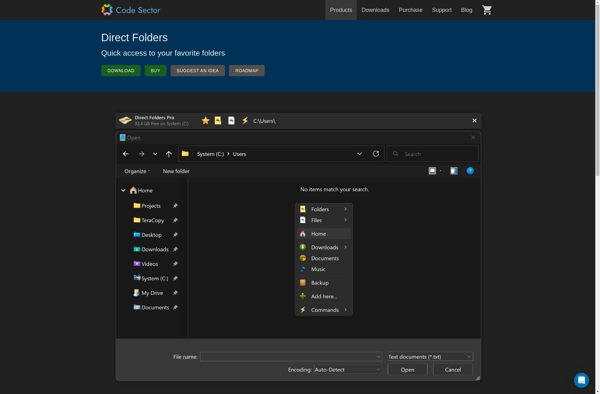
Direct Folders is a free program for Windows that offers an alternative way to organize your files and folders. Instead of relying on the traditional folder hierarchy, Direct Folders lets you categorize and tag your files so you can find them more easily.Some key features of Direct Folders:Tag-based organization -...
Run-Command is a PowerShell module included in Windows that provides a centralized interface for executing commands and scripts across local and remote Windows computers. It allows system administrators to run PowerShell scripts and commands on one or more target computers without needing to log in to each system individually.Some key...
Mutate is an open-source web analytics tool that focuses on heatmap analysis. It allows website owners to visualize and understand how users interact with their website pages.Some key features of Mutate include:Click heatmaps - See a heatmap overlay on your site pages showing the most clicked areas. This helps identify...
OpenWith Enhanced is a free software program designed to enhance the standard 'Open With' context menu in Windows when right-clicking on files. It provides more options for opening files with additional programs installed on your computer.The standard Windows 'Open With' menu only shows a few default programs when right-clicking a...