E.M. PowerPoint Video Converter

E.M. PowerPoint Video Converter
E.M. PowerPoint Video Converter is a software that allows you to convert PowerPoint presentations into video formats like AVI, WMV, MP4, FLV, 3GP and more. It supports batch conversion and can retain animations, transitions, audio, and timings from the original PowerPoint file.
What is E.M. PowerPoint Video Converter?
E.M. PowerPoint Video Converter is a desktop application used to convert Microsoft PowerPoint presentations (PPT/PPTX) into common video formats such as AVI, WMV, MP4, FLV, 3GP and more while retaining animations, transitions, audio, and timings from the original PowerPoint file.
Key features include:
- Batch conversion of multiple PowerPoint files
- Support for a wide range of output video formats and quality/resolution presets
- Retains animations, transitions, audio, subtitles from original PowerPoint
- Allows configuring output video settings like frame rate, bit rate, aspect ratio, etc.
- Works standalone without need for PowerPoint or other software
- Simple and intuitive interface for easy use
This software is useful for creating video tutorials, presentations, e-learning material based on existing PowerPoint decks. It can save significant time compared to screen recording or re-creating animations. The batch processing makes it easy to convert multiple presentations. The output videos can be shared, edited with video software, uploaded online or used in other applications.
Overall, E.M. PowerPoint Video Converter is an easy-to-use and capable tool for businesses, marketers, trainers, teachers and anyone looking to repurpose their PowerPoint content into video format while retaining all animations and fidelity of the original presentation.
E.M. PowerPoint Video Converter Features
Features
- Convert PowerPoint presentations to various video formats (AVI, WMV, MP4, FLV, 3GP, etc.)
- Retain animations, transitions, audio, and timings from the original PowerPoint file
- Batch conversion support
- Customizable video settings (resolution, frame rate, bitrate, etc.)
Pricing
- Freemium
- One-time Purchase
Pros
Cons
Reviews & Ratings
Login to ReviewNo reviews yet
Be the first to share your experience with E.M. PowerPoint Video Converter!
Login to ReviewThe Best E.M. PowerPoint Video Converter Alternatives
View all E.M. PowerPoint Video Converter alternatives with detailed comparison →
Top Office & Productivity and Presentation Software and other similar apps like E.M. PowerPoint Video Converter

ISpring Free


Convert Powerpoint to EXE 4dots


Moyea PPT to Video Converter
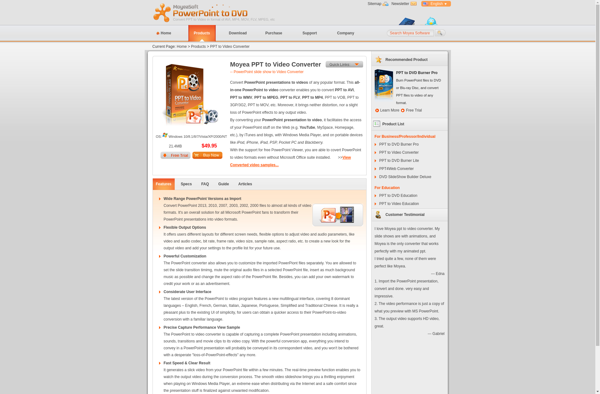

Presentation to Video Converter

Wondershare PPT2Video