Edit Pad
Edit Pad is a simple text editor for Windows. It has a clean interface for basic text editing with features like syntax highlighting and file conversion.
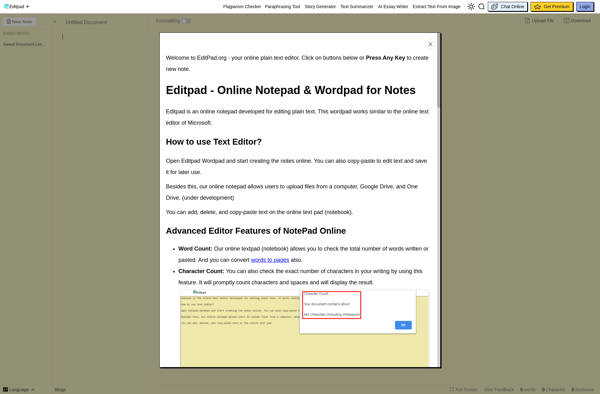
Edit Pad: Simple Text Editor for Basic Editing
A lightweight text editor for Windows, offering syntax highlighting and file conversion functionality.
What is Edit Pad?
Edit Pad is a lightweight text editor for Windows. It provides a simple interface focused on text editing, without unnecessary features or distractions.
Some key features of Edit Pad include:
- Syntax highlighting for multiple languages like HTML, CSS, JavaScript, PHP, C++ etc.
- Find/replace across files or folders
- Configurable fonts, colors, themes
- File conversion e.g. HTML to text
- Support for opening large files
- Portable version available
- Interface available in multiple languages
Edit Pad is good for those looking for a fast text editor for coding, writing or editing configuration files. While it does not have extensive features like macros or collaboration tools, its minimalist interface allows concentrating on text editing. It can be a lightweight alternative to bloated word processors when you just need to work with plain text.
Edit Pad Features
Features
- Plain text editing
- Syntax highlighting for multiple languages
- Search and replace
- Multiple tabs
- Word wrap
- Zoom in/out
- Printing support
- File conversion
- Customizable interface
Pricing
- Free
- Open Source
Pros
Lightweight and fast
Easy to use
Good for basic text editing needs
Free and open source
Cons
Limited features compared to advanced text editors
No collaborative editing features
Minimal customization options
Official Links
Reviews & Ratings
Login to ReviewThe Best Edit Pad Alternatives
View all Edit Pad alternatives with detailed comparison →
Top Office & Productivity and Text Editors and other similar apps like Edit Pad
Here are some alternatives to Edit Pad:
Suggest an alternative ❐
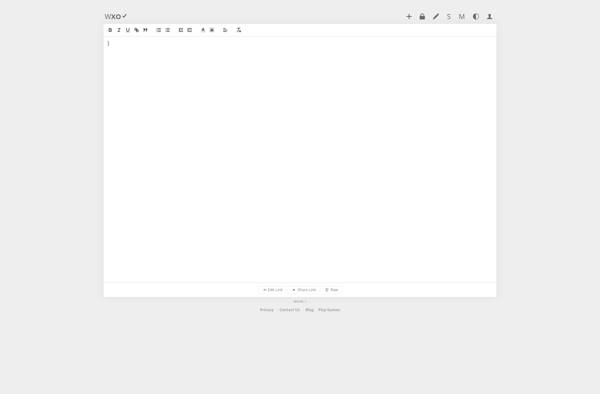
WriteXO
WriteXO is an open-source web-based word processor and document editor that allows real-time collaborative editing of documents. Some of the key features of WriteXO include:Real-time collaboration - Multiple users can edit a document at the same time and see each other's changes instantlyDocument history and version control - Browse through...

MyTextArea
MyTextArea is a free online text editor and note taking web application. It provides a minimal yet functional text editor that runs directly in the browser without needing to install any additional software.With MyTextArea, users can quickly jot down notes, write documents, create to-do lists, and organize other text information...

Minimalist Web Notepad
Minimalist Web Notepad is a basic online text editor designed for quickly writing and saving short text documents and notes directly in your web browser. It has a very simple and clean interface with minimal buttons and formatting options, intended to provide a distraction-free writing space.When you open Minimalist Web...

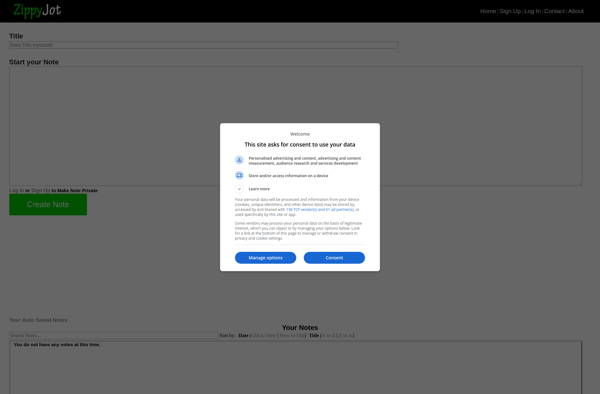
Zippyjot.com
Zippyjot is a free online note taking and task management web application. It provides users with a simple yet effective way to jot down notes, thoughts, lists, ideas, and tasks online. The interface is clean and intuitive, making it easy for users to quickly capture information.Some key features of Zippyjot...

Noteany.com
Noteany.com is a powerful yet easy-to-use online note taking application. With Noteany, users can easily create richly formatted notes, lists, ideas, and more and organize them however they like using folders, tags, and templates.Some key features and benefits of Noteany include:Collaboration tools - Notes can be shared with other Noteany...
FileNotepad
FileNotepad is a barebones text editor application included in all versions of Microsoft Windows. It provides basic text editing capabilities for creating and modifying text files. Some key features of FileNotepad include:Creating new text documentsOpening existing text filesEditing and modifying textApplying basic formatting like bold, italics, underlineChanging font type and...