Enjoy Reading is a free ebook reader and library manager software for Windows. It allows you to easily download, organize, and read ebooks in various formats.
Enjoy Reading: Free Ebook Reader & Library Manager for Windows
Download, organize, and read ebooks in various formats with Enjoy Reading, a free ebook reader and library manager software for Windows.
What is Enjoy Reading?
Enjoy Reading is a free, open-source ebook reader and management software for Windows. It provides an intuitive interface to help you download, organize, and read your collection of ebooks.
With Enjoy Reading, you can:
Import ebooks in EPUB, MOBI, PDF, and other common formats
Organize your library with bookshelves, tags, series, and custom fields
Download book metadata and covers automatically
Read books with customizable fonts, themes, and layouts
Highlight passages and take notes within books
Sync your library and reading progress across devices
Convert ebook formats from one type to another
Enjoy Reading focuses on providing a clean, ad-free reading experience without distractions. It aims to make managing and reading your ebook library as pleasant and intuitive as possible. The software is actively developed and has a helpful online community.
With support for all major ebook formats, customizable reading options, and multi-device sync, Enjoy Reading is a great option for anyone looking to organize and read their digital book collection on Windows.
Enjoy Reading Features
Features
Supports various ebook formats like EPUB, MOBI, PDF, etc
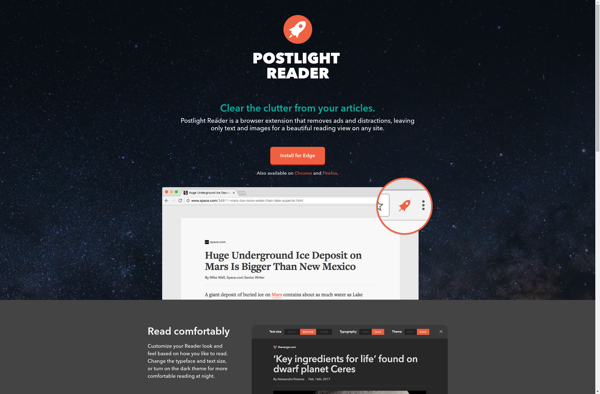
Postlight Reader (also known as Mercury Reader) is a browser extension and web app that removes ads, popups, and other distractions from articles across the web to improve readability. It uses artificial intelligence to extract just the main content from articles - the useful text, images, and videos - into...
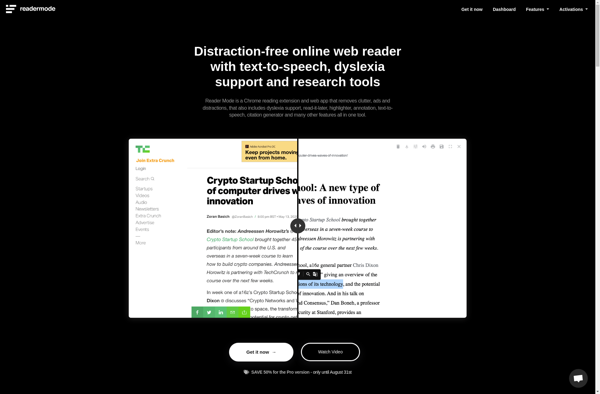
Reader Mode is a feature found in many popular web browsers like Firefox, Safari, Edge, and Chrome. When enabled on a web page containing an article, Reader Mode simplifies the page layout and typography to optimize it for reading.Specifically, Reader Mode removes ads, navigation menus, background images, videos, and other...
Evernote Clearly is an Evernote product that works as both a browser extension and web clipper. It is designed to remove distractions from articles and websites so you can focus on reading and absorbing the main textual content.When you click the Clearly browser button on an article, it strips away...
Read Mode is a browser extension available for Google Chrome, Firefox, and Safari. It works by analyzing web page content to identify the core article text, and then removes surrounding page elements that can be visually distracting or annoying.When visiting an article page, Read Mode will display a small icon...
Flynx is a free and open source Android web browser developed by Ramakrishna Venu. It has a unique multitasking browsing feature that sets it apart from other mobile browsers.When you tap on a link in Flynx, it loads that web page in a background tab while keeping the current page...
Tranquility Reader is a free and open-source eBook reader software available for Windows, Linux and macOS. It provides an elegant, distraction-free reading experience tailored for avid readers.With Tranquility Reader, you can easily manage your eBook libraries and collections. It features automatic fetching of book details and covers from online databases....
The iReader browser extension is a free tool that enhances the reading experience when browsing the web. It works by removing ads, recommended articles, comments sections and other clutter from article pages. What's left is only the main text content formatted in a simple, distraction-free layout.When visiting an article page,...
cleanPages is a software solution that helps declutter webpages by removing intrusive and distracting elements like ads, popups, sidebar recommendations, etc. This results in a clean, distraction-free reading view that improves focus and information retention.As a browser extension and web app, cleanPages works seamlessly across devices. After installing, it automatically...