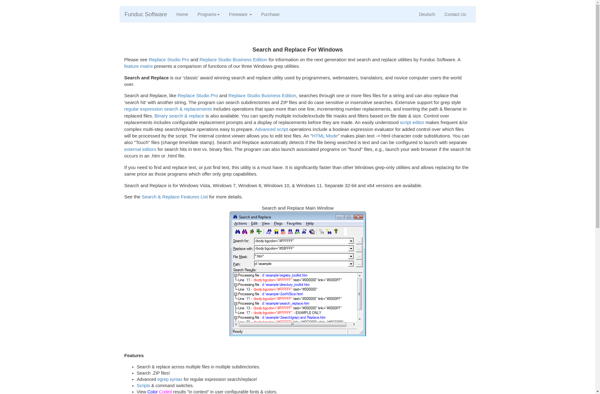
Funduc Search and Replace is a text search and replace tool for Windows. It allows users to find and replace text across multiple files and folders quickly and easily. Some key features include regular expression support, batch processing, and finding duplicate files.
Find and replace text across multiple files and folders quickly with regular expression support, batch processing, and duplicate file finding features.
What is Funduc Search and Replace?
Funduc Search and Replace is a powerful text search and replace software for Windows. It provides users with an easy way to find and replace text across multiple files and folders. Some of the key features of Funduc Search and Replace include:
Supports regular expressions for advanced search and replace functionality
Processes multiple files and folders in batch for efficient text replacement across projects
Provides extensive search criteria options such as case sensitivity and whole word matching
Identifies duplicate files to help clean up cluttered folders
Compares folders and exports the differences to a text file
Lightweight and easy to use with an intuitive interface
Funduc Search and Replace is useful for developers, writers, or anyone who works with multiple text documents and needs to efficiently find and replace text across them. Whether you're updating variable names in source code or fixing typos in documentation, Funduc Search and Replace can automate the process and save you time.
Funduc Search and Replace Features
Features
Regular expression support
Batch processing
Finding duplicate files
Supports a wide range of file types
Ability to preview changes before applying them
Powerful search and replace functionality
Customizable search and replace options
Supports Unicode and multi-byte character sets
Pricing
One-time Purchase
Pros
Efficient and accurate text search and replace
Supports a variety of file types
Batch processing capabilities
Regular expression support
Intuitive and user-friendly interface
Helpful preview feature to avoid unintended changes
Cons
Limited to Windows operating system
May not have advanced features found in more specialized text editors
Older versions may not be compatible with newer Windows releases
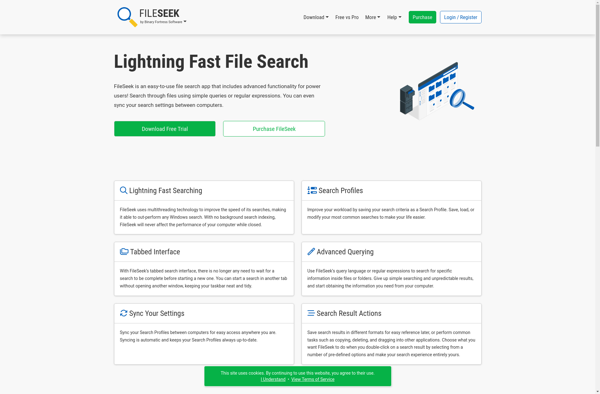
FileSeek is a desktop search application for Windows that builds an index of all the files and content on your computer so you can instantly find what you need. It indexes documents, media, emails, archives, and more from across your hard drives in seconds. Some key features include:Fast, indexed search...
SearchMyFiles is a powerful file search application for Windows that makes it easy to locate files and folders on your local hard drives, external drives, network shares and more. It has an intuitive and customizable interface that allows you to perform simple or advanced searches quickly.Some key features of SearchMyFiles...
TextCrawler is a powerful text analysis software designed to help individuals and organizations gain insights from textual data on the web or in documents. It utilizes advanced natural language processing and machine learning algorithms to analyze text across several key dimensions.Some of the main features of TextCrawler include:Web crawling -...
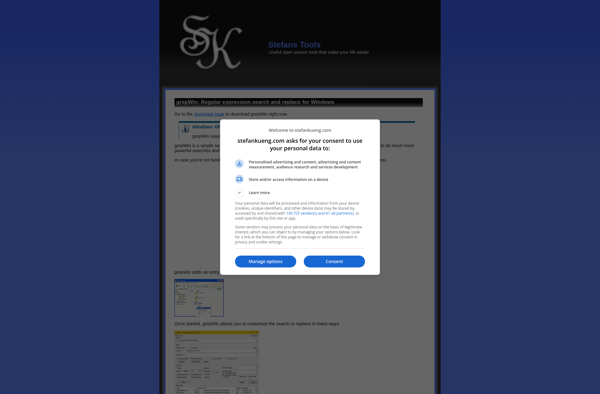
grepWin is a free, open-source search tool for Windows that provides powerful text search and replace functionality for files and folders. It works similarly to the grep command on Linux/Unix systems and allows you to search for text patterns, regular expressions, and other advanced search options across multiple files and...
Multiple Search and Replace is a powerful text processing application designed to perform bulk find and replace operations across multiple text-based files and folders. It provides an efficient way to search across hundreds or thousands of files to find and replace text, making it extremely useful for developers, writers, website...
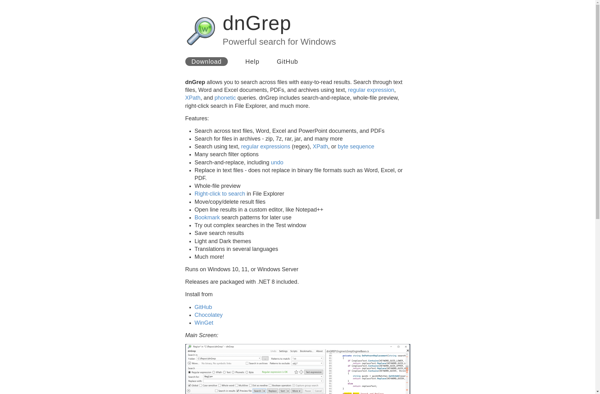
dnGREP is a powerful grep tool for Windows that provides advanced text searching and manipulation capabilities. Some key features of dnGREP include:Supports regular expressions for complex search queriesSearch across multiple files and directoriesReplace text across files with batch find/replaceFilter search results with inclusions/exclusionsGenerate reports from search resultsPlugin architecture for extensibilityPortable...
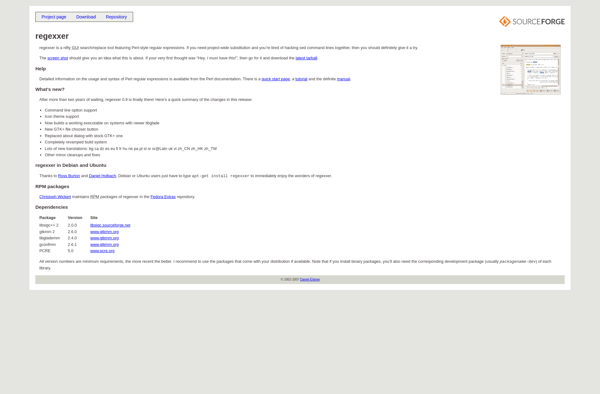
Regexxer is a feature-rich regular expression editor and tester that provides a suite of tools for efficiently building, testing and debugging regex patterns. It has an easy-to-use interface allowing you to focus on crafting regular expressions rather than getting bogged down in application complexity.Key features include:Intuitive editing interface with handy...
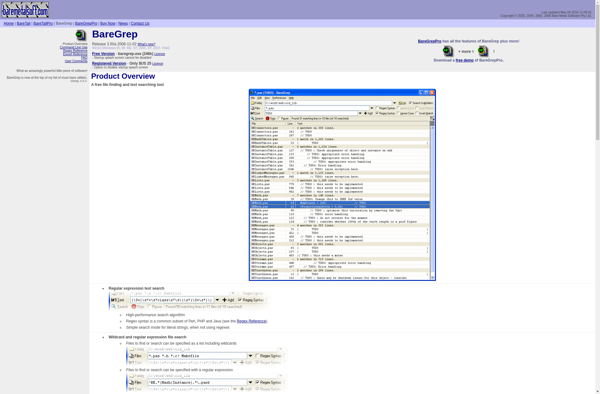
BareGrep is a fast, lightweight text search application for Windows. It provides an easy way to search through files and folders on your computer to find text strings and regex patterns.Some key features of BareGrep:Very fast search speeds, faster than Windows search and many other desktop search toolsLightweight interface without...
fnr.exe is a Windows command line utility that can batch rename multiple files in a folder by appending an incrementing number or custom text to the start or end of the filename. This makes it easy to organize large groups of unsorted files and prevent filename conflicts.Some key features of...
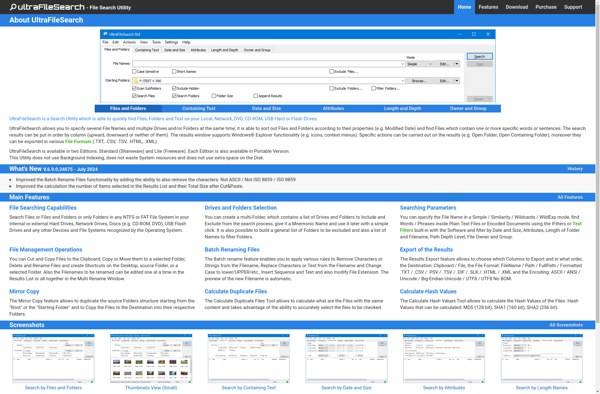
Ultra File Search is a free desktop search utility for Windows that allows users to quickly find files, folders, emails, and other items on their computer or network drives. It has an intuitive and easy-to-use interface that makes searching simple.Some key features of Ultra File Search include:Powerful indexed search that...
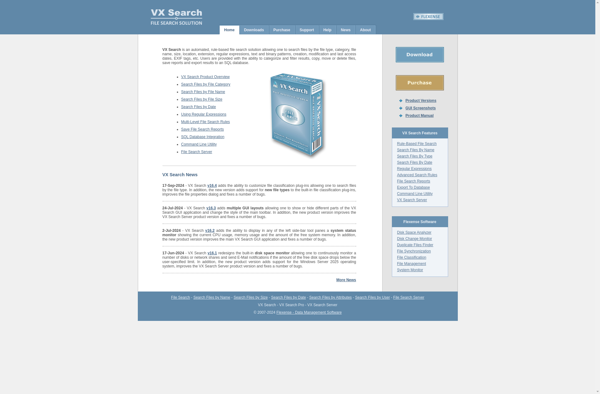
VX Search is an open-source, privacy-focused search engine and web crawler. Unlike mainstream search engines, VX Search does not track users or profile them to target advertising. Instead, it aims to provide highly relevant search results through an accurate web crawler while protecting user privacy.Some key features of VX Search...
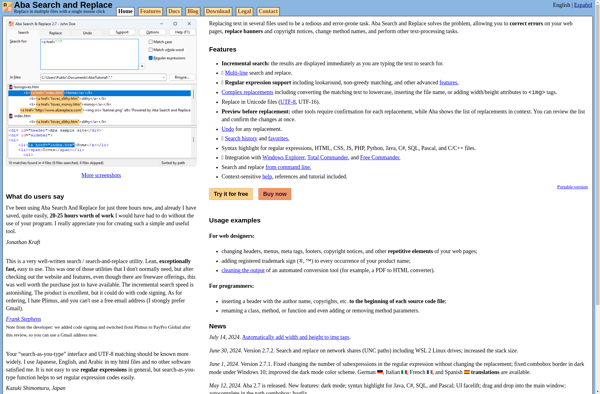
Aba Search and Replace is a powerful search and replace tool for websites, code, and documents. It provides an easy way to find and replace text across multiple files at once.Some key features include:Search and replace across multiple files and foldersSupport for text, HTML, XML, PHP, JavaScript and moreAdvanced search...