ImageMagick
ImageMagick: Open-Source Image Editing Software Suite
ImageMagick is an open-source software suite for creating, editing, composing, and converting bitmap images. It can resize, flip, mirror, rotate, distort, shear and transform images, adjust image colors, apply various special effects, draw text, lines, polygons, ellipses and Bézier curves.
What is ImageMagick?
ImageMagick is a free and open-source software suite for the creation, modification, and manipulation of images. It can read, convert and write images in over 200 formats. ImageMagick is cross-platform and runs on Linux, Windows, Mac OS X, iOS, Android OS, and others.
ImageMagick is composed of a number of command-line utilities for manipulating images. The core utility is called convert which can resize, flip, mirror, rotate, distort, shear and transform images. It can also adjust image colors, apply various special effects, draw text, lines, polygons, ellipses and Bézier curves.
Other commands allow adding or removing image profiles, creating animated GIFs, creating thumbnail images, compare two images, combine multiple images, create images from text, create different image montages, streaming operations for video processing, and much more.
ImageMagick is written in C and integrates with many programming languages such as C++, Perl, PHP, Python, Tcl/Tk, Ruby, Ch .NET, Java, and Go. This makes it very useful as an image processing library to be integrated into applications.
Some of the major features of ImageMagick include format conversion between image formats, transform and distort images, add special effects, draw shapes and text, adjust colors, crop and resize images, compare images, montage creation, stream image processing, and high quality image generation.
ImageMagick is used by many websites, graphic design houses, VFX companies, research organizations, individual users and is packaged by many Linux distributions. It provides a powerful yet simple way to manipulate images from the command-line interface.
ImageMagick Features
Features
- Image format conversion
- Resize, rotate, flip, mirror, crop and trim images
- Merge multiple images
- Add text, shapes and frames to images
- Apply filters, effects and image enhancements
- Batch process images
- Create image montages and collages
- Extract or remove image channels
- Adjust colors, brightness, contrast, gamma
- Blur, sharpen, despeckle and reduce noise
Pricing
- Open Source
Pros
Cons
Official Links
Reviews & Ratings
Login to ReviewThe Best ImageMagick Alternatives
View all ImageMagick alternatives with detailed comparison →
Top Photos & Graphics and Image Editing & Conversion and other similar apps like ImageMagick
Preview

Microsoft GIF Animator

File Converter

Free Image Convert and Resize

Ezgif.com

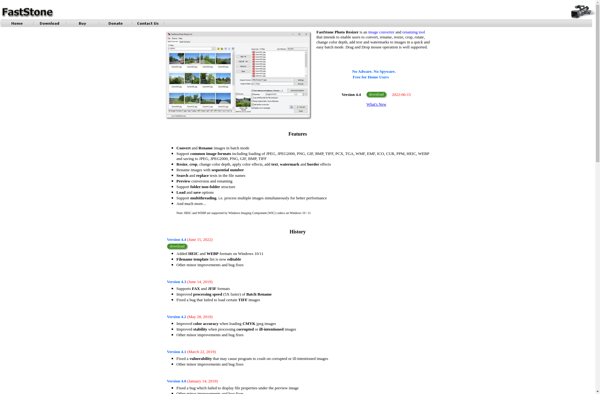
FastStone Photo Resizer

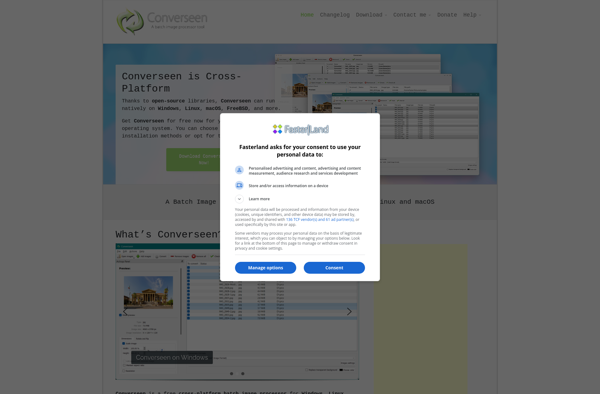
Converseen

Transloadit

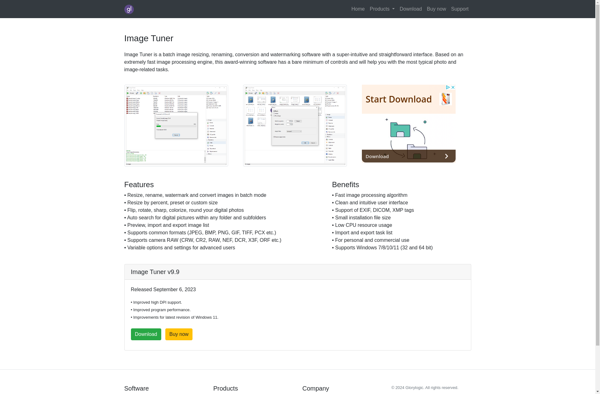
Image Tuner
ImageOptim

Phatch

XnConvert

Filestar

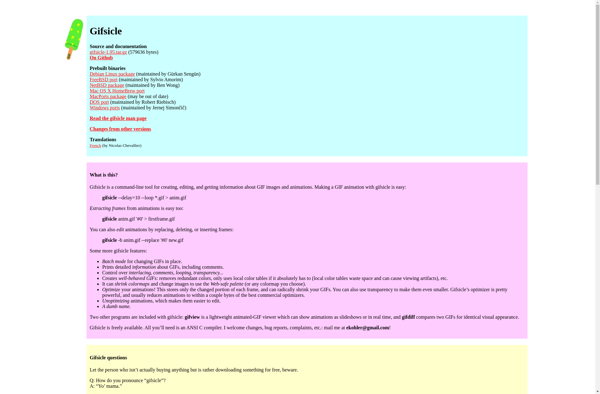
Gifsicle

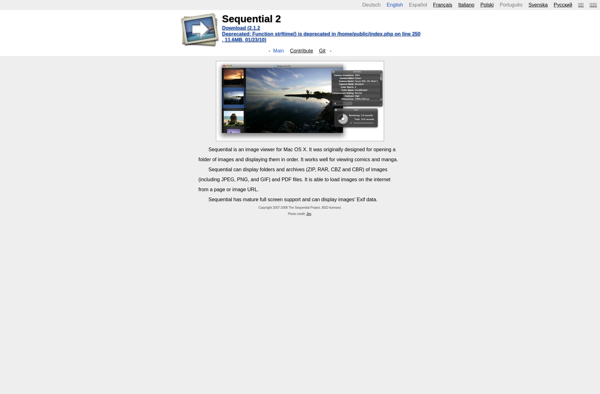
Sequential

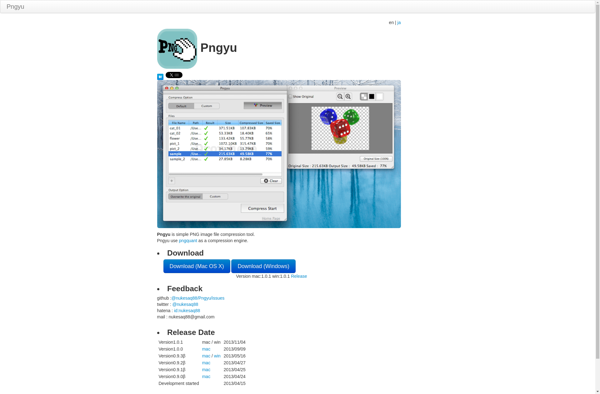
Pngyu

Pictureflect Photo Viewer

Dropresize
Optimage

Fotosizer
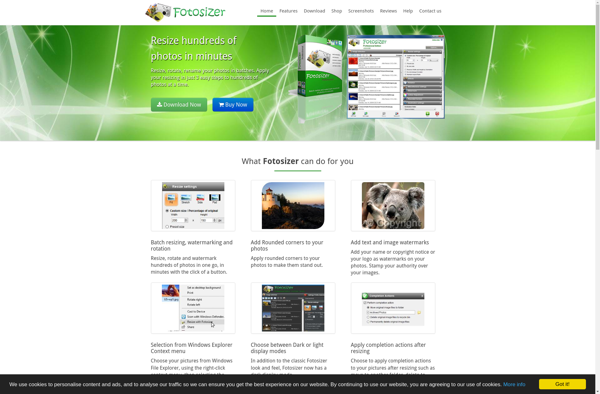

GraphicsMagick


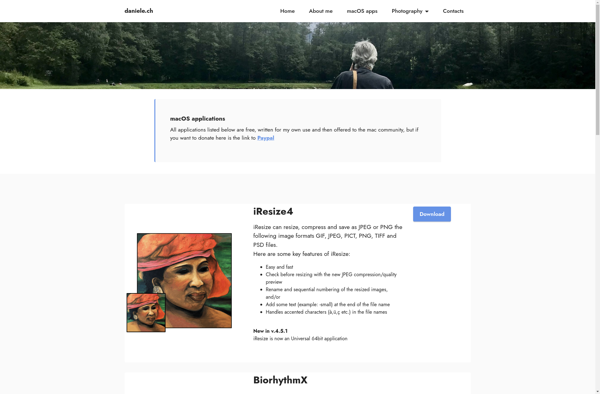
IResize

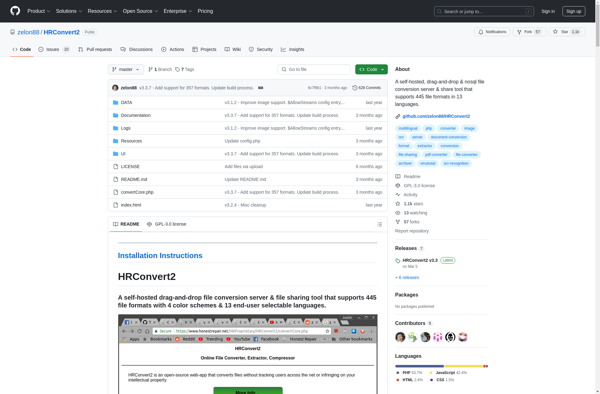
HRConvert2

Thumbor


GIFmagic


VIPS
Photo Batch

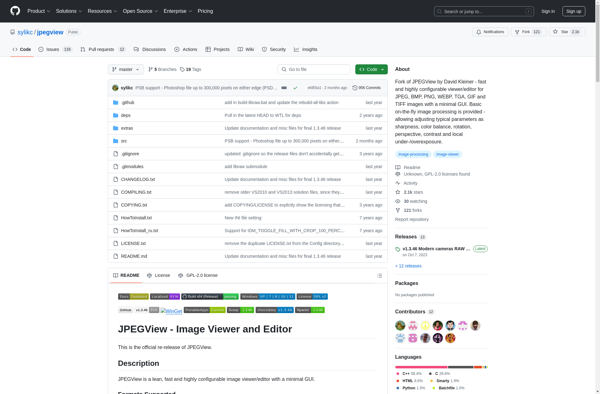
JPEGView
Pngquant

Image Eye

Arcane Marks

Dogetizer Meme Generator

Sprite Sheet Animator

Kigo Image Converter

Creative Convert

ResizeMe
PhotoBatcher


Pixle

GraphicConvertor 10

IMAGEmini


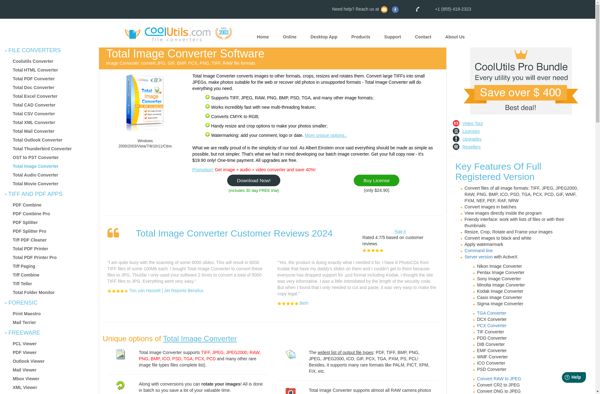
Total Image Converter

FocusOn Image Viewer

Yasisoft GIF Animator


Aerate
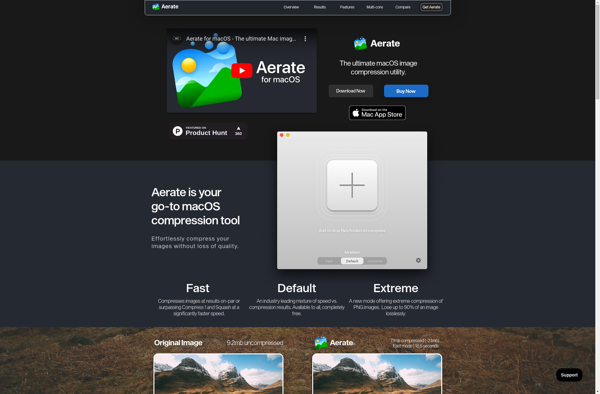
Photo Resizer Expert


Tinybeest

FCorp Imaging
SharpShot

Black Bird Image Optimizer

Alchemy file converter