Inkdrop
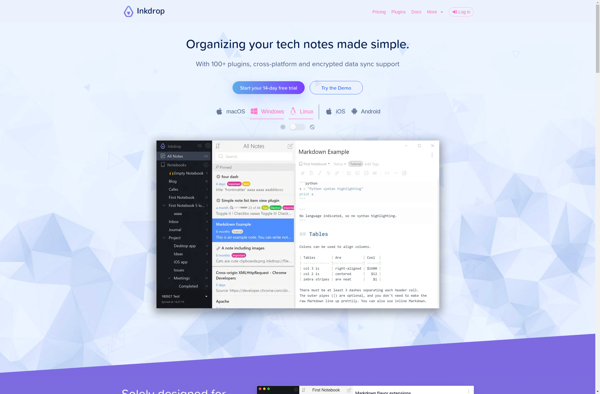
Inkdrop is a cloud-based note-taking and knowledge management app designed specifically for writers and developers. It allows organizing notes into multiple notebooks, tagging content, and supports Markdown for rich formatting.
Inkdrop: Cloud-Based Note-Taking & Knowledge Management
Cloud-based note-taking and knowledge management app for writers and developers, with organization features and Markdown support
What is Inkdrop?
Inkdrop is a cloud-based note-taking and knowledge management application designed for writers, developers, researchers, and creatives. Some key features of Inkdrop include:
- Flexible note organization using multiple notebooks and tags
- Native Markdown support for formatting notes
- Live preview when editing Markdown notes
- Code snippet support with syntax highlighting
- Attachments & media support to add images, files, etc.
- Powerful search and filters to instantly find content
- Secure cloud sync across devices
- Customizable themes & workflows
- Daily journaling with backlinks & history
- API & extensibility support to integrate with other apps
Inkdrop is built specifically for individual productivity rather than team collaboration. It excels as a writer's notebook, developer's scratchpad, or student's knowledge base. With Inkdrop's flexible system of notebooks and tags, users can capture ideas, create wikis, maintain project notes, author blog posts and more from a unified workspace.
Inkdrop Features
Features
- Note taking and organization
- Markdown support
- Syntax highlighting
- Snippets
- Attachments
- Tags and filters
- Search
- Sync across devices
- Themes and custom CSS
- Plugins and extensions
Pricing
- Subscription-Based
Pros
Great for writers and developers
Powerful Markdown capabilities
Flexible organization with notebooks
Robust search and filtering
Cross-platform sync
Customizable themes and CSS
Extendable with plugins
Cons
No free tier
Formatting options limited compared to full word processors
Mobile apps lack some desktop features
Steep learning curve for some features
Official Links
Reviews & Ratings
Login to ReviewThe Best Inkdrop Alternatives
View all Inkdrop alternatives with detailed comparison →
Top Office & Productivity and Note Taking and other similar apps like Inkdrop
Here are some alternatives to Inkdrop:
Suggest an alternative ❐
Notion
Notion redefines the concept of a workspace, offering an all-encompassing platform that seamlessly integrates notes, tasks, and collaboration tools. More than just a note-taking app, Notion serves as a dynamic hub for individuals and teams, providing a versatile and unified environment for work and creativity. Central to Notion's appeal is...


Standard Notes
What Is Standard Notes?Standard Notes is an encrypted note-taking app that prioritizes privacy, longevity, and simplicity. All notes are end-to-end encrypted by default — even on the free plan — meaning the company cannot read your notes.Key FeaturesThe core app is a clean, distraction-free text editor that syncs across all...

Typora
Typora is a popular markdown editor and reader available as a desktop application for Windows, macOS, and Linux operating systems. It stands out for providing a seamless writing and reading experience when working with markdown files.When editing documents in Typora, there is no preview window - users can see rendered...

Notesnook
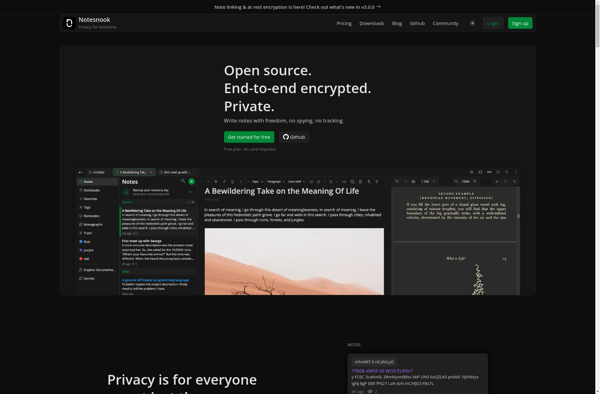
Notesnook is a free online note taking and organizing software. It provides users with a variety of tools to easily capture ideas, thoughts, web content, images, and more in an organized notebook interface.Key features of Notesnook include:Intuitive rich text editor for formatting notes - add headings, lists, bold, italics, links,...

Zettlr
Zettlr is a feature-rich markdown editor optimized for long-form writing and academic work. It provides a clean, distraction-free interface for writing in markdown, allowing you to focus on your content rather than formatting.Key features of Zettlr include:Real-time markdown rendering with support for math formulas, footnotes, citations, and bibliographiesDark/light themes and...


Trilium Notes
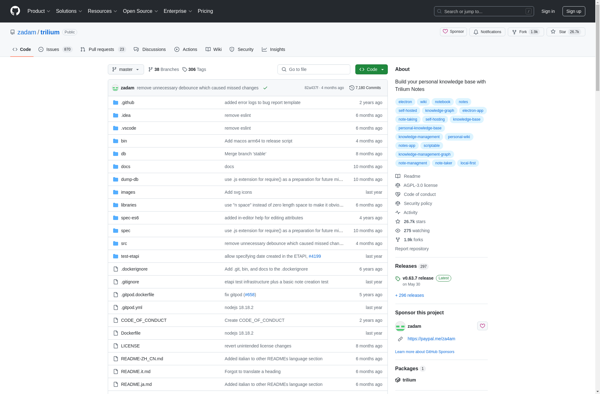
Trilium Notes is an open-source, hierarchical note taking application designed for building large personal knowledge bases. It uses a tree structure for organizing notes, allowing users to create nested topics and subtopics for easy linkage of related ideas.Some key features of Trilium Notes include:Tree-structured notes - Notes are organized in...

Ghostwriter
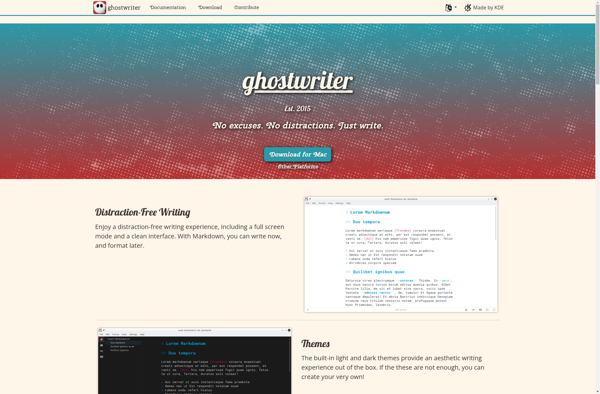
Ghostwriter is an open-source, cross-platform word processor designed to provide a simple and distraction-free writing environment. With a minimalist user interface devoid of clutter, Ghostwriter concentrates purely on text content rather than formatting choices.Some of the key features of Ghostwriter include:Minimalist design to avoid distractions while writingAuto-save and backup functionality...

QOwnNotes
QOwnNotes is a free, open source note taking and todo list application for Windows, Linux and macOS. It uses plain text files for storing notes, so there is no vendor lock in or proprietary file formats to worry about.Key features include:Markdown formatting support for notes along with a markdown previewTodo...


NoteKit
NoteKit is a free and open-source note taking application designed for the Linux operating system. It provides a fast and easy way to create, edit, organize and search all your notes.Some of the key features of NoteKit include:Simple and intuitive user interfaceSupport for formatting notes using the Markdown syntaxTagging for...

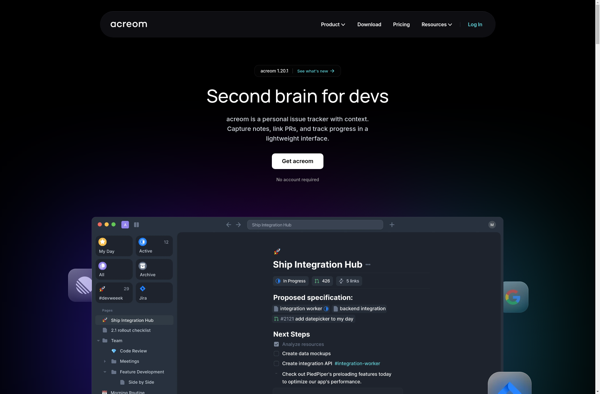
Acreom
Acreom is an open-source agile project management software designed for software teams to plan, track and report on their projects. It provides a range of features to support agile development processes including:Kanban boards to visualize work and track progressBacklogs and sprint planning tools for agile workflowsCustomizable fields and forms to...