LanNote
LanNote: Free Note Taking for Windows
A lightweight note-taking app for Windows with features like formatting options, image embedding, encryption, and device synchronization.
What is LanNote?
LanNote is a free, open-source note taking application designed for Windows. It provides a simple yet powerful platform for creating, organizing, and managing all your notes in one place.
With LanNote, users can quickly write down thoughts, ideas, to-do lists, meeting minutes, and more. Notes support text formatting like bold, italics, highlights, bullets, and numbering. You can also easily embed images, attachments, links, tags, and tables in notes.
Key Features:
- Intuitive and minimal interface
- Tabbed browsing for multiple notes
- Customizable themes and editor layout
- Basic note formatting (bold, italic, highlights, etc)
- Embed images, files, links, tags, tables
- Note tagging and fast search
- Note history and versioning
- Note encryption and password protection
- Cross-platform sync via Dropbox, OneDrive
- Export notes to PDF, HTML, Markdown, etc
Overall, LanNote provides a great blend of simplicity and utility for taking notes across school, work, personal needs, and more. Its lightweight footprint keeps distractions away without sacrificing essential note taking and organization features found in more complex apps.
LanNote Features
Features
- Lightweight note taking application
- Create and organize notes
- Save notes in multiple formats (TXT, RTF, HTML)
- Embed images and files in notes
- Apply tags to notes
- Encrypt notes
- Sync notes across devices
Pricing
- Free
Pros
Cons
Official Links
Reviews & Ratings
Login to ReviewThe Best LanNote Alternatives
View all LanNote alternatives with detailed comparison →
Top Office & Productivity and Note Taking and other similar apps like LanNote
Here are some alternatives to LanNote:
Suggest an alternative ❐
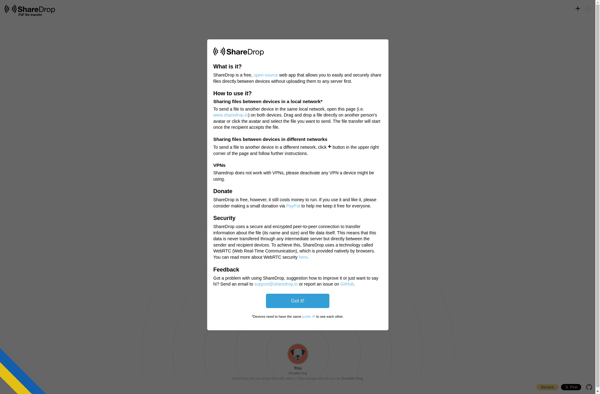
ShareDrop

SHAREit


AirDrop


Send Anywhere


Zapya


Feem


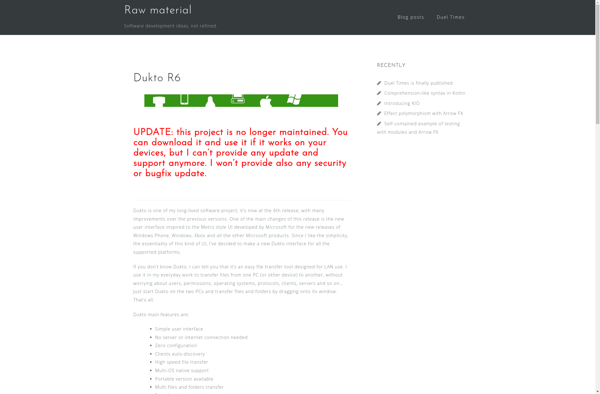
Dukto R6

ShareMe

Share me Files

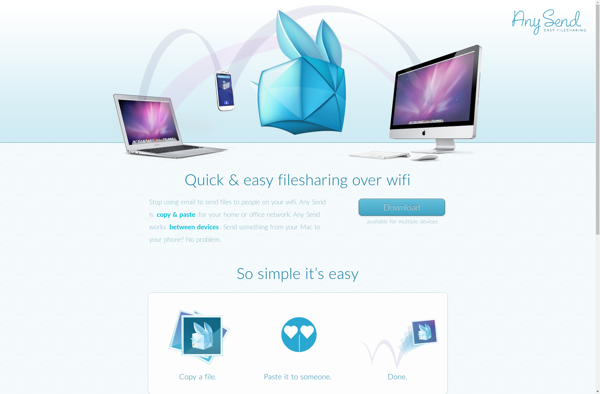
Any Send

Roamit