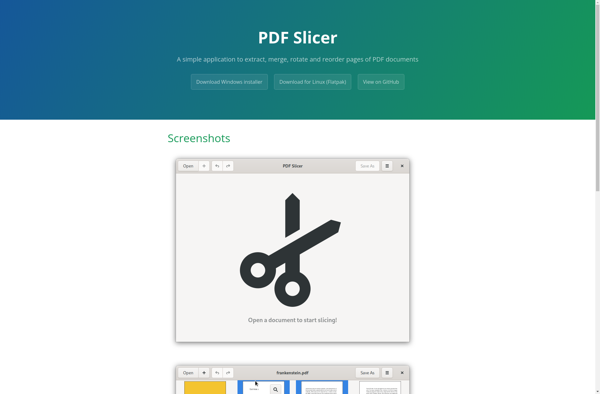
pdfslicer is an open-source desktop application for Windows, Mac and Linux that allows users to split, merge, rotate and reorder pages of a PDF document. It has a simple and intuitive graphical interface.
pdfslicer: An Open-Source PDF Editor for Splitting, Merging, Rotating & Reordering Pages
A free desktop application for Windows, Mac and Linux to split, merge, rotate and reorder PDF pages with a simple and intuitive interface.
What is Pdfslicer?
pdfslicer is a free, open source desktop application for manipulating PDF documents. It runs on Windows, MacOS and Linux operating systems.
With pdfslicer, users can easily:
Split a large PDF file into smaller individual or multi-page documents
Merge multiple PDF files together into one document
Rearrange, rotate, mix or delete pages from documents
Extract images from PDF files
Encrypt PDF files by setting owner and user passwords
The application has an intuitive graphical interface that allows drag and drop manipulation of pages. There are also options to manipulate pages via menu items, toolbar buttons or keyboard shortcuts.
As an open source program, pdfslicer is completely free to download and use. The source code is available for scrutiny and community contribution. Packages are available for Windows, Mac and most major Linux distributions like Ubuntu and Fedora.
Overall, pdfslicer is a handy utility for anyone needing to split or merge PDFs, reorder pages or extract images and text - all without the need for expensive proprietary software.
Pdfslicer Features
Features
Split PDF files into individual pages
Extract specific pages from PDF files
Merge multiple PDF files into one
Rearrange pages by dragging and dropping
Rotate pages
Password protect PDF files
Optical Character Recognition (OCR) to make scanned PDFs searchable
Pricing
Open Source
Pros
Simple and intuitive interface
Lightweight and fast
Available for Windows, Mac and Linux
Completely free and open source
No ads or nags
No limits on PDF size or number of pages
Retains original PDF formatting and properties
Cons
Lacks advanced features like form filling, annotation, digital signatures
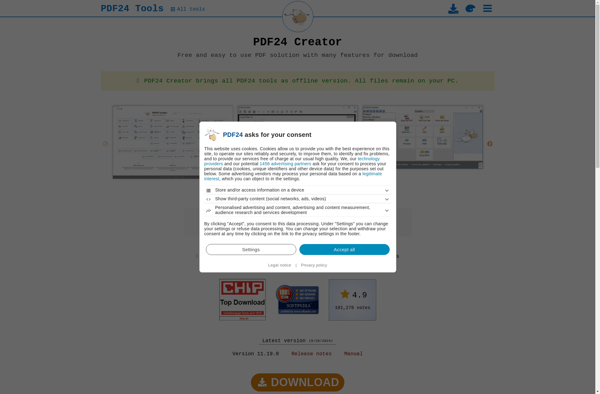
PDF24 Creator is a powerful yet easy-to-use PDF printer for Windows. As a free PDF printer, it allows you to create PDF files from any program with print capabilities. After a quick and simple installation, PDF24 Creator runs in the background as a virtual PDF printer.To create a PDF, you...
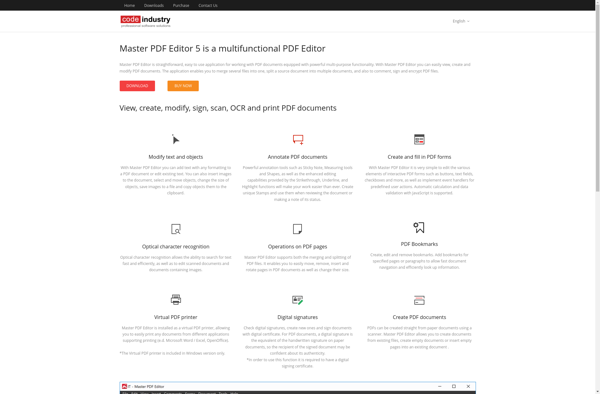
Master PDF Editor is a powerful yet easy-to-use PDF editing software for Windows. It provides a complete set of tools for efficiently working with PDF documents.With Master PDF Editor, you can easily view, create, edit, annotate, protect, convert and sign PDF files. Its intuitive user interface and advanced capabilities make...
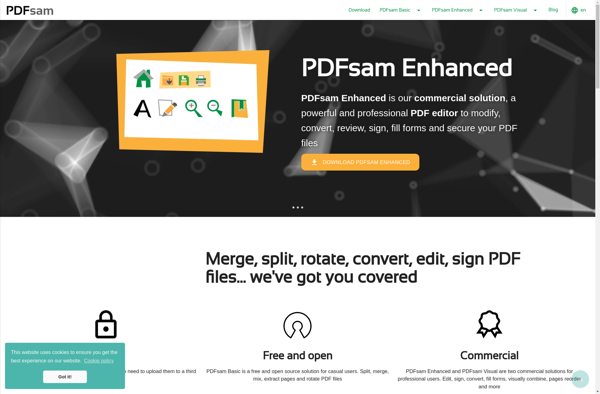
PDFsam is a free and open-source PDF editing software for Windows, Mac and Linux. It allows users to carry out common PDF manipulation tasks like merge PDF files, split PDFs, rotate pages, mix pages from multiple PDFs and extract pages from PDF documents.Some of the key features of PDFsam include:Merging...
PDF-Shuffler is an open source PDF editor software used to edit, merge, split, rearrange and rotate PDF files. It is available for free for Windows and Linux.The key features of PDF-Shuffler include:Merging multiple PDF files into one or extracting specific pagesSplitting large PDF documents into smaller filesRotating pages by 90,...
PdfMod is a free, open-source PDF editing tool for Windows, Mac and Linux. It provides a wide range of features for manipulating PDF files including:Merge multiple PDFs into one or split a single PDF into multiple filesAdd, delete, extract, rotate, crop and reorder pagesAdd text, images, shapes and digital signaturesEdit...
PDFedit is a free and open source PDF editor for Windows, Linux, and macOS. It enables users to view, edit, merge, split, encrypt, sign, and print PDF documents. Some of the key features of PDFedit include:Text Editing - Add, edit or delete text in PDF files.Image Editing - Add, replace,...
PDF Arranger is a free, open-source program for Windows, Linux and macOS that allows users to rearrange, delete, rotate, split and merge pages from PDF documents. It provides an intuitive graphical interface that makes it easy to manipulate existing PDFs without having to learn advanced tools.With PDF Arranger, you can...
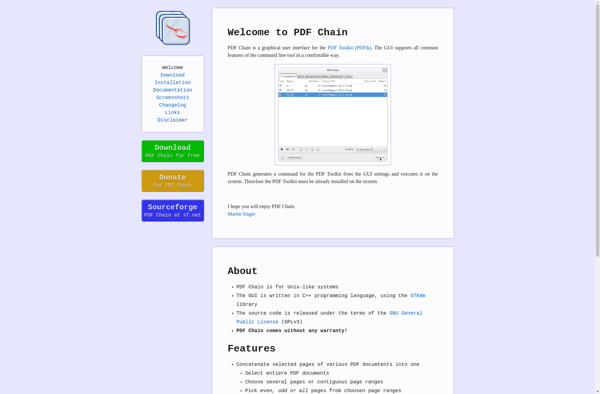
PDF Chain is a free, open source software application for working with PDF documents. It provides a graphical user interface for carrying out common PDF manipulation tasks like:Combining multiple PDF files into one documentSplitting large PDFs into individual pages or custom page rangesRotating pagesAdding watermarks and backgroundsAdding headers and footersEncrypting...
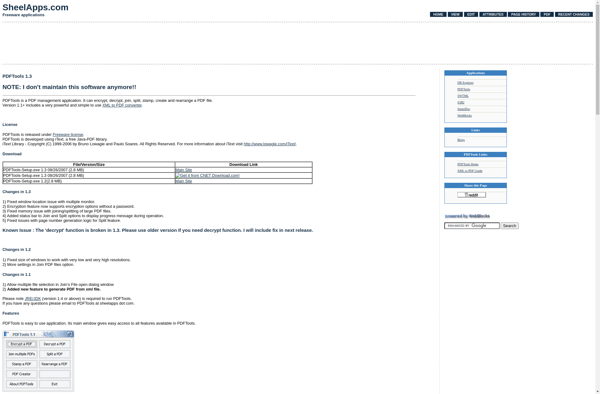
PDFTools is a powerful yet easy-to-use PDF editor for Windows. It provides a complete set of tools for editing, annotating, organizing, signing, securing and optimizing PDF documents.With PDFTools you can add text, highlights, shapes, signatures, stamps, comments, watermarks and images to PDFs. It has an intuitive interface that makes it...
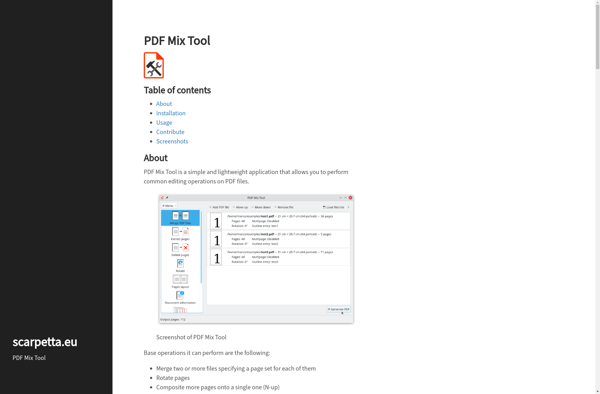
PDF Mix Tool is a free online application that allows users to combine multiple PDF documents into a single file. It is designed to be simple and easy-to-use, with an intuitive drag-and-drop interface for uploading and arranging PDFs.Some key features of PDF Mix Tool include:Supports merging an unlimited number of...
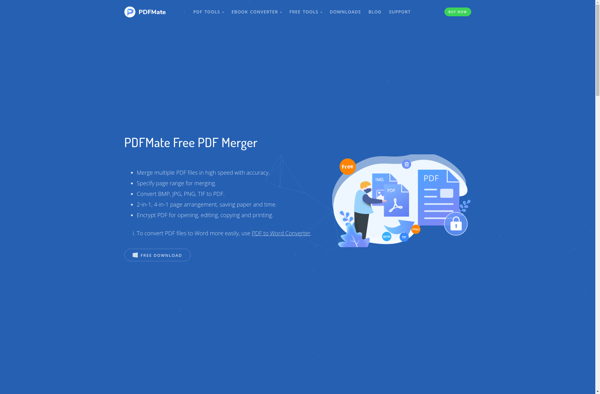
PDFMate Free PDF Merger is a powerful yet easy-to-use application for Windows that enables users to combine multiple PDF documents into a single file. As the name suggests, it is offered completely free of charge.This software provides a clean and intuitive graphical interface that makes it simple for anyone to...
Krop by Armin Straub is an open-source, cross-platform tool for cropping and straightening scanned PDF documents. It provides a simple graphical user interface that allows users to visually crop ragged edges from scanned pages and straighten pages that were scanned at an angle.One of the main advantages of Krop is...