Krop is an open-source crop and straighten tool for scanned PDF documents. It allows for quickly cropping ragged page edges and deskewing tilted pages.
Krop: Open-Source Crop and Straighten Tool for Scanned PDF Documents
An open-source software alternative for scanning, cropping and straightening PDF documents, ideal for archiving, digitizing, or improving document legibility.
What is Krop by Armin Straub?
Krop by Armin Straub is an open-source, cross-platform tool for cropping and straightening scanned PDF documents. It provides a simple graphical user interface that allows users to visually crop ragged edges from scanned pages and straighten pages that were scanned at an angle.
One of the main advantages of Krop is its speed and ease of use for batch processing scanned PDFs. It can quickly process hundreds of pages with just a few clicks, automatically detecting page edges and deskewing tilted pages. This makes it a very useful tool for working with scanned book and document PDFs.
Other key features of Krop include:
Support for processing multi-page PDFs
Automatic detection of page edges for straightening
Page splitting and merging capabilities
Preserve links and bookmarks during processing
Command line interface for automation
As an open-source tool, Krop is free to use on Windows, Mac and Linux systems. It works well for most basic scanned PDFs and provides a fast way to clean up commonly encountered scanning artifacts and imperfections before further processing or archiving documents.
Adobe Acrobat DC is a suite of applications and services developed by Adobe Systems for working with PDF files, which is a widely used file format for document exchange. Acrobat DC stands for Document Cloud, reflecting Adobe's focus on cloud-based services and collaborative workflows. Key Components and Features: Adobe Acrobat...
PDF-XChange Editor is a powerful, yet easy-to-use PDF editing software for Windows. It enables users to view, edit, annotate, OCR, and sign PDF documents.With PDF-XChange Editor, you can add text, images, shapes, and freehand drawings to PDFs. It comes with a wide range of annotation tools including highlights, underlines, strikethroughs,...
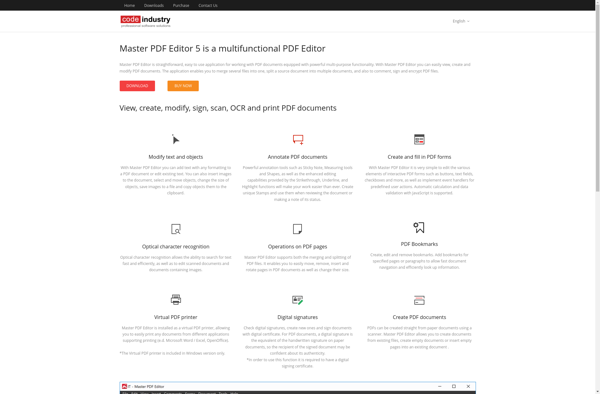
Master PDF Editor is a powerful yet easy-to-use PDF editing software for Windows. It provides a complete set of tools for efficiently working with PDF documents.With Master PDF Editor, you can easily view, create, edit, annotate, protect, convert and sign PDF files. Its intuitive user interface and advanced capabilities make...
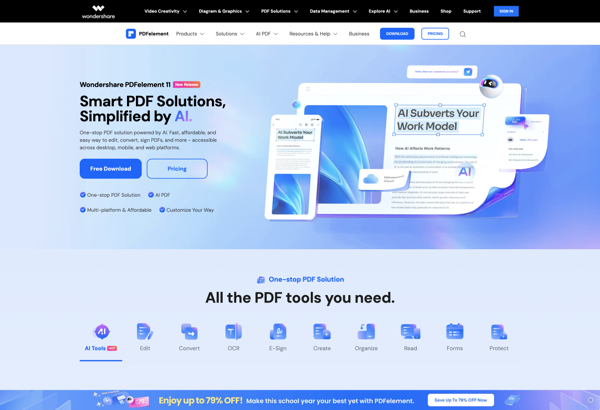
Wondershare PDFelement is a versatile PDF editing software for Windows and Mac. It provides a comprehensive set of PDF tools that allows users to easily edit, convert, annotate, protect, sign, and organize PDFs.Key features include:Intuitive editing interface to modify text, images, links, pages in PDFsOCR technology to recognize text in...
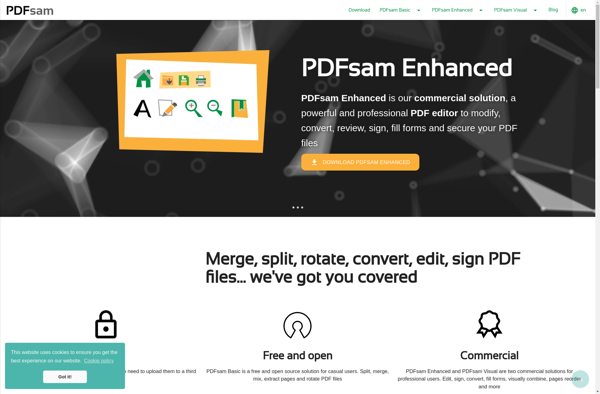
PDFsam is a free and open-source PDF editing software for Windows, Mac and Linux. It allows users to carry out common PDF manipulation tasks like merge PDF files, split PDFs, rotate pages, mix pages from multiple PDFs and extract pages from PDF documents.Some of the key features of PDFsam include:Merging...
PDF-Shuffler is an open source PDF editor software used to edit, merge, split, rearrange and rotate PDF files. It is available for free for Windows and Linux.The key features of PDF-Shuffler include:Merging multiple PDF files into one or extracting specific pagesSplitting large PDF documents into smaller filesRotating pages by 90,...
PDF Expert is a powerful PDF editor and reader application for macOS. Originally developed by Readdle, it is designed specifically for Apple's operating system to provide a seamless PDF management experience.With PDF Expert, you can easily view, create, edit, annotate, protect, sign, and fill PDF documents. Its clean and intuitive...
Bullzip PDF Printer is a free utility that acts as a virtual PDF printer on your Windows computer. It allows you to print from any application that can print, and convert the output to a PDF file instead of printing to paper.Some key features of Bullzip PDF Printer include:Free and...
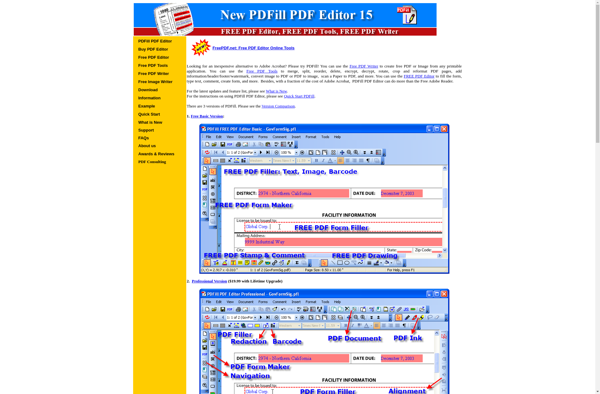
PDFill is a free PDF editing software available for Windows, Mac and Linux operating systems. It provides essential PDF editing tools for individual and business users.With PDFill, users can fill out interactive PDF forms, edit existing text and images in PDF documents, merge and split PDFs, rearrange pages, add headers/footers,...
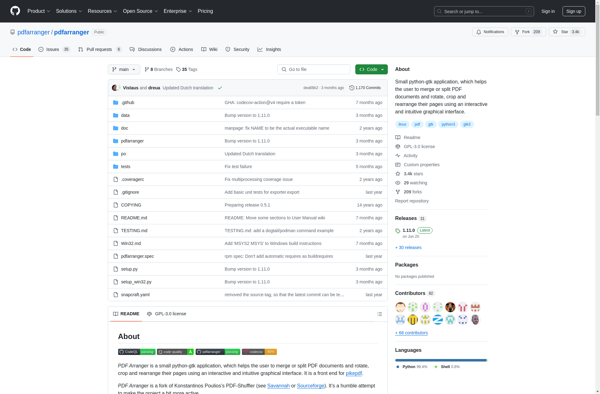
PDF Arranger is a free, open-source program for Windows, Linux and macOS that allows users to rearrange, delete, rotate, split and merge pages from PDF documents. It provides an intuitive graphical interface that makes it easy to manipulate existing PDFs without having to learn advanced tools.With PDF Arranger, you can...
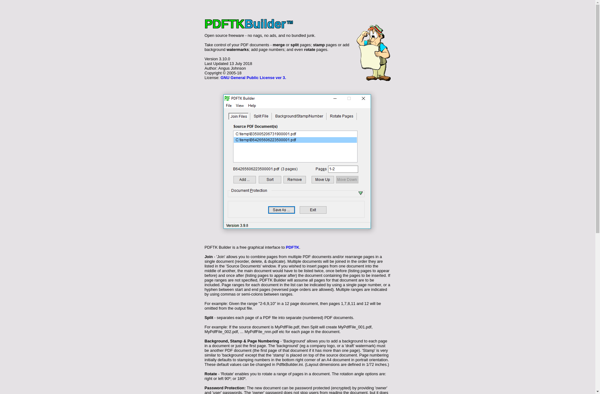
PDFTK Builder is a powerful yet user-friendly PDF manipulation program for Windows. It provides an intuitive graphical interface to carry out various PDF tasks like merge PDFs, split PDFs, add or update metadata, add watermarks, encrypt PDFs, decrypt PDFs, rotate pages, and convert to and from PDF without needing Adobe...
Debenu PDF Tools is a feature-rich software suite for working with PDF documents. It provides a wide range of functionality for viewing, editing, organizing and managing PDFs.Some of the key features of Debenu PDF Tools include:Combining and splitting PDFsAdding or removing pagesEditing text, images, links, and outlines within PDF filesAnnotating...
PDF4QT is an open-source C++ library that provides PDF support for applications built with the Qt framework. It allows developers to read, create, and manipulate PDF files from Qt applications without needing external PDF libraries.Some key features of PDF4QT include:Reading existing PDF filesCreating new PDF documentsAdding text, vector graphics, images,...
pdfslicer is a free, open source desktop application for manipulating PDF documents. It runs on Windows, MacOS and Linux operating systems.With pdfslicer, users can easily:Split a large PDF file into smaller individual or multi-page documentsMerge multiple PDF files together into one documentRearrange, rotate, mix or delete pages from documentsExtract images...