Pixi Paint is a free and open-source raster graphics editor for digital painting and photo editing. It has a simple, easy-to-use interface with tools for drawing, selection, painting, and color adjustment. Pixi is designed for beginners but has features for more advanced users as
Free and open-source raster graphics editor for digital painting, photo editing, with a simple interface for beginners and advanced features for professionals.
What is Pixi Paint?
Pixi Paint is a free, open-source raster graphics editor software for digital painting and photo editing. Originally based on MyPaint, Pixi has a focus on usability and providing tools for drawing and painting that are easy to understand and use.
Some key features of Pixi Paint include:
Intuitive user interface with large canvas and simple toolbar for ease of use
Tools for sketching, inking lines, painting with brushes, and coloring
Layers for non-destructive editing
Selection tools like rectangles, ellipses, polygonal lasso, etc.
Transform tools for scaling, rotating, and flipping
Filters like Gaussian Blur, Pixelize, and Colorize
Support for common raster formats like JPEG, PNG, PSD
Pixi is designed to have an uncomplicated interface to allow beginners to quickly pick up digital art techniques. At the same time, it includes configurable brushes, blending modes, opacity control and other advanced features for skilled artists and illustrators.
Pixi Paint is available free of cost for Windows, macOS and Linux. It is released under the GPL v3 license. The project is actively developed allowing users to request and contribute new features.
Pixi Paint Features
Features
Layer support
Selection tools
Painting & drawing tools
Color adjustment tools
Filters & effects
Brush engine
Workspace customization
Export to various formats
Pricing
Free
Open Source
Pros
Free and open source
Simple and intuitive interface
Good for beginners
Decent selection of tools
Cross-platform availability
Cons
Limited advanced features compared to paid software
Microsoft Paint (formerly Paintbrush) is a basic raster graphics editor that has been included with almost all versions of Microsoft Windows since the first version was released in 1985. It allows users to create simple images and edit existing images in various ways.Some key features and capabilities of Paint include:Drawing...
Pixlr is a free online photo editing application that runs in the browser. It provides basic to advanced photo editing capabilities without needing to download and install desktop software.Some key features of Pixlr include:Cropping and resizing imagesRotating and flippingAdjustment tools for exposure, color, hue/saturationRed eye removalBlemish and wrinkle removalDrawing tools...
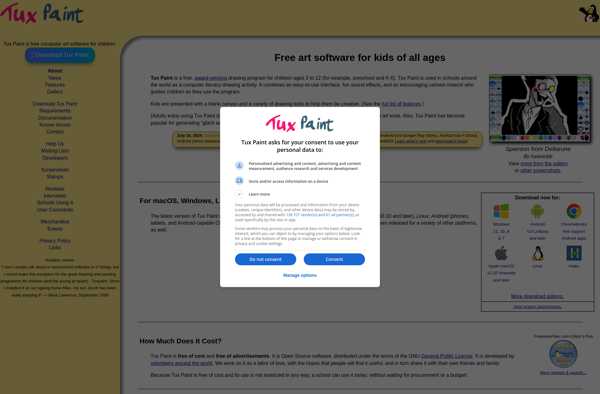
Tux Paint is a free, award-winning drawing program that is designed for young children ages 3 to 12. It provides a simple, easy-to-use interface that allows children to create their own computer artwork. Tux Paint aims to introduce children to the basics of computer use and encourage creativity through fun,...
Paintbrush is a lightweight, easy-to-use painting program for Windows. It is designed to provide a simple but capable alternative to Microsoft Paint, offering many of the basic image editing tools most casual users need.With Paintbrush, users can create simple drawings, edit existing images, add text annotations and captions, and apply...
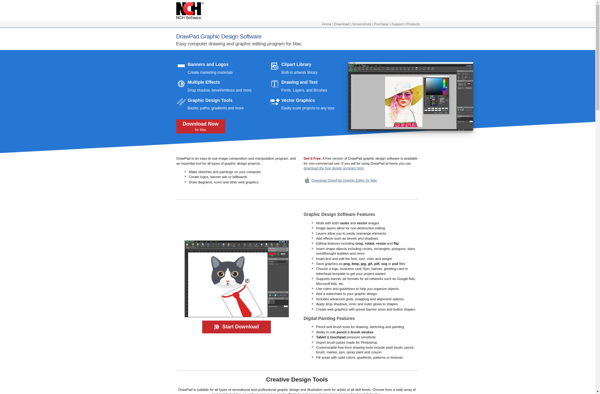
DrawPad is a graphic design and diagramming application developed by PearlMountain for Windows. It enables users to create various types of graphics such as flowcharts, entity relationship diagrams, network diagrams, floor plans, engineering schematics, fashion designs, and more.Some key features of DrawPad include:Intuitive drag-and-drop user interface to easily arrange shapes...
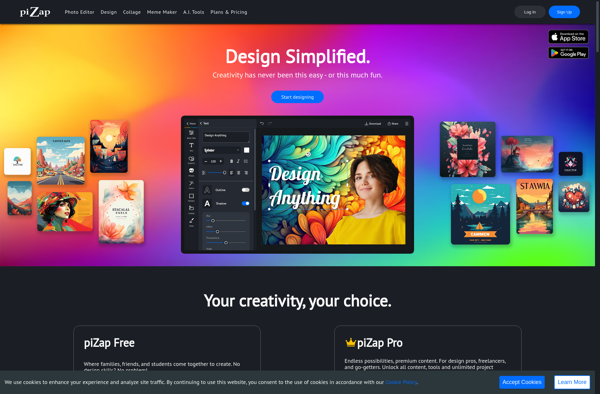
piZap is a free online graphic design and image editing tool that allows users to create graphics, edit photos, and design images directly in their web browser without needing to download or install any software.Some of the key features of piZap include:Intuitive drag and drop interface for easy image editing...
JS Paint is a basic online painting and image editing web application. It provides core painting and drawing tools within the browser, allowing users to create simple artworks without needing to download or install any additional software.Some key features of JS Paint include:Drawing tools like pencil, eraser, paintbrush, spray can,...
MyBrushes is a lightweight digital painting program designed specifically for easy and powerful brush creation. It features an intuitive brush editor that allows you to quickly tweak settings like brush tip shape, size, opacity/flow, textures, scatter, jitter, dynamics, and much more to design your perfect custom brushes.Unlike full featured painting...
AliveColors is a feature-rich yet easy-to-use photo editing software for Windows. Designed with both novice and professional users in mind, AliveColors packs a wide range of powerful tools to organize, edit, and enhance photos.Key features of AliveColors include:Support for common image formats like JPEG, PNG, TIFF as well as camera...
Pro Paint is a feature-rich digital painting and image editing software targeted at professional illustrators, concept artists, matte painters, photo manipulators, and graphic designers. It competes with other professional tools like Adobe Photoshop and Corel Painter.Key features of Pro Paint include:Intuitive user interface with flexible customization optionsHundreds of customizable natural...