RemoteOS
RemoteOS: Remote Access Software
Remote access software for taking control of another computer over the internet, with features like file transfer, screen sharing, remote printing, and more.
What is RemoteOS?
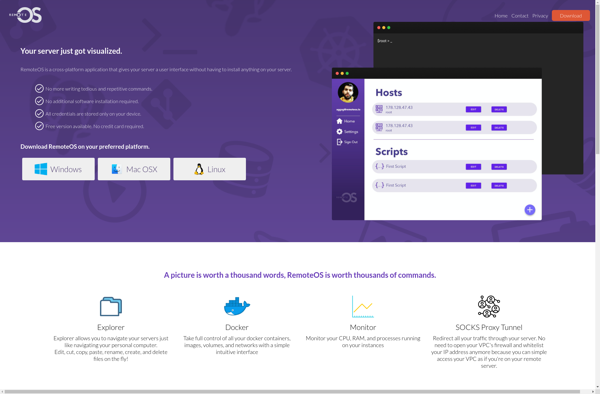
RemoteOS is a popular remote desktop software used to remotely connect to computers and servers. It allows you to access another computer's desktop as if you were sitting right in front of it.
With RemoteOS, you can remotely take control of a computer to provide remote assistance, manage servers, access applications, transfer files, print documents, and much more. It uses advanced encryption protocols to create a secure connection over the internet between the local and remote computers.
Key features of RemoteOS include:
- Real-time remote desktop access and control
- File transfer between computers
- Virtual private networking (VPN) connectivity
- Remote printing
- Multi-monitor support
- Mobile device support
- Recording of remote sessions
- Port forwarding
- User permission control
RemoteOS offers flexible licensing options to meet the needs of individuals and businesses. There are plans for personal use, commercial use, education, teams, and more. It can be run on Windows, Mac, Linux, iOS, and Android operating systems.
With robust security, cross-platform support, and performance features, RemoteOS is regarded as a top choice for accessible and seamless remote computer access.
RemoteOS Features
Features
- Remote desktop access
- File transfer
- Screen sharing
- Remote printing
- Chat
- VPN access
Pricing
- Freemium
- Subscription-Based
Pros
Cons
Official Links
Reviews & Ratings
Login to ReviewThe Best RemoteOS Alternatives
View all RemoteOS alternatives with detailed comparison →
Top Remote Work & Education and Remote Access and other similar apps like RemoteOS
Here are some alternatives to RemoteOS:
Suggest an alternative ❐
UltraViewer

AnyDesk


CPanel


Webmin

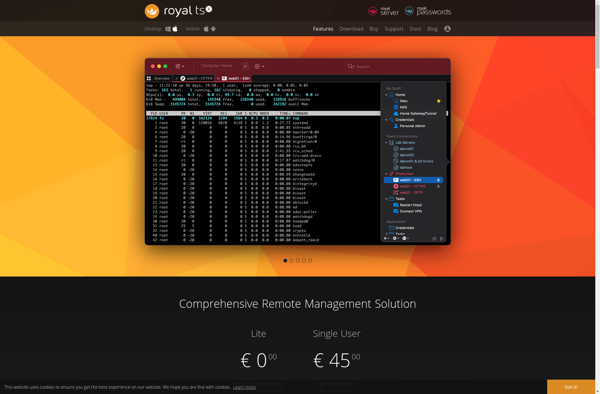
Royal TSX

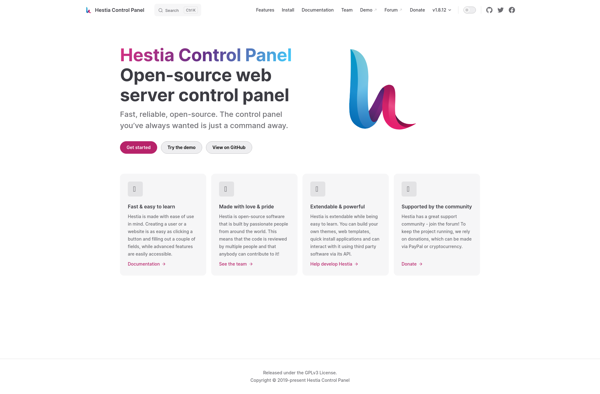
HestiaCP

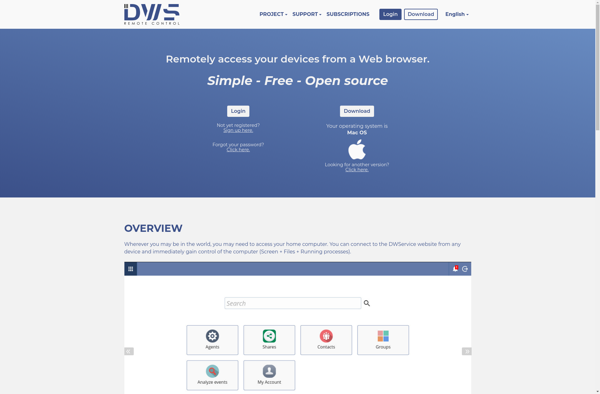
DWService

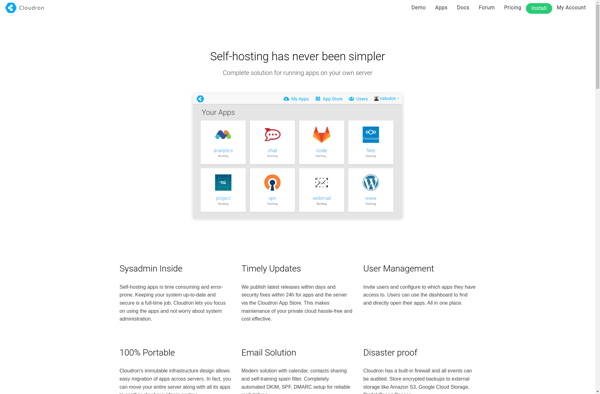
Cloudron

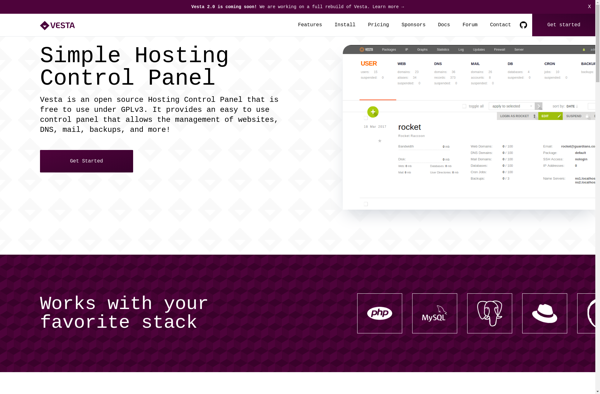
Vesta Control Panel

GoTo Resolve
RemoteApp Tool

MyRDP

Ispmanager

Ajenti

RDPOnline