Affinity Publisher
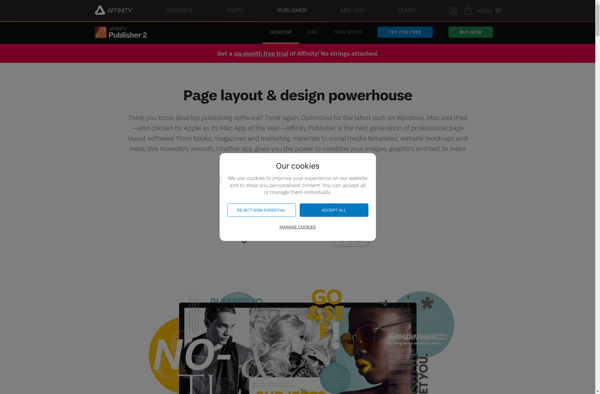
Affinity Publisher: Affordable Desktop Publishing Software
Affinity Publisher is an affordable desktop publishing and layout software for creating professional print projects like brochures, flyers, magazines, books, and more. It has a clean and intuitive interface with powerful tools for text, images, tables, and more.
What is Affinity Publisher?
Affinity Publisher is a desktop publishing software application developed by Serif for macOS and Windows. It is an affordable alternative to high-end layout programs like Adobe InDesign, offering professional-grade tools and compatibility at a fraction of the price.
Affinity Publisher allows users to create a wide variety of print projects, including brochures, flyers, magazines, books, posters, and more. Its flexible interface features multiple workspaces tailored to different tasks like typography, images, and exporting, along with non-destructive effects and adjustments.
Key features include:
- Intuitive interface with drag and drop functionality for efficient layout building
- Pixel-level control over text, graphics, and alignment
- Import and manage images, videos, charts, and other multimedia
- Typography tools like style sets, glyphs, and text wrapping
- Vector drawing capabilities for custom graphics and illustrations
- Sophisticated color controls including gradient meshes, blends, and color separations
- Multi-page document support with grids, guidelines, and snap-to-position
- Compatible with major image formats like PSD, PDF, JPG, SVG, and TIFF
- Comes with a library of quality stock images, graphics, scenes, and frames
- Affordable one-time payment license model
With its balance of usability and sophistication, Affinity Publisher provides an excellent value-priced option for designers, studios, and creative professionals looking for professional-grade publishing software without the high cost.
Affinity Publisher Features
Features
- Vector drawing and image editing tools
- Typography controls for text styling
- Master pages and templates
- Interactive layouts with frames and images
- Preflight checks and export options
- Support for CMYK, RGB, grayscale, etc
- Glyph panel for advanced typography
- Pixel preview to see output quality
- Tables with formatting options
- Compatibility with other Affinity apps
Pricing
- One-time Purchase
Pros
Cons
Official Links
Reviews & Ratings
Login to ReviewThe Best Affinity Publisher Alternatives
View all Affinity Publisher alternatives with detailed comparison →
Top Office & Productivity and Publishing & Layout and other similar apps like Affinity Publisher
Here are some alternatives to Affinity Publisher:
Suggest an alternative ❐
Canva

Adobe InDesign

Scribus

Serif Pageplus

Swift Publisher


QuarkXPress

LumaPix FotoFusion

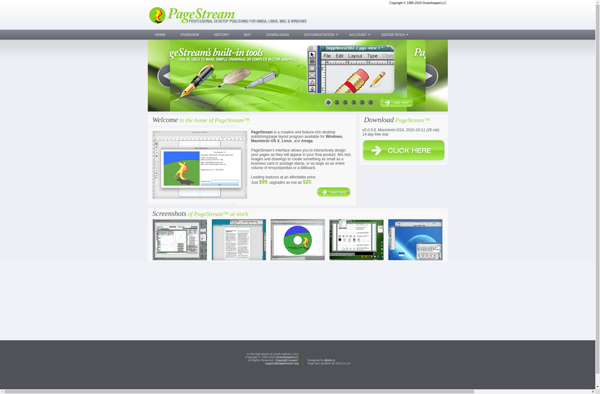
PageStream

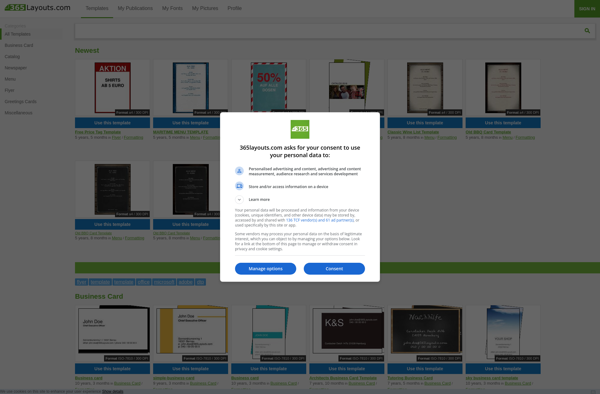
365Layouts.com

Omegadoc Designer

Marq
Adobe FrameMaker

IDMarkz

Laidout

SpringPublisher

Pagination.com

ImPRESSion

Aktivisda

Corel Ventura

Origami Engine

BroadVision QuickSilver

VivaDesigner

RagTime

MultiAd Creator

Layup